Setting up keyless car rental comes down to four decisions: how a renter's phone will open the car (a telematics device or a manufacturer API), what that costs per vehicle, how you will secure it, and how it connects to your bookings and contracts. Get those four right and you can hand over a car with no counter, no shuttle and no key exchange. Get them wrong and you end up with locked-out renters, stranded cars and a spreadsheet nobody trusts.
This guide is for owners and managers of small and mid-sized rental companies, luxury and specialty fleets, and corporate fleet managers. You will leave with a clear framework for choosing an access model, a realistic cost picture, a security and privacy checklist, and a rollout plan.
TL;DR
- Keyless rental works in two main ways: a small device installed in each car, or a software-only link to the manufacturer's connected-car data. Devices suit mixed and older fleets. Software-only suits newer connected cars.
- Budget for hardware (published one-time fees run roughly $99 to $225 per vehicle) plus monthly service fees, or a revenue share on software-only models.
- Security is more than an app. Relay attacks, exposed diagnostic ports and leftover renter data are the risks operators most often overlook.
- The lock is only one layer. Bookings, contracts, payments and GPS need to sit in one system, or keyless just moves your admin work somewhere else.
- Pilot with 3 to 5 vehicles before you roll out to the whole fleet.
Table of Contents
What keyless car rental actually means
In car rental, keyless entry lets the renter lock and unlock the vehicle without a physical key, usually from a phone. The renter receives a digital key or a one-time access link after check-in, opens the car where you parked it, and locks it again at the end of the rental.
For you, the benefit is operational. Vehicles can be picked up and returned outside office hours, you need fewer staff at handover, and you stop losing hours to key logistics. Keyless is not magic, though. It replaces a physical object with a chain of digital dependencies: a booking record, a phone, a mobile network, a device or API, and a person who can fix problems when one link breaks.
Think of your rental software as the central nervous system of the operation. The lock is a nerve ending. It only works well when the signal behind it is accurate: the right renter, the right car, the right time window.
Choose your access model
Most keyless setups fall into two categories, and the hardware-versus-software split is the first decision to make.
- Hardware-based access. A telematics device, often plugged into the OBD-II diagnostic port or hard-wired by an installer, talks to the car's locks. The renter opens the car through an app or link. This works across many makes and model years, including older vehicles.
- Software-only access via manufacturer APIs. The car's built-in connectivity is used to send lock and unlock commands, with no extra device. This avoids installation, but it only works on vehicles that support it, and you depend on the manufacturer's API.
- Key lockers and smart lock boxes. The car still has a physical key, but it sits in a locker or box that opens with a code tied to the booking. This is the lowest-tech route and a sensible fallback, though it keeps you managing physical keys.
How the options compare
| Factor | Device in the car | Manufacturer API | Key locker or lock box |
|---|
| Fleet fit | Mixed ages and brands | Newer connected cars only | Any vehicle |
| Upfront cost | Per-vehicle device and install | Usually none | Per-location unit |
| Ongoing cost | Monthly service per vehicle | Monthly per vehicle or revenue share | Usually a subscription per box |
| Install effort | Needed for every car | None | One-time per site |
| Offline behavior | Varies by device | Needs vehicle connectivity | Depends on box |
| Physical keys to manage | No | No | Yes |
If your fleet is a mix of brands and ages, which is typical for small independents and specialty operators, a device-based approach usually gives the most coverage. If you run a young fleet of one or two brands, ask whether manufacturer connectivity is available and what the provider charges.
What keyless costs in the US
Published figures give you a useful range for planning. One provider of rental telematics describes hardware-based setups with device installation costs of $99 to $225 per vehicle and monthly service fees from $3 to $14 per vehicle, or about 8% of revenue on software-led models. A peer-to-peer platform's owner page quotes a one-time fee of $99 to $225 depending on market for installing its connected device at a nearby vendor.
These are vendor prices from specific providers, not industry standards, so treat them as a sanity check and get written quotes. Here is a simple worked example of how to think about it:
- Fleet of 20 cars, device-based. 20 devices at a one-time cost somewhere between $99 and $225 each is $1,980 to $4,500 up front, before monthly service fees.
- Monthly fees. At $3 to $14 per vehicle, 20 cars cost $60 to $280 a month. A percentage-of-revenue model scales with bookings instead, which helps in a slow month and hurts in a busy one.
Also count the soft costs: installer time while a car is off the road, staff training, and a support line for locked-out renters. Compare total cost over 24 months, not the sticker price on day one.
Step-by-step setup
1. Audit your fleet
List every vehicle by make, model, year and parking location. Mark which ones support manufacturer connectivity and which need a device. Note where cars are parked, since underground garages and rural lots have weak mobile coverage, and that affects which model you can trust.
2. Define the renter journey
Write the steps from booking to return: identity and license check, signed contract, payment or deposit, access sent, pickup, return, inspection. Keyless should be the last mile of this flow, not a separate process. Decide who handles problems at 11 p.m. on a Saturday.
3. Pick the access provider and run a pilot
Choose the model that matches your fleet audit, then test on three to five vehicles that represent your mix. Test the awkward cases: a dead phone, a weak signal, a late return, a lockout, an early rental ending. Do not scale until the failures are boring.
4. Install and label
Install devices, register each car's identifier against its record in your fleet system, and label spare physical keys. Keep at least one physical key per car in secure storage for emergencies. Keyless failure without a backup means a tow truck.
5. Connect it to bookings, contracts and payments
This is where most small operators lose the benefit. If the access link is created by hand, you have recreated the counter in your inbox. The access window should follow the reservation automatically, and the contract and payment should be complete before access is released. Our guide to remote access and cloud tools in rental operations walks through that connection in more detail, and why remote access matters in car rental covers the operational payoff.
6. Train staff and write the fallback plan
Every team member should know how to verify a car is physically locked, how to issue a replacement digital key, and when to send roadside help. Large rental brands let customers manage reservations and check-in in an app, but lockouts there are generally handled through roadside assistance rather than automated remote unlocking. Decide in advance what your own policy is.
7. Roll out in waves
Add vehicles in batches of 10 to 20 percent of the fleet, reviewing incidents after each wave.
Security: what keyless adds to your risk
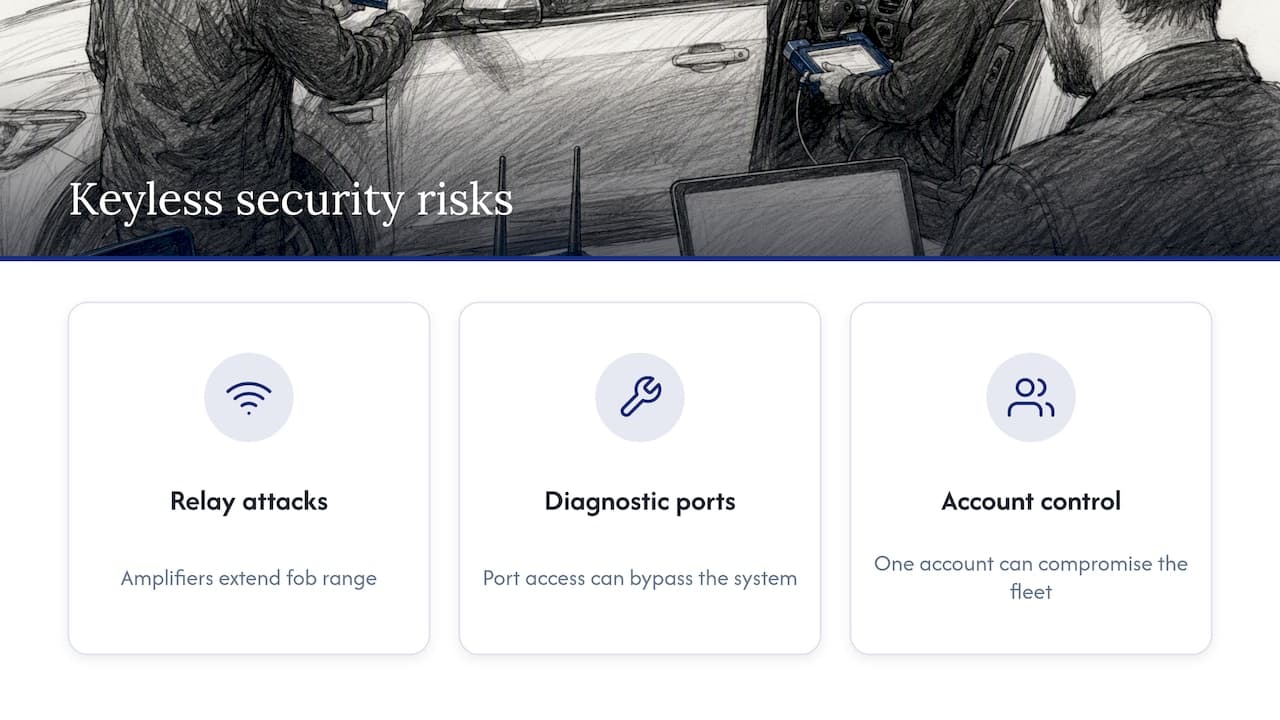
Keyless access changes your threat model. Three risks matter most to rental operators.
Relay attacks. Criminals can use signal amplifiers to extend the range of a key fob and open or start a car. A 2026 report on keyless car theft cites ADAC testing in November 2025 in which about 85% of evaluated models showed vulnerabilities to keyless access or start exploits. The same report notes that Ultra-Wideband technology is the strongest current defense, yet only about 6% of new vehicles had it as of 2024. If you keep physical fobs at a counter or in a lockbox, store them in Faraday-shielded containers.
Exposed diagnostic ports. If your devices sit in the OBD-II port, an attacker with access to the port could bypass your system. Use a physical lock or cover over the port, and check regularly for devices you did not install.
Weak account control. A manufacturer's consumer app is rarely built for fleets. Look for multi-user permissions, audit trails of who unlocked what and when, and separation between the access device and the vehicle's safety systems. Federal guidance from NHTSA on vehicle cybersecurity favors layered defenses, and your own setup should follow that idea: no single account, device or key should be able to compromise the whole fleet.
And keep a human in the loop. Jamming attacks can fool a car into appearing locked, so staff and renters should confirm the doors are physically locked at handover and return. For a broader checklist, see our fleet security best practices and the car rental risk checklist.
If your fleet includes electric vehicles, the same discipline applies to charging and parking areas. These EV fleet management practices cover powering a fleet, which affects where cars sit between rentals.
Privacy and GPS rules you need to respect
Keyless systems almost always come with location data, and in the US that data is regulated unevenly by state.
A consumer advocacy report on rental location data explains that it is generally legal to monitor a rental car with GPS when the owner authorizes it, but states differ on how you may use it. California, for example, limits tracking of overdue vehicles to after 72 hours past the return date, with 24 hours' notice to the customer. Check the rules in every state where you operate, and have an attorney review your contract language. This article is not legal advice.
There is a second privacy issue inside the car. The FTC notes that newer rental cars let phones connect directly, and that infotainment systems can retain personal data unless it is deleted. Law firm analysis of FTC enforcement on connected cars points out that each renter's contacts, locations and destinations can end up stored in the vehicle. Practical steps:
- Add "clear paired phones, navigation history and profiles" to the return checklist.
- Tell renters what location data you collect and why, in the contract and in the booking flow.
- Record that the cleanup was done, per vehicle, per rental.
- If you serve EU renters, read our GDPR guide for car rental operators.
Our perspective: the key is not the hard part
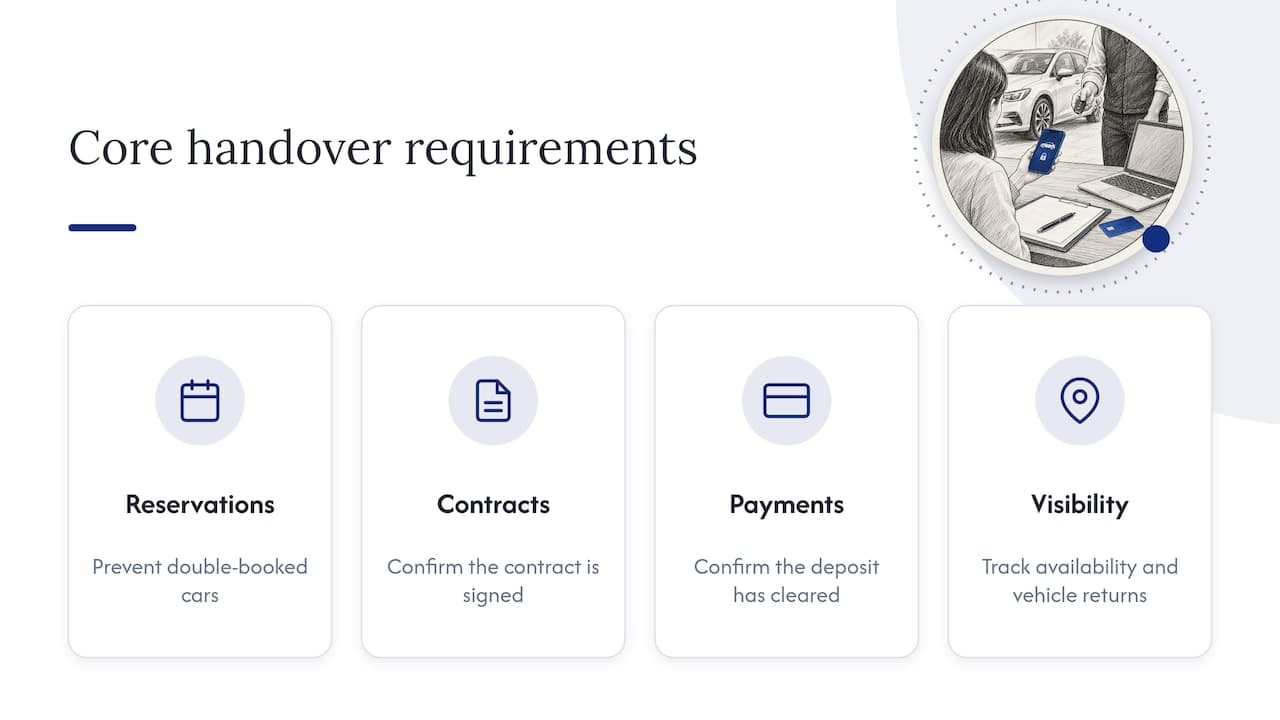
We see a pattern in rental businesses that go keyless. The lock hardware gets all the attention, and it is usually the easiest piece. The hard part is the data around it: is the car actually available, is the contract signed, did the deposit clear, did the last renter really return it?
A digital key sent against a double-booked car is just a faster way to create an angry customer. That is why we think of keyless as a reason to get the core system right first. Conflict-free reservations, one customer record, automated contracts, integrated payments and live fleet visibility are what make an unattended handover safe to run.
We also push operators toward remote control for the bad moments, not just the good ones. If a renter stops paying or a car does not come back, you need a measured, documented response. Our piece on remote immobilization to avoid wrongful lockouts explains why process matters as much as capability, and real-time tracking shows what visibility changes day to day.
Our advice: pilot small, keep a physical backup, write the policy before you need it, and let software handle the repetitive work.
— Dizzy
Where Nomora fits in a keyless setup
Nomora is a cloud-based rental management platform that handles reservations, fleet management with GPS tracking, automated contracts, payments and customer data in one place, with integration options for GPS and payment gateways. It is designed so that your booking records stay the single source of truth, whichever access method you choose for the vehicle itself.
Pricing is published and every plan includes all features: Starter is €45 per month, Business is €2.80 per vehicle per month, and Fleet is €2.20 per vehicle per month. Enterprise and payment processing fees have no published price. You can compare them on our pricing page, see how the system works on the car rental software overview, or look at automated rental payments if deposits are your bottleneck. Onboarding is designed to get you operational in 24 to 48 hours.
A pre-launch checklist
- Fleet audit done, with each car marked device, API or locker.
- Pilot run on three to five cars, including failure tests.
- Physical key backup stored securely, ideally Faraday-shielded.
- OBD-II ports covered or locked where devices are installed.
- Access released automatically only after contract and payment are complete.
- State GPS and notice rules reviewed for every state you serve.
- Return checklist includes clearing phone pairings and navigation history.
- After-hours support contact printed in the renter's confirmation.
- Staff trained to confirm physical locking.
FAQ
Can I turn my car into keyless entry?
Often yes. Many cars can be retrofitted with a telematics device that adds app-based unlocking, usually installed in the OBD-II port or hard-wired by a technician. Published one-time fees range from about $99 to $225 depending on market. Confirm compatibility with your exact make and year before buying.
Can a rental company unlock a car remotely?
It depends on the company and the car. Peer-to-peer platforms and fleets with connected devices can unlock remotely. Large traditional brands mostly offer app check-in and rely on roadside assistance for lockouts. If you run your own fleet, you can build remote unlocking into your support process.
What are the downsides of keyless entry?
The main ones are relay attacks, dependence on phones and mobile coverage, and added data privacy duties. Testing summarized in a 2026 keyless theft report found most evaluated models vulnerable to keyless exploits. Mitigate with shielded key storage, port locks, a physical backup key and manual lock checks.
How long does a keyless rollout take?
A pilot of a few cars can run within weeks, depending on device delivery and installer availability. The software side can be quicker: our platform is designed to have you operational in 24 to 48 hours. Full fleet rollout depends mainly on how many cars need hardware installed.
Sources
Recommended



