Key Takeaways
| Point | Details |
|---|
| Reduces downtime | Remote diagnostics and predictive maintenance can cut fleet downtime by up to 30%. |
| Boosts security | Remote lock and immobilization commands help protect assets and speed up recovery of lost vehicles. |
| Enhances customer experience | Keyless and contactless solutions streamline the rental process and improve customer satisfaction. |
| Requires strong backup policies | Operators need procedures for key failures and system outages to prevent operational issues. |
How remote access reshapes car rental operations
Remote access, in the context of car rentals, refers to the ability to control or monitor a vehicle's core functions without being physically present. This includes keyless locking and unlocking via a connected app or platform, real-time GPS tracking, remote engine immobilization, and over-the-air diagnostics that flag mechanical issues before they become costly breakdowns.
Before remote access became accessible at scale, most rental operators relied on manual handover processes. A staff member had to be on-site to hand over keys, inspect the vehicle, and confirm the return. Any deviation from that flow, such as an early morning pickup or a late-night return, created friction. Customers waited. Staff overtime accumulated. Vehicles sat idle between bookings longer than necessary.
After remote access adoption, the workflow contracts significantly. A customer confirms their booking, receives a digital access link, and retrieves the vehicle without any staff involvement at that moment. Upon return, the system logs mileage, flags any new diagnostic alerts, and prepares the vehicle record for the next booking. Think of it as removing the bottleneck at each end of the rental transaction.
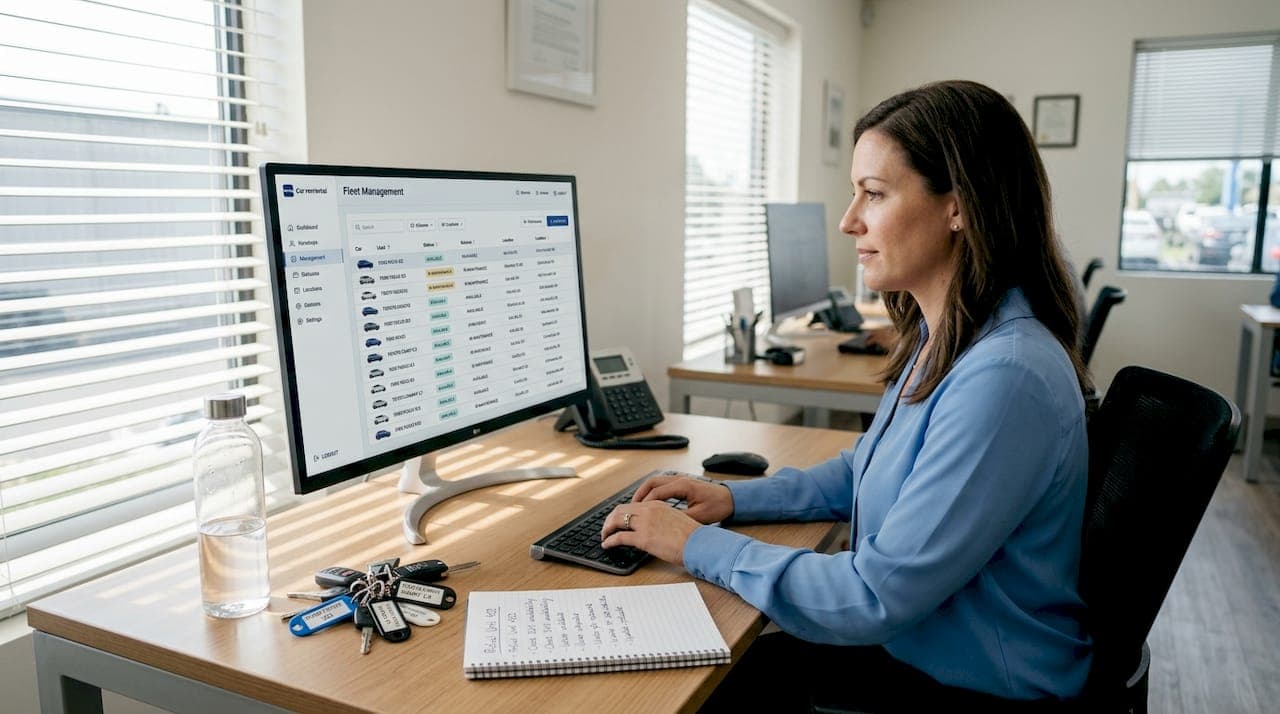
Fleet management for car rentals becomes dramatically more efficient when operators gain real-time visibility into every vehicle's status. The data flowing in from connected vehicles gives you a live dashboard rather than a static spreadsheet updated at the end of each shift.
Key remote access capabilities in car rentals:
- Remote locking and unlocking: Enables keyless pickup and drop-off, reducing staff dependency
- Engine immobilization: Allows operators to disable a vehicle remotely in case of non-payment or theft
- Real-time GPS positioning: Pinpoints any vehicle in the fleet at any moment
- Over-the-air diagnostics: Surfaces engine codes, tire pressure alerts, and battery status before they become roadside failures
- Geofencing alerts: Notifies operators when a vehicle leaves a defined territory
Operational comparison: Before vs. after remote access
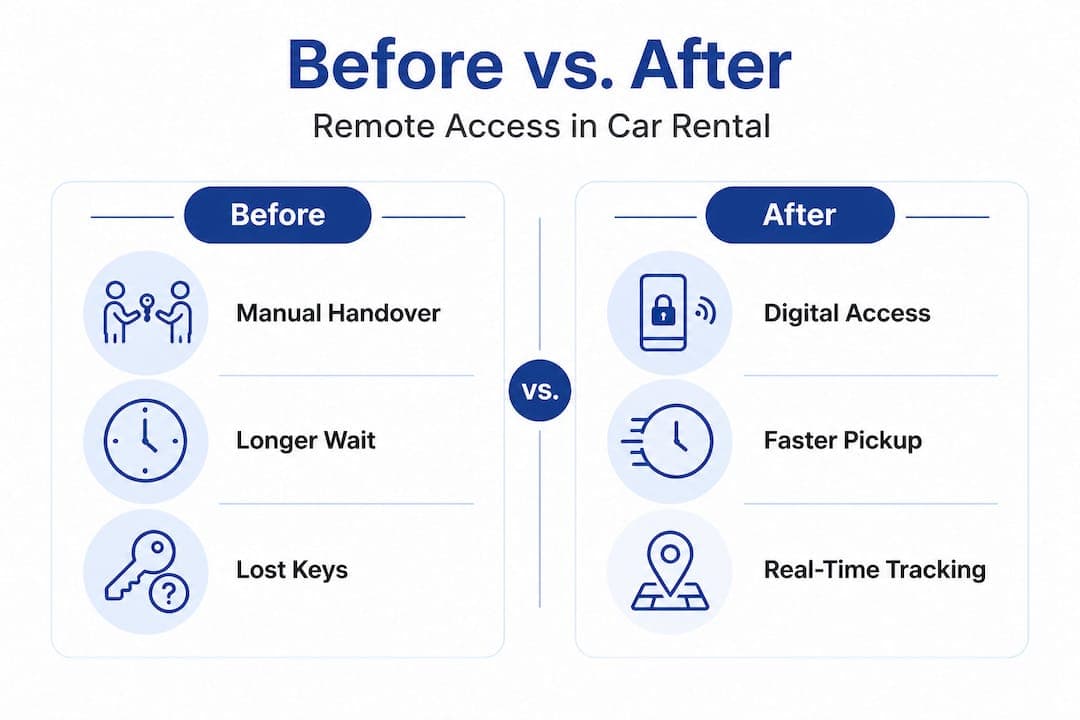
| Metric | Before remote access | After remote access |
|---|
| Average pickup time | 15 to 25 minutes | 3 to 7 minutes |
| Out-of-service days per month | 4 to 6 days per vehicle | 2 to 3 days per vehicle |
| Staff hours for fleet checks | 8 to 12 hours weekly | 2 to 4 hours weekly |
| Vehicle recovery time | 24 to 72 hours | 2 to 8 hours |
| Maintenance response time | Reactive, post-breakdown | Proactive, pre-breakdown |
The numbers tell a clear story. Predictive maintenance and diagnostics can materially reduce downtime and improve fleet uptime, meaning more revenue-generating days per vehicle per month. For a fleet of 50 vehicles, cutting out-of-service days in half can translate to tens of thousands of dollars in recovered rental revenue annually.
Real-time tracking in rentals also creates accountability on both sides. Customers know their vehicle is monitored. Operators can verify vehicle location, usage patterns, and adherence to rental terms without making a single phone call.
The business case: Efficiency, customer satisfaction, and cost savings
Understanding these capabilities, it's important to ask: what's in it for your bottom line, and how does it affect your customers?
The financial case for remote access is grounded in one simple truth. Every day a vehicle sits out of service is revenue you cannot recover. Unlike a hotel room that can be repriced, a rental day is gone once it passes. Remote diagnostics allow for better repair planning and reduce the frequency of unplanned breakdowns, directly shrinking the number of lost rental days.
Consider a practical example. A mid-size rental operator running 30 vehicles averages four out-of-service days per vehicle each month due to reactive maintenance. At an average daily rate of $55, that's $6,600 in lost revenue monthly. Cutting those days by 50% through predictive diagnostics recovers $3,300 per month, or nearly $40,000 per year, without adding a single vehicle to the fleet. The return on investment becomes obvious.
Customer satisfaction also benefits measurably. Modern renters, particularly business travelers and younger demographics, expect speed and minimal friction. Keyless pickup that takes four minutes instead of twenty is not a minor improvement. It's the difference between a four-star and a five-star review. Smooth, fast handovers reduce complaints and increase repeat bookings, both of which compound over time.
Step-by-step: Deploying remote access for the first time
- Audit your existing fleet connectivity. Determine which vehicles already have OBD-II ports or factory-installed telematics hardware.
- Select a telematics provider that integrates with your existing rental management platform. Avoid standalone solutions that don't share data across systems.
- Define your access policies. Establish clear rules for who can remotely lock, unlock, or immobilize a vehicle, and under what circumstances.
- Train your staff. Remote access shifts work from physical handovers to digital monitoring. Staff need to understand both the tools and the new workflow.
- Pilot with a subset of your fleet. Run 10 to 15 vehicles on the new system for 30 days before scaling.
- Review performance data. Compare downtime, customer feedback, and staff hours before and after the pilot.
- Scale and integrate fully. Bring the full fleet onto the system, and connect telematics data with your reservation and maintenance records.
To boost profitability with fleet management, remote access must be paired with disciplined data review. The technology generates the insight, but your process determines whether that insight becomes action.
Pro Tip: When evaluating telematics vendors, ask specifically about their API documentation and integration support. A system that doesn't connect cleanly to your existing reservation platform creates data silos instead of eliminating them. Connectivity between systems is what turns raw data into actionable decisions.
Fleet utilization strategies improve naturally when you can see, in real time, which vehicles are idle, which are approaching scheduled maintenance, and which are overdue for return. That visibility lets you make confident decisions about reallocation, pricing, and customer communication.
Enhancing security and asset recovery with remote commands
While gains in efficiency are substantial, security is where remote access can be a true game-changer for car rental operations.
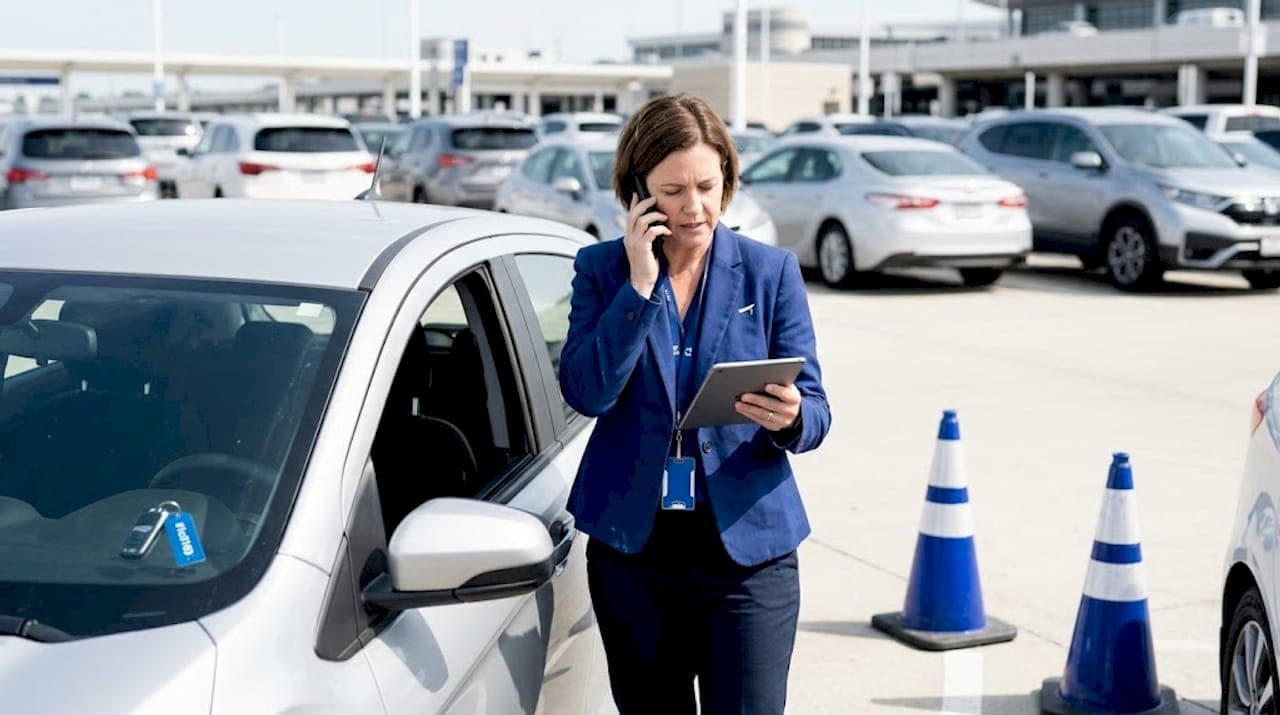
Vehicle theft and unauthorized use are persistent risks in the rental industry. A conventional response after a vehicle goes missing involves police reports, insurance claims, and days of recovery effort. Remote access compresses that timeline dramatically. Remote lock/unlock and disable commands enhance security and vehicle recovery, allowing operators to act within minutes rather than hours.
Imagine a scenario where a renter hasn't returned a vehicle 48 hours past the agreed date and isn't responding to calls. Without remote access, your options are limited to police involvement. With remote access, you can first pinpoint the vehicle's exact location, send an automated alert to the customer, and if necessary, trigger a speed-limiter or full immobilization once the vehicle is safely parked. The vehicle is recovered faster, with lower legal and administrative cost.
Security features to prioritize in a connected fleet:
- Remote immobilization: Disable the ignition remotely when a vehicle is overdue or reported stolen
- Geofence breach alerts: Receive instant notifications when a vehicle leaves a designated operating area
- Trip logging: Maintain a complete record of every journey for dispute resolution
- Remote door lock confirmation: Verify remotely that a vehicle is secured after a customer return
- Tamper alerts: Detect and flag hardware interference with the telematics unit
For driver management and safety, layered security means building redundancy into your protection model. No single command or feature should be your only safeguard.
"The most secure fleets don't rely on a single control point. They combine digital commands with clear contractual terms, real-time monitoring, and staff protocols that activate the moment an anomaly is flagged."
Pro Tip: Set up graduated response protocols before you ever need them. Define the specific conditions under which each remote command can be activated, who has authorization, and what documentation must be recorded. This protects you legally and operationally.
One critical challenge operators overlook is the need for fallback procedures if a remote command fails to execute. Network dead zones, hardware malfunctions, or software latency can all delay a critical response. Always maintain a parallel escalation process that doesn't depend entirely on digital connectivity.
Common pitfalls: When remote access isn't enough
No technology is perfect. Let's look at where remote access falls short and what you can do to protect your business.
Contactless and digital access systems can fail if remote verification or locking and unlocking is inaccessible, which means operators need robust fallback procedures. A customer stranded at a pickup location because the digital key won't load is not a minor inconvenience. It's a support escalation, a potential chargeback, and a damaging review.
The most common failure points in remote access systems include cellular connectivity gaps in rural or underground parking areas, app-level software bugs that prevent key generation, and hardware failures in older telematics units. Each of these has happened to operators who assumed the system would simply work.
Top three fallback protocols every operator should implement:
- Physical key backup program. Maintain a securely stored physical key for every vehicle in your fleet. Define the process for how a customer can request physical access during a digital failure, including who to call and expected response times.
- 24/7 support line with remote override authority. Designate staff members who can manually override digital locks via the backend system, and make sure their contact details are visible in the rental confirmation email.
- Offline check-in capability. Ensure your rental management platform can process basic check-ins and check-outs even when internet connectivity is degraded, so your operation doesn't grind to a halt during outages.
"Operators who go all-digital without physical contingency plans discover their vulnerability the moment a network goes down at peak rental hours. The key is not to avoid digital tools but to design your operation so they fail gracefully."
For broader system integration in car rentals, the goal is building an ecosystem where every component communicates with the others and where a failure in one layer doesn't cascade into a full operational stoppage. Remote access is one layer. Strong platform integration is what holds the others together.
Our take: What most guides overlook about remote access
Pulling it all together, here's a hard-won lesson from operators who've gone beyond the basics.
Most articles about remote access focus on the technology itself, the features, the specs, the integrations. What rarely gets discussed is the cultural and operational shift that determines whether those features actually get used. The operators who extract the most value from remote access are not necessarily the ones with the most sophisticated hardware. They're the ones who have rebuilt their internal processes around the data the technology provides.
Remote access generates a continuous stream of intelligence: vehicle health, location patterns, usage hours, customer behavior, and maintenance signals. Most operators glance at this data occasionally. The high-performing ones build structured weekly reviews into their operating routines, assigning specific staff members to act on flagged items within defined timeframes. Fleet reporting best practices are not optional extras in this context. They're the mechanism that converts data into decisions.
There's also an underappreciated risk in over-automating too quickly. Remote access can create the illusion of control while actually reducing the human oversight that catches edge cases. A vehicle flagged with a diagnostic code might be cleared by an automated rule, when a human reviewer would have seen the pattern across multiple flagged events and scheduled a full inspection. Technology should augment judgment, not replace it.
The most resilient rental operations treat remote access as the central nervous system of their fleet, not as a standalone tool. Every alert, every command, every data point feeds back into their reservation system, their maintenance schedule, and their customer communication. That integration is what separates operators who are efficient from those who are truly competitive.
Pro Tip: Schedule a quarterly remote access review separate from your regular operations meeting. Bring in whoever manages your telematics data alongside your fleet and customer service teams. Cross-functional reviews surface the insights that single-department reviews miss.
Ready to see these benefits in your own rental operation? Nomora's cloud-based platform is built specifically to bring all of this together in one place.
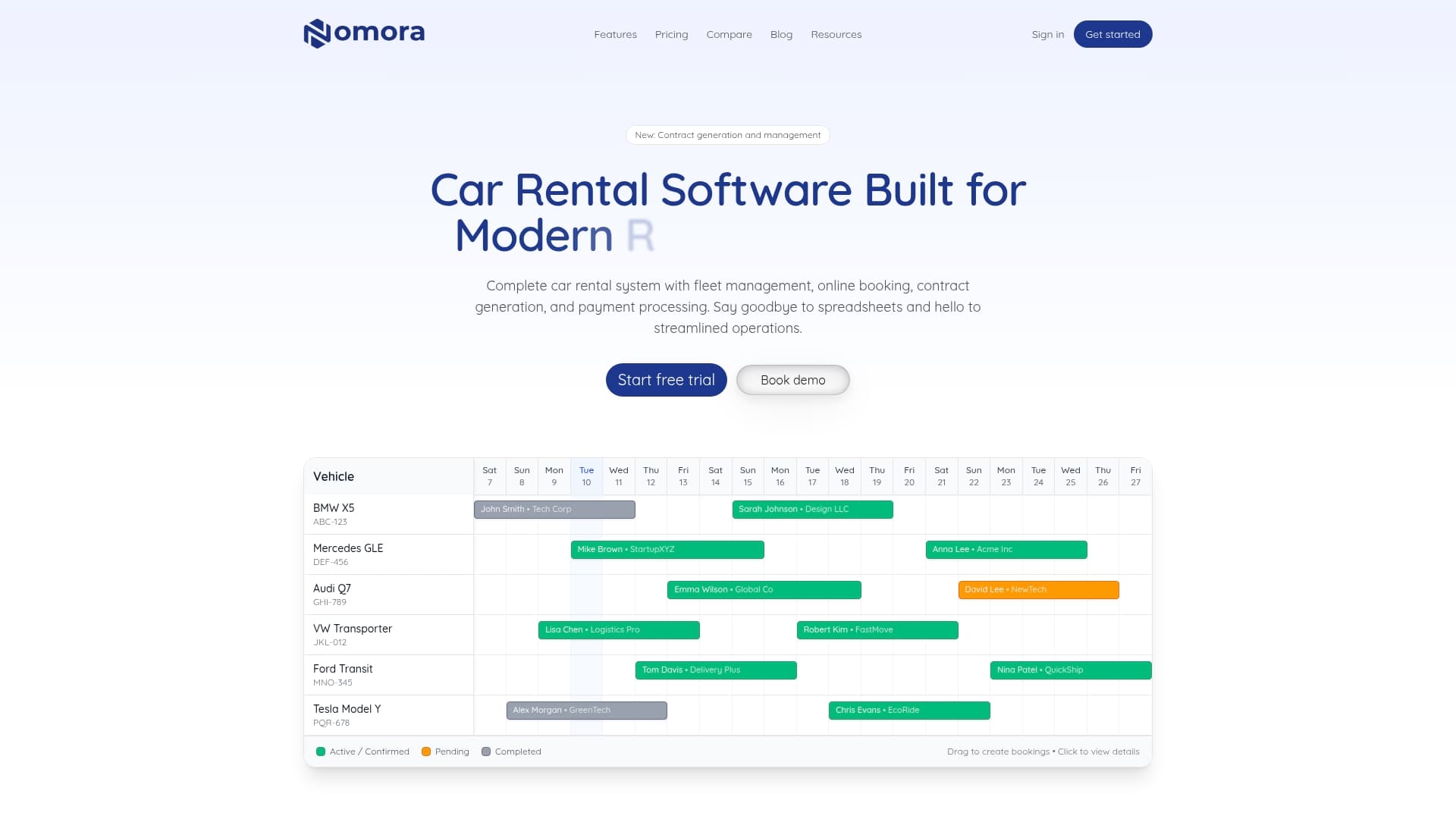
Nomora integrates directly with GPS telematics providers, giving you real-time vehicle visibility, automated maintenance alerts, and secure remote access controls, all within the same system that manages your reservations, contracts, and payments. Whether you're operating a single location or managing a multi-site franchise network, Nomora scales with your fleet and your ambitions. Explore the full range of remote access use cases and discover how operators are using connected technology to reduce downtime, improve customer satisfaction, and grow revenue. You can also see how automated rental payments connect with remote access workflows to create a fully digital, friction-free rental experience from booking to vehicle return.
Frequently asked questions
What remote access features are most valuable for car rental businesses?
Remote diagnostics, lock and unlock controls, and immobilization are the most impactful, because remote commands improve efficiency and security across the entire fleet lifecycle.
How does remote diagnostics help rental fleet uptime?
Remote diagnostics detect mechanical issues early, and fleets reduce downtime by roughly 30%, allowing for better repair scheduling before a breakdown forces a vehicle out of service.
Are there risks to relying solely on digital access systems for rentals?
Yes, because digital access can fail when connectivity or verification is unavailable, making backup protocols essential to protect both customers and operations.
How can remote access enhance customer experience in car rentals?
Customers gain faster pick-up through keyless entry, shorter wait times, and smoother returns, which directly improve satisfaction scores and increase the likelihood of repeat bookings.
Recommended