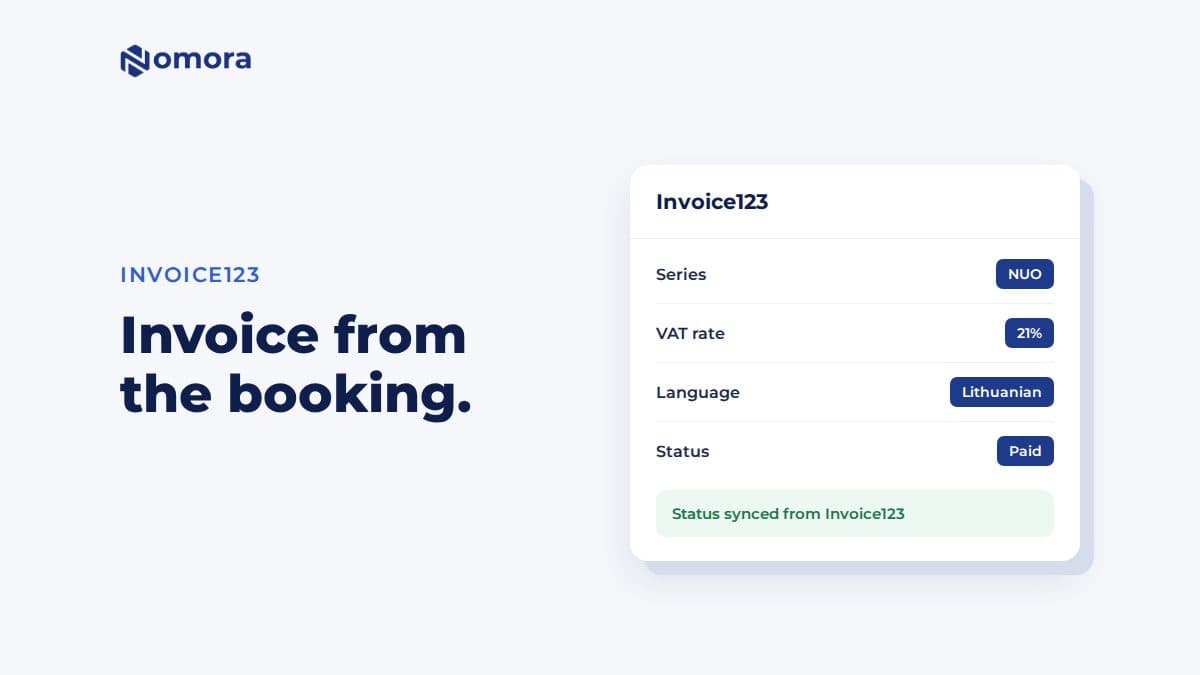
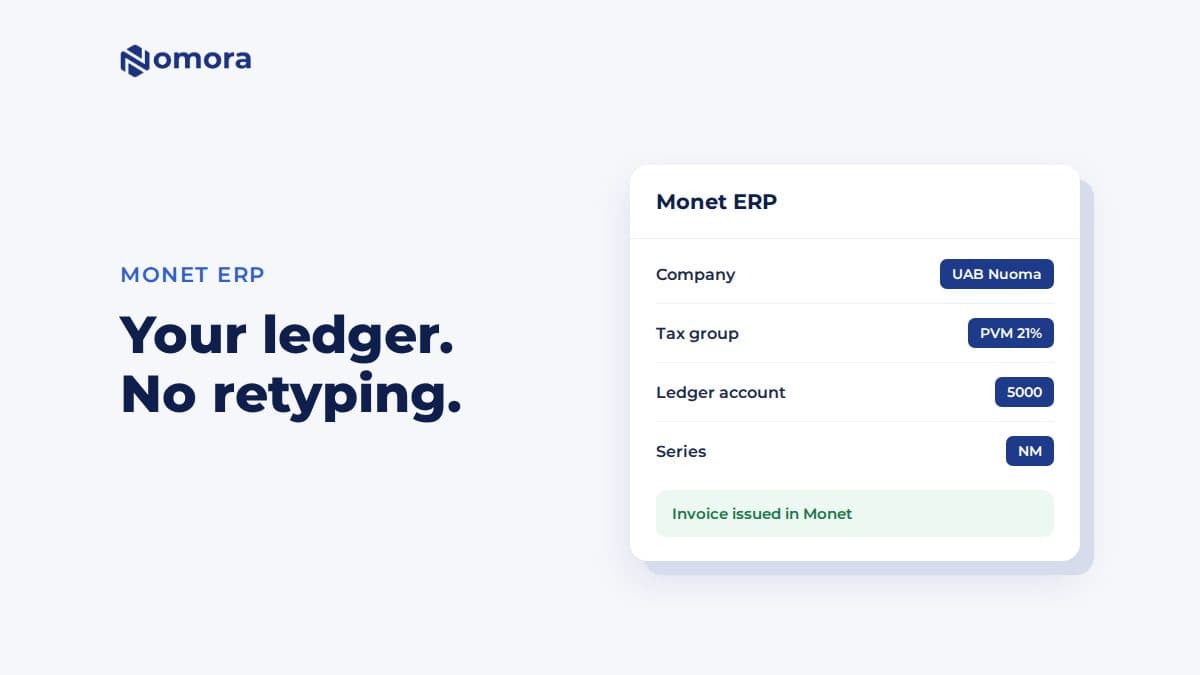
A car rental CRM should do five things well: keep one clean record for every customer, tie that record to each reservation and contract, automate the messages around a rental, connect to your booking, fleet and payment tools, and report on repeat business. Everything else is a nice extra. This guide walks through each feature, what a customer database should store, how to protect that data, and how to judge a system before you commit.
TL;DR
- A rental CRM is built around the customer relationship. Rental management software is built around the rental transaction and the vehicle. Most operators need both working from the same data.
- The must-have features are a unified customer profile, rental history, document and license storage, automated communication, segmentation, and reporting on repeat customers.
- Integrations decide whether a CRM saves time. Booking, fleet, contracts and payments should share one customer record instead of four copies.
- Collect only the data you need, limit who can see it, and check whether the FTC Safeguards Rule applies to your business.
- If you run a small or mid-sized fleet, an all-in-one rental platform with customer data management built in can replace a separate CRM.
Table of Contents
What a car rental CRM actually does
CRM stands for customer relationship management. In a rental business it answers a simple set of questions: who is this renter, what have they rented before, how did they pay, did anything go wrong, and when should we talk to them next?
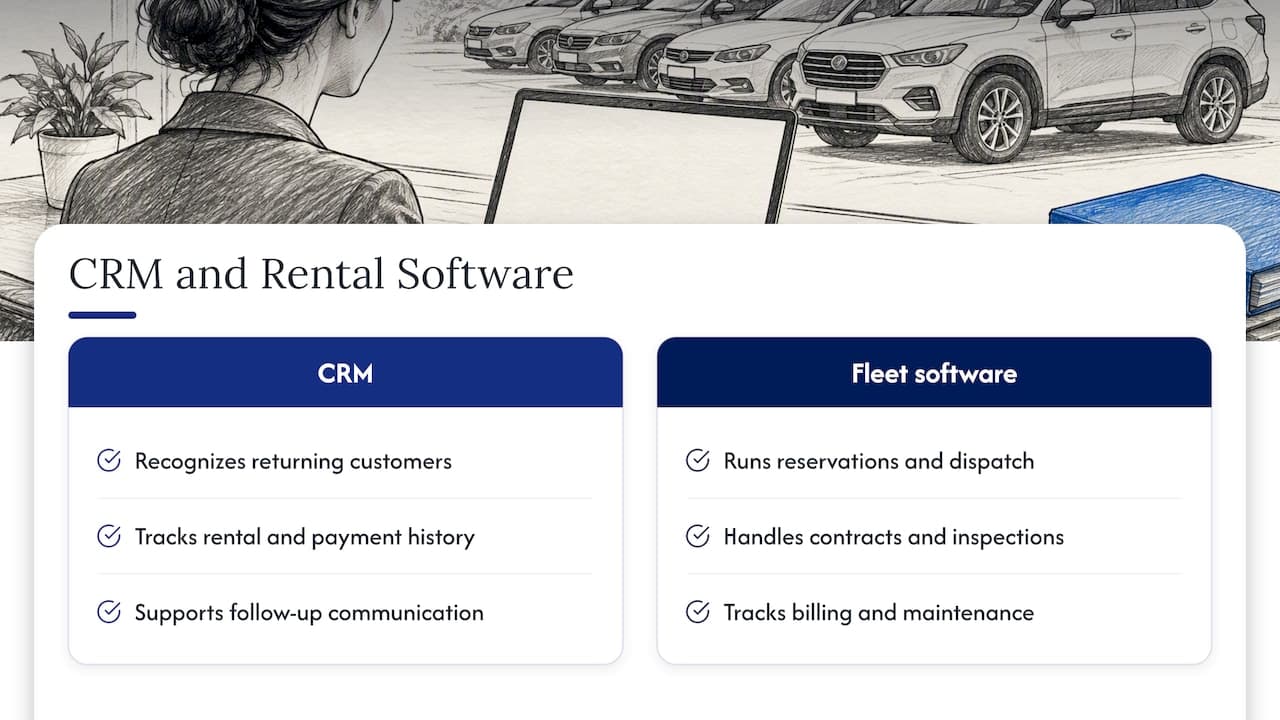
That is different from the software that runs the rental itself. One industry guide describes rental fleet management software as the tool for reservations, dispatch, contracts, damage and inspection logging, billing, telematics, maintenance scheduling and utilization tracking. The same guide notes it can integrate with a CRM but does not replace the broader customer-relationship functions. In other words, the two are complementary.
Think of rental software as the central nervous system of your operation: every booking, vehicle and payment sends a signal through it. A CRM is the memory that lets the business recognize a returning customer and act on what it knows.
For a small operator, the practical question is whether you need a separate CRM at all. If your rental platform already stores customer profiles, rental history and communication, you may not. If you run corporate accounts, long sales cycles or heavy marketing, a dedicated CRM connected to your rental system can make sense.
Core CRM features for customer records and reservations
These are the features that touch every rental. Check each one in a demo with your own data, not the vendor's sample.
One profile per customer
Each renter should have a single profile that holds contact details, license information, payment references, notes and every reservation they have made. Duplicates are the most common failure in spreadsheet-based operations: the same person appears as "J. Smith" and "John Smith" and loyalty, damage history and balances split across two rows. Look for duplicate detection or at least a search that finds a customer by phone, email or license number.
Rental history linked to reservations
Open a profile and you should see every past and upcoming booking, the vehicles used, the rate charged, extras added, fees, deposits and the outcome of each return. This is the feature that lets a counter agent greet a returning customer correctly and lets a manager spot the renters who book the most.
Documents and verification
Driver's license images, signed agreements, insurance proof and ID checks should attach to the customer record, not live in email threads. Faster verification also shortens pickups. We cover the steps in our guide to identity verification at car pickup.
Notes, flags and permissions
Staff need to record things like a preferred vehicle class, a late-return pattern, a damage dispute or a VIP account. Good systems let you flag a profile and control which staff roles can see sensitive fields.
Conflict-free booking
A CRM that cannot see availability will lead to promises the fleet cannot keep. Customer records need to sit on the same system that prevents double bookings, so an agent editing a reservation sees the true state of the fleet.
Communication and marketing features
Most of what a renter experiences is communication: the confirmation, the pickup instructions, the return reminder, the receipt. A rental CRM should send these without a person typing each one.
- Automated confirmations and reminders by email and text, triggered by reservation status.
- Templates you can edit for your brand, with fields that pull in the customer name, vehicle and times.
- Two-way history so every message sent to a customer is visible on their profile.
- Segmentation that groups customers by number of rentals, vehicle class, season, corporate account or last rental date.
- Win-back and follow-up campaigns for customers who have not rented in a set period.
- Review requests sent after a completed return.
Rental brands already treat the customer record as a communication hub. A major rental company's privacy notice lists uses such as verifying identity, administering reservations and fees, contacting customers by email, text, push notification or phone, and personalizing offers. That gives you a realistic picture of what a mature rental customer database supports. Marketing messages come with their own consent rules, so ask your vendor how opt-outs are recorded.
What a car rental customer database should store
A useful customer database is complete enough to run a rental and small enough to defend. Here is a practical layout.
| Record group | Typical fields | Why it matters |
|---|
| Identity | Name, phone, email, address, date of birth | Contracts, contact, age rules |
| Driver | License number, issuing state, expiry, ID verification result | Eligibility at pickup |
| Rental history | Bookings, vehicles, dates, mileage, extras | Service and upsell |
| Financial | Payment references, deposits, invoices, outstanding balances | Billing and disputes |
| Condition and incidents | Damage reports, fines, claims, notes | Risk and accountability |
| Communication | Messages sent, opt-in status, preferences | Compliance and personalization |
| Account type | Individual, corporate, partner, referral source | Pricing and reporting |
Two habits keep this database healthy. First, store payment references from your processor rather than raw card details. Second, decide a retention period and stick to it. The FTC's privacy guidance recommends collecting only the data needed for a defined business purpose, keeping it only as long as necessary, disposing of it securely and keeping it accurate. A database full of stale records is both a marketing liability and a security risk.
Organize records so they can be used. Tag customers by type (tourist, local, corporate, long-term), keep a source field to see where bookings come from, and record preferences in structured fields instead of free text where you can.
Integrations: where a CRM earns its keep
A CRM that lives alone becomes another spreadsheet. The test is whether data moves on its own between these systems:
- Booking engine and website. An online reservation should create or update a customer profile automatically.
- Fleet management. Vehicle status, availability and condition feed into what agents can offer and promise.
- Contracts. Agreements generate from the reservation and customer record, then file back to the profile once signed.
- Payments. Deposits, charges and refunds attach to the rental and the customer. Our automated car rental payments page shows how this looks in practice.
- Marketing tools. Email and text platforms need clean segments, not manual exports.
- Accounting. Invoices and payments should flow through without re-keying.
- GPS and telematics. Location and mileage data tie incidents and fees to the right rental.
If you are comparing options, an open API and a list of native integrations matter more than a long feature list. We go deeper in our car rental integrations guide and a companion piece on the top integrations for fleet operations.
Why fleet data belongs next to customer data
Customer relationships are shaped by the vehicle they get. A car that comes back late from the shop, or a unit that failed an inspection, becomes a service problem for the next renter. When maintenance status is visible to the people who take bookings, you avoid assigning a vehicle that should be in the bay. If you are weighing how maintenance tools fit in, these fleet maintenance software reviews can help you think through what to track and why.
Reports and automation that change decisions
Reporting is where a customer database pays you back. Ask to see these reports in a demo.
- Repeat rate. What share of renters come back, and how long between rentals?
- Revenue by customer segment. Which groups bring the most value, and which only bring discount hunters?
- Booking source. Which channels deliver profitable bookings?
- Outstanding balances and deposits. Money you are owed, in one list.
- Utilization by vehicle class. Which cars earn their place, tied back to who rents them.
- Incident and damage history by customer. Patterns you can act on.
Automation should remove repetitive work without hiding it. Good starting automations are reservation confirmations, pickup reminders, return reminders, post-rental review requests, document expiry alerts and overdue balance notices. Start with three, check that they behave, then add more. Every automation should be visible on the customer's timeline so staff know what the customer has already been told.
Security, privacy and U.S. compliance
Customer data includes licenses, addresses and payment details, so security belongs in your feature list, not after it.
Access control. NIST's small-business guidance recommends identifying who can access business information, limiting employees to the data they need, removing access when employment ends, and using strong passwords, multifactor authentication, updates, logging, backups and encryption. In CRM terms, look for role-based permissions, multifactor sign-in, audit logs and encrypted storage. Seasonal staff turnover makes the offboarding step especially important.
The FTC Safeguards Rule. The rule requires covered financial institutions to maintain a written information security program, and the FTC's guidance for auto dealers explains that this includes designating a qualified individual, assessing risks, and regularly monitoring and testing safeguards. Whether a rental business falls under it depends on the services it offers, such as financing or leasing. Ask your attorney or compliance adviser to confirm your status rather than assuming either way.
Vendor questions to ask. Where is data hosted? Who at the vendor can see it? How are backups handled? Can you export everything if you leave? Our overview of rental security methods covers the operational side.
Our perspective
We build rental software, so we see the same pattern in nearly every operator that moves off spreadsheets: the problem was never a missing CRM. It was that the customer, the booking, the vehicle and the payment each lived in a different place.
That is why we treat customer data management as part of the rental platform instead of a bolt-on. A renter's profile, reservations, contracts and payments sit in one cloud system, available from any device, with conflict-free booking so what an agent promises matches what the fleet can deliver. For small and mid-sized operators, luxury and specialty rental businesses and corporate fleet managers, that single source of truth usually matters more than a long list of marketing features.
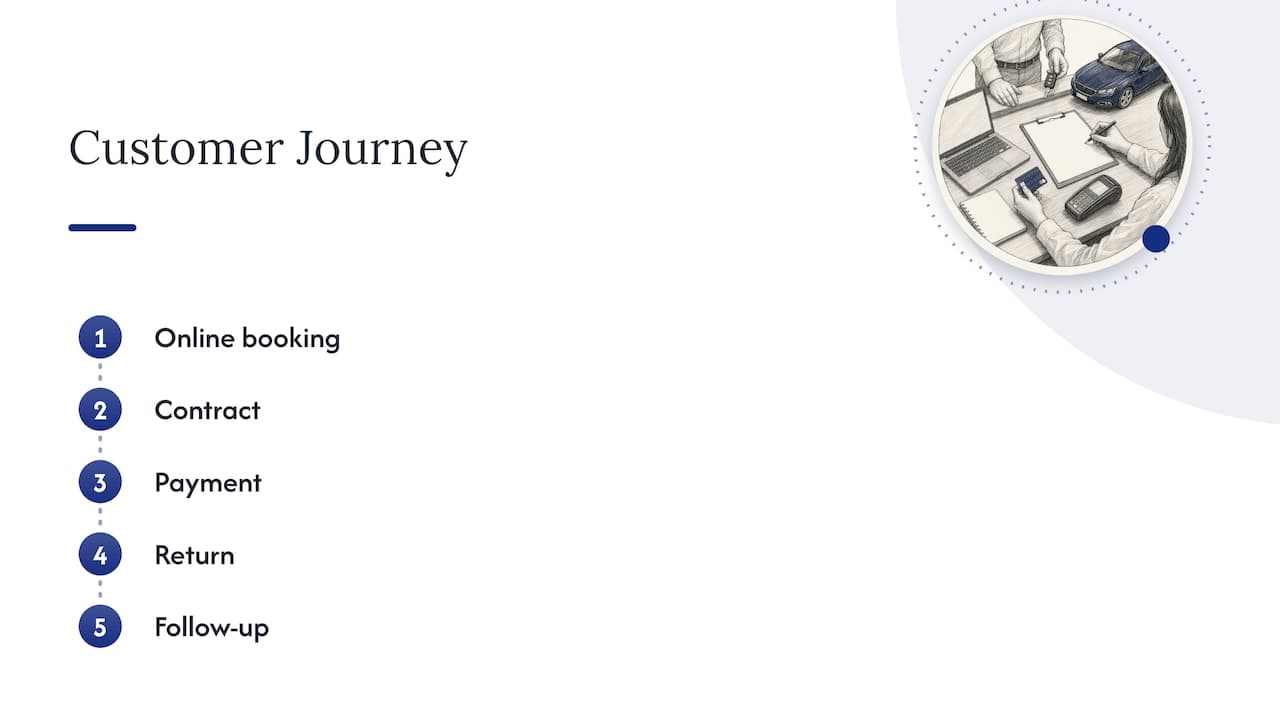
Our advice when you evaluate any system: demand to see one customer's full journey, from online booking through contract, payment, return and follow-up, without leaving the tool. If you can do that in five minutes, the system fits a rental business. If it takes five tabs and an export, it does not.
We also suggest starting with the customer fields you will actually use. A lean, accurate database beats a sprawling one that staff stop trusting.
— Dizzy
How to choose and roll out a CRM
Use this order. It saves most of the regret we hear about.
- Map your workflow first. Write down how a rental flows today, from inquiry to return and follow-up. Mark where information is retyped or lost.
- List the must-haves. Use the features above and cut anything you would not use in the first six months.
- Test with real scenarios. Ask the vendor to handle a returning customer with an open balance, a corporate account with several drivers, and a booking change that affects availability.
- Check scalability. Will pricing and performance hold when you add vehicles, locations or staff? Per-vehicle pricing scales with the fleet, while flat plans suit steady operations.
- Plan data migration. Clean your spreadsheet before importing: merge duplicates, standardize phone formats, remove customers you have no reason to keep. Ask what import formats the vendor accepts and who does the work.
- Train by role. Counter agents, managers and finance each need a short, role-specific walkthrough.
- Review after 30 days. Check which reports and automations are used and fix what is not.
If you want to see how different operations set this up, our use cases by business type show how independent operators, luxury renters and corporate fleets configure the same platform differently.
What Nomora offers
Nomora is a cloud-based rental management platform that brings reservations, fleet management with GPS tracking, automated contracts, integrated payments and customer data management into one system. Onboarding is designed to get you operational in 24 to 48 hours, and every plan includes all features.
Published plans are Starter at €45 per month, Business at €2.80 per vehicle per month and Fleet at €2.20 per vehicle per month. Enterprise is priced on request, and payment processing fees are set separately. You can compare them on the pricing page or see the full platform overview.

If you are replacing spreadsheets, start with the customer and reservation records. The rest of the platform builds on them. For a broader look at how this affects margins, read our piece on how rental software boosts profits, or review the key rental software features that improve fleet efficiency.
FAQ
Is a CRM the same as car rental software?
No. Rental software runs the transaction and the vehicle: bookings, contracts, billing and fleet status. A CRM focuses on the customer relationship, including history, communication and segmentation. Many rental platforms include customer management, so smaller operators often do not need a separate CRM.
What should a car rental customer database include?
At minimum: identity and contact details, driver license and verification results, rental history, payment references, incidents and notes, and communication preferences. Store only what you need for a clear purpose, and delete records you no longer have a reason to keep.
Do I need a CRM for a small fleet?
Usually you need organized customer records tied to reservations, not a standalone CRM. If a single system holds profiles, bookings, contracts and payments, you get most of the value. Add a dedicated CRM later if your marketing or corporate accounts outgrow it.
How do I move customer data from spreadsheets?
Clean the file first by merging duplicates, standardizing phone numbers and email formats, and removing old records. Then ask the vendor which import formats they accept and who handles the import. Spot-check a sample of profiles after the move.
Which security features matter most?
Role-based permissions, multifactor sign-in, encrypted storage, audit logs, regular backups and a clear way to remove access when staff leave. These match the basics in NIST's small-business guidance.
Sources
Recommended