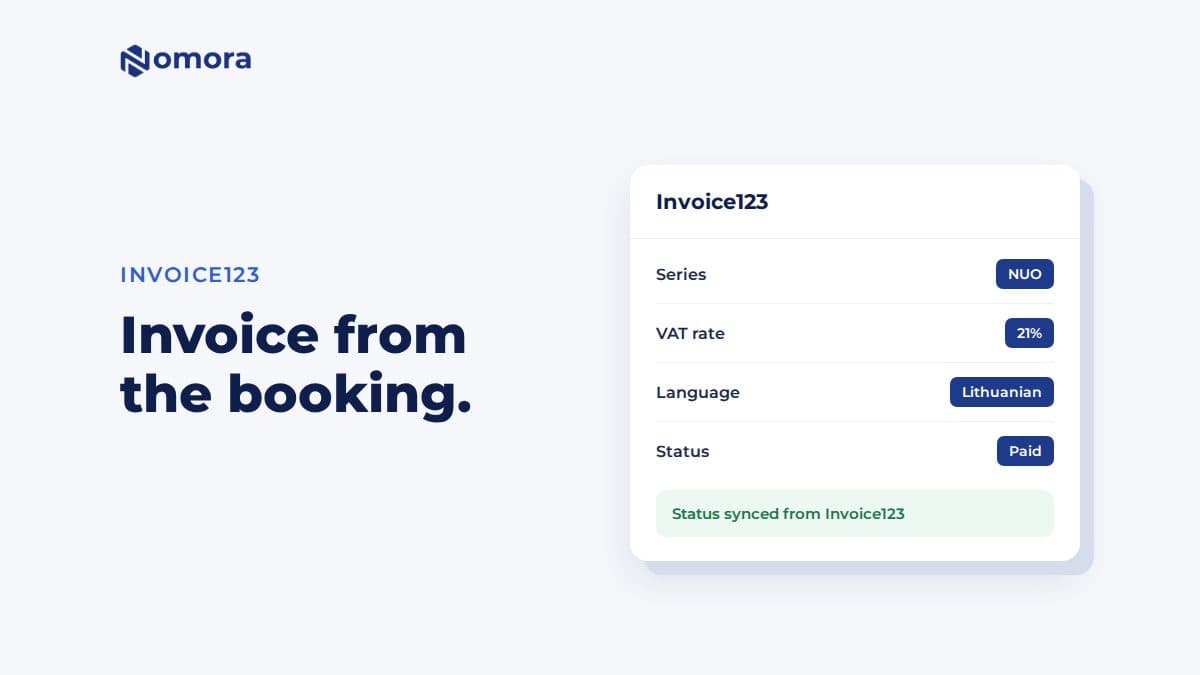
Quick answer: Nomora connects to Invoice123 with an API key under Settings → Invoices → Invoice123. After you pick the invoice series, VAT rate and unit of measure, every invoice you generate from a booking is issued in Invoice123. Paid status comes back to Nomora every night, or when you click Sync Statuses in Finances.
Invoice123 is a common choice for small businesses in Lithuania, and a lot of rental companies there already send their invoices from it. The trouble starts when bookings live somewhere else. Each rental gets typed into Invoice123 by hand, and nobody is sure which bookings were invoiced.
With the connection, the invoice starts from the booking. The customer, dates, car, extras and amounts are already there.
What the integration does
- Issues the invoice in Invoice123. You open the booking and click Generate Invoice. Nomora sends it to Invoice123 with the series, VAT rate and unit of measure you chose. Invoice123 numbers it.
- Uses your bank account and email template if you select them in settings.
- Sends in your language. Choose Lithuanian, English or Latvian. The language applies to the invoice and to the PDF emailed to the customer.
- Syncs paid status. When an invoice is paid in Invoice123, Nomora marks it paid and moves the linked bookings to completed. This runs every night, and you can run it any time with Sync Statuses in Finances → Invoices.
- Issues pro forma invoices as Invoice123 advance invoices, which Invoice123 later converts.
How to connect Invoice123
- Open Settings → Invoices → Invoice123 and enter your Invoice123 API key.
- Save the settings, so Nomora can load the options from your account.
- Select the invoice series, VAT rate and unit of measure. Choose a bank account and email template if you want them on the invoice.
- Set Invoice Language and save again.
- Open a booking's invoice editor and check that Invoice123 and your customer list are there.
If a series, VAT rate, unit or bank account is missing from the list, create it in Invoice123 first, then reload the settings in Nomora.
Things to know before you start
- Euros only. Invoice123 issues in euros.
- Line limits. Invoice123 accepts line descriptions up to 100 characters and no negative amounts. The editor marks lines that need fixing before you generate, so a long add-on name or a discount line is caught early.
- Corrections happen in Invoice123. To correct or cancel an invoice, do it in Invoice123 first. Deleting the record in Nomora leaves the invoice in Invoice123.
- One invoicing app at a time. If you later move to Xero, turn Invoice123 off first. Invoices already issued stay in Invoice123.
- Long-term rentals. Automatic period invoices for open-ended rentals can be issued through Invoice123, one invoice per rental. They are turned on per organization, so ask if you need them.
Invoice123 or built-in invoices?
If you already use Invoice123 for the rest of the business, connect it, so all your invoices sit in one numbering series. If rentals are your whole business and you have no invoicing app yet, Nomora's built-in invoices may be enough: numbered series, company details, VAT and Lithuanian, English or Polish PDFs. Built-in invoices do not submit to i.SAF, so that step stays with your accountant.
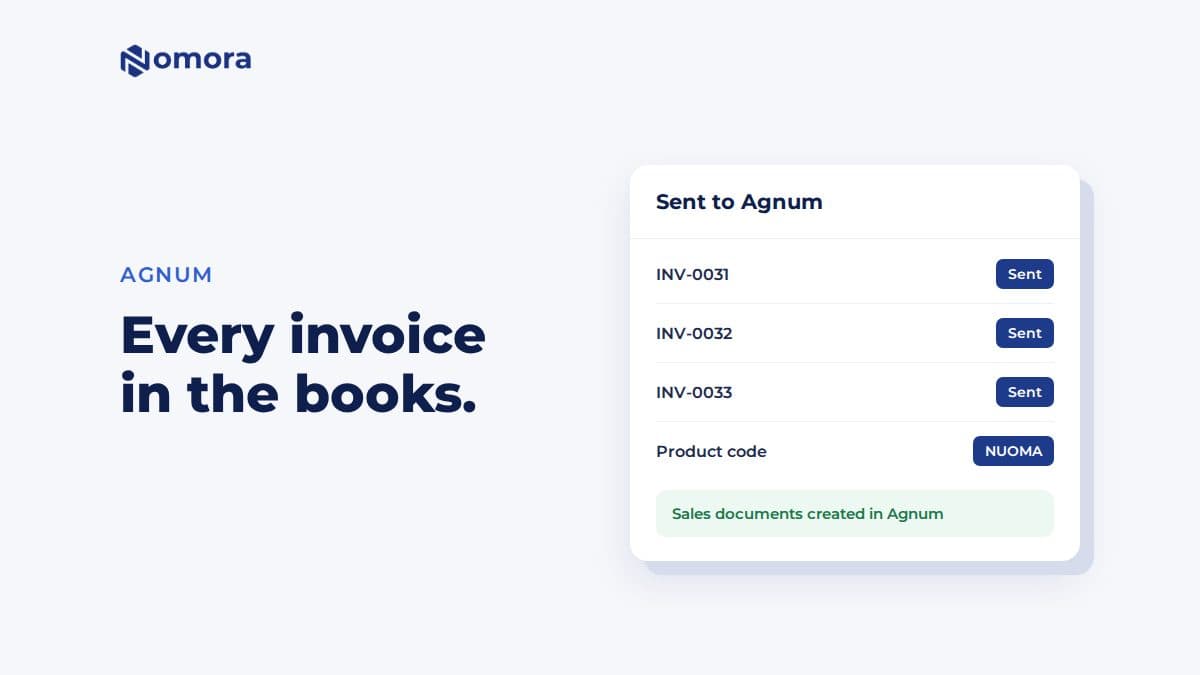
If your accountant uses Agnum, see Agnum for car rental. Nomora can send its built-in invoices there.
Get it set up
Book a free 30-minute setup call and send your vehicle list in any format. Your fleet, prices and contract template go live in Nomora within 48 hours, and the connection gets set up on the same call. If you would rather click through it yourself, start a 14-day free trial. No card needed.
Frequently asked questions
Which languages can Invoice123 invoices from Nomora use?
Lithuanian, English or Latvian. The language you select applies to the invoice and to the PDF emailed to the customer.
Does Nomora know when an Invoice123 invoice is paid?
Yes. Nomora checks Invoice123 every night and marks paid invoices paid, with their bookings moved to completed. Click Sync Statuses in Finances → Invoices to check immediately.
Can I issue invoices in pounds or dollars through Invoice123?
No. Invoice123 issues in euros. For other currencies, use Nomora's built-in invoices or Xero.
Can I use Invoice123 and Xero together?
No. A Nomora organization uses one invoicing app at a time.
Set this up on your own fleet
Book a free 30-minute setup call. Send your vehicle list in any format, and your fleet, bookings and contract template are live in Nomora within 48 hours. Or start a 14-day free trial on your own. No card needed.