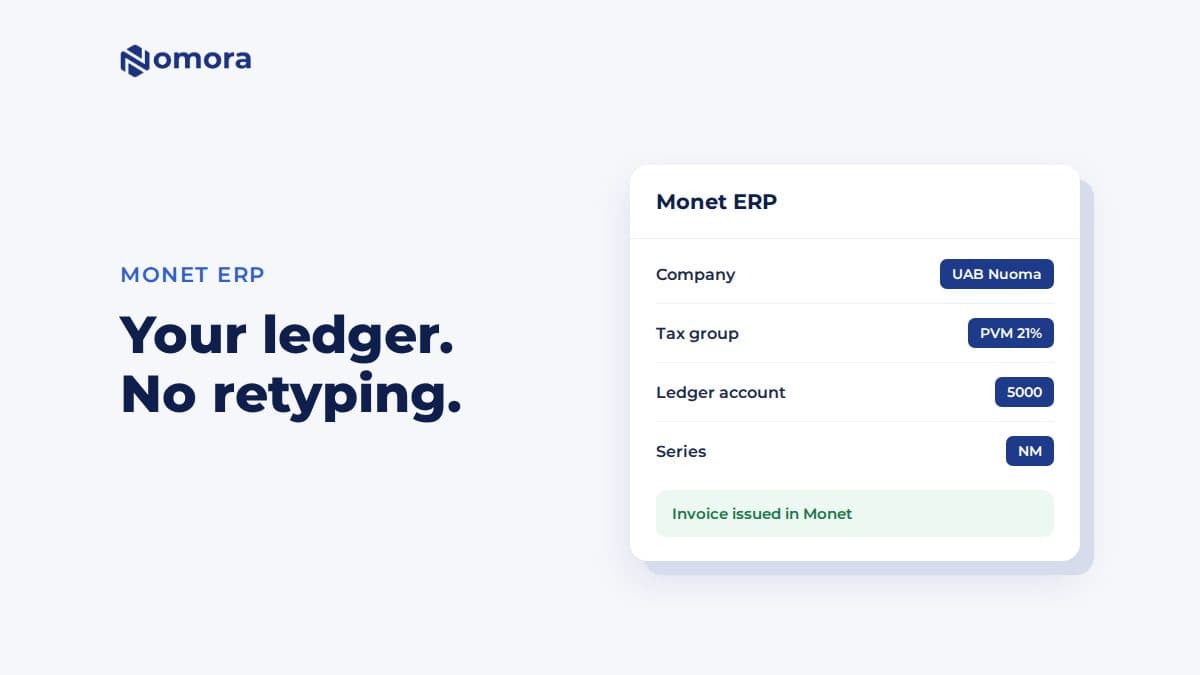
Quick answer: Nomora connects to Monet ERP with your Monet username and password under Settings → Invoices → Monet ERP. You pick the company, tax group, ledger account, currency and invoice series, then turn on Enable Monet invoice generation. Invoices you generate from a booking are issued in Monet, and Monet calculates the tax and total.
Monet is a Lithuanian accounting and ERP system. If your accountant keeps the books in Monet, invoices that start there land in the right ledger without anyone retyping a rental.
What the integration does
- Issues the invoice in Monet under the company, tax group, ledger account, currency and series you chose.
- Finds or creates the customer. In the invoice editor you search your Monet customers, or create one for a one-off invoice.
- Leaves the tax to Monet. The editor shows the amounts it sends. Monet applies its tax group and calculates the tax and final total.
- Gets the PDF from Monet. The invoice PDF you download or send is the one Monet produced.
Monet, Invoice123 or Agnum?
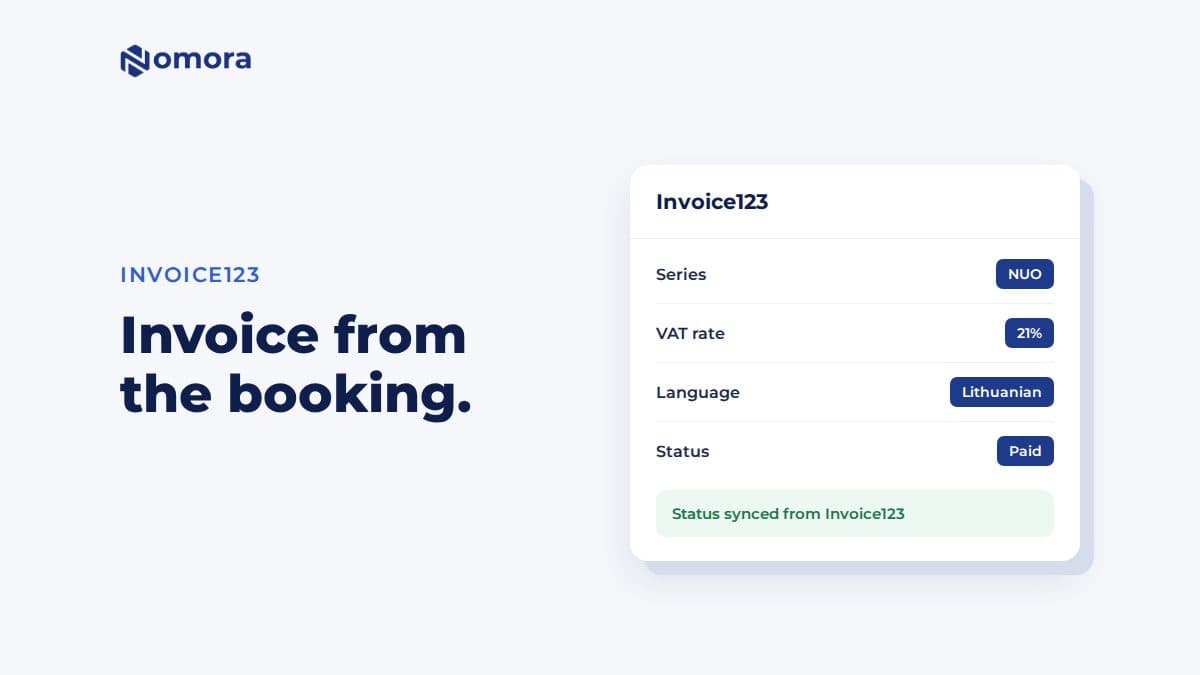
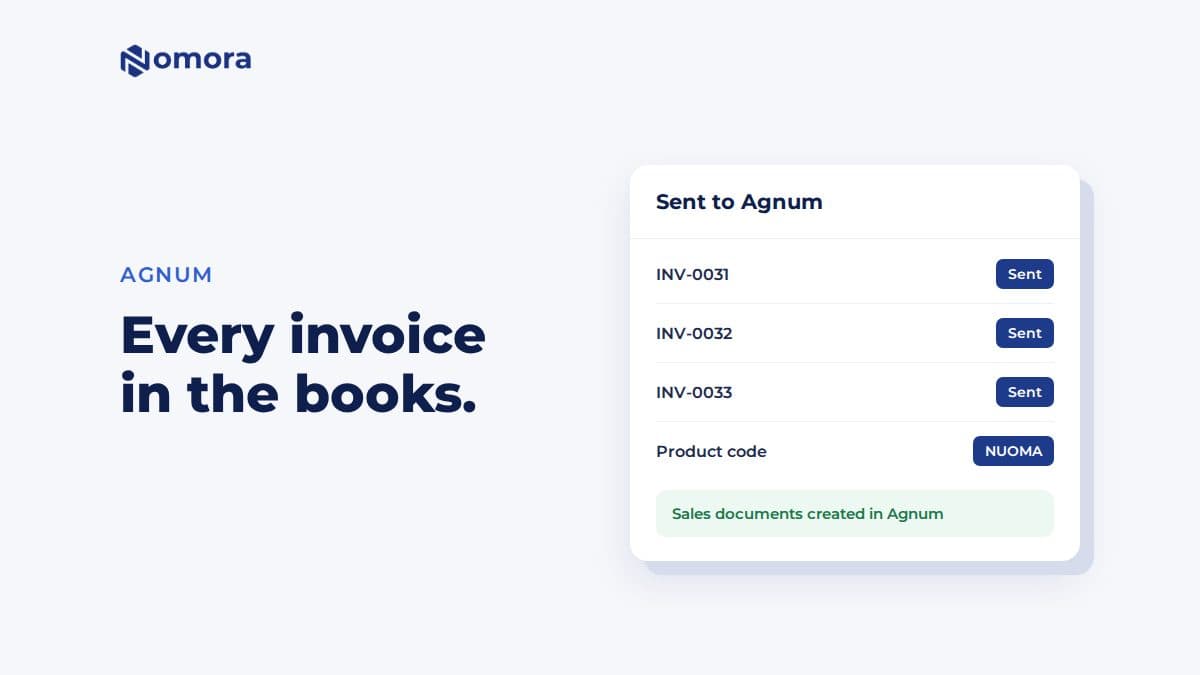
Lithuanian rental firms often ask which one to use. Go with what your accountant already uses. Monet and Invoice123 issue the invoice themselves. Agnum works the other way round: Nomora issues the invoice and sends a copy to Agnum for the books. See Invoice123 for car rental and Agnum for car rental.
Get it set up
Book a free 30-minute setup call and send your vehicle list in any format. Your fleet, prices and contract template go live in Nomora within 48 hours, and the connection gets set up on the same call. If you would rather click through it yourself, start a 14-day free trial. No card needed.
Frequently asked questions
What do I need to connect Monet ERP to Nomora?
Your Monet username and password, and the API URL if Monet gave you one of your own. After the connection test you pick the company, tax group, ledger account, currency and invoice series.
Who calculates the VAT on a Monet invoice?
Monet. Nomora sends the lines and amounts, and Monet applies the tax group you selected and calculates the tax and final total.
Does Nomora mark Monet invoices as paid automatically?
No. Paid status is not synced from Monet. Record the payment on the booking or mark the invoice paid in Nomora.
Set this up on your own fleet
Book a free 30-minute setup call. Send your vehicle list in any format, and your fleet, bookings and contract template are live in Nomora within 48 hours. Or start a 14-day free trial on your own. No card needed.