Linqo GPS for Car Rental: Odometer, Fuel and Trip Data per Booking
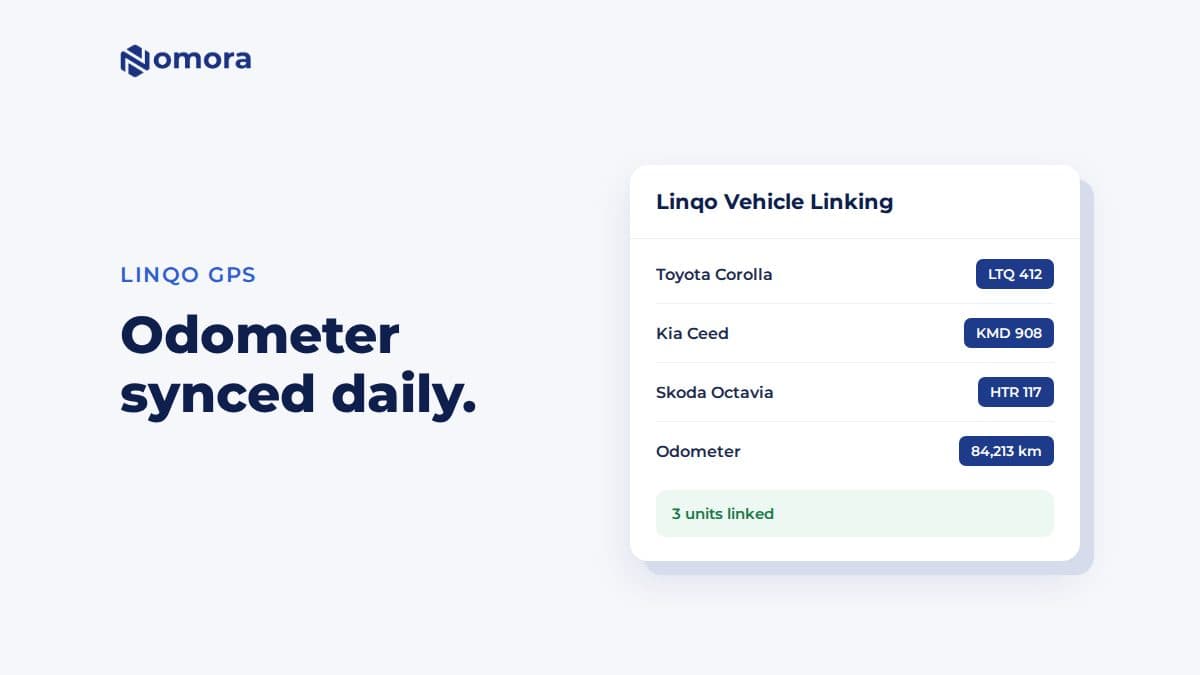
With a Linqo API key, Nomora reads each car's odometer every day, fills check-out and check-in mileage, and shows distance and fuel for every finished rental.
Quick answer: Nomora connects to Linqo with an API key you request from Linqo support. Enter it under Settings → Telematics → Linqo Vehicle Linking, load your units, and choose the unit for each car. Nomora then syncs each car's odometer daily, fills departure and return mileage at check-out and check-in, and shows distance and fuel for each finished rental.
Linqo is a vehicle tracking provider used by fleets in the Baltics. If your cars already carry Linqo units, connecting them to Nomora means nobody reads odometers off dashboards any more.
What Nomora takes from Linqo
The odometer, once a day. Each linked car's mileage updates automatically. Sync Mileage on the vehicle updates it on demand.
Mileage at handover. At check-out and check-in, Fetch from Tracker fills the reading. Nomora then calculates distance driven against the booking's allowance and any excess charge.
Service reminders by distance. Mileage-based maintenance intervals use the synced odometer. Saved service recipients get an email when a car enters its service notice period.
A trip report per rental. After the booking ends, its telemetry card shows the distance driven, and fuel consumed, filled, and left at the start and end when Linqo's trip data includes them. Maximum speed is not available from Linqo.
How to connect Linqo
Request an API key for your account from Linqo support.
Open Settings → Telematics, set the Telemetry Timezone, and find Linqo Vehicle Linking.
Enter the key and click Load Vehicles & Units.
Choose the Linqo unit for each existing car. Use the new-vehicle selection only for cars that are not in Nomora yet.
Save the selections. This stores the key and turns the integration on.
Check the plate on each unit before you save. Linking a unit to the wrong car gives that car someone else's mileage, and importing a car that already exists splits its bookings and service history across two records.
Limits worth knowing
No remote lock or unlock. That is only available through Wialon.
No live map in Nomora. Use Linqo's own portal for live positions.
The trip report appears after the booking ends.
Kilometres or miles. Distances are converted to your organization's unit.
The 42-Point Car Rental Operations Checklist
The exact checks profitable rental operators run every week. Free, straight to your inbox.
Fleet readiness & handover
Bookings & no-show prevention
Pricing & revenue reviews
Contracts & compliance
Payments & invoicing
Maintenance & fleet health
One email with the checklist. No spam, unsubscribe anytime.
First week checklist
Link two or three cars first and click Sync Mileage on each. Compare with Linqo.
Check one car out with Fetch from Tracker and check the reading.
Open a finished booking and look at its trip report.
Book a free 30-minute setup call and send your vehicle list in any format. Your fleet, prices and contract template go live in Nomora within 48 hours, and the connection gets set up on the same call. If you would rather click through it yourself, start a 14-day free trial. No card needed.
Frequently asked questions
Where do I get a Linqo API key?
Request it from Linqo support for your account, then enter it in Settings → Telematics → Linqo Vehicle Linking.
Does Nomora show fuel data from Linqo?
Yes, on the rental's trip report, when Linqo's trip data includes fuel consumed, fuel filled and fuel levels.
Can I unlock cars through Linqo in Nomora?
No. The Linqo integration reads tracking data. Remote lock and unlock work through Wialon only.
Set this up on your own fleet
Book a free 30-minute setup call. Send your vehicle list in any format, and your fleet, bookings and contract template are live in Nomora within 48 hours. Or start a 14-day free trial on your own. No card needed.