Quick answer: Nomora connects to GPS Live with the API key from GPS Live's Settings → API. Enter it under Settings → Telematics, click Load Vehicles & Devices, and match each device to a car. Nomora then syncs each car's odometer daily, fills mileage at check-out and check-in, and shows distance and top speed for each finished rental. The integration only reads data.
On its own, a GPS Live tracker tells you where the car is. Connected to Nomora, it also tells the booking how far the car went.
What Nomora takes from GPS Live
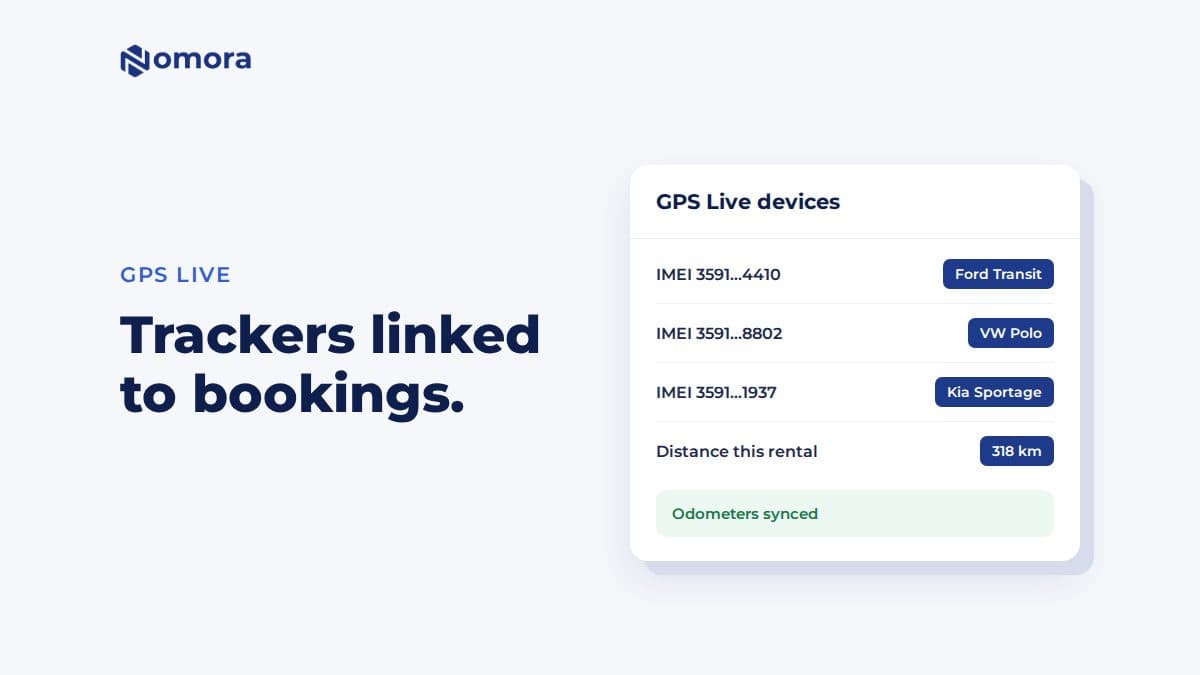
The odometer, every day, from the device list, for devices that report a usable odometer. Devices without one are skipped. Sync Mileage on the vehicle reads it on demand.
Mileage at handover.Fetch from Tracker at check-out and check-in fills the reading, and Nomora calculates distance driven against the allowance and any excess charge.
Service reminders by distance, with an email to your service recipients when a car enters its notice period.
Distance and top speed per rental. After the booking ends, its telemetry card shows distance worked out from the device's history, and the maximum speed. Fuel is not shown. Rental periods longer than 90 days can't be fetched in one report.
How to connect GPS Live
In GPS Live, open Settings → API and copy your API key.
In Nomora, open Settings → Telematics and set the Telemetry Timezone.
On the GPS Live card, enter the key, enable the integration, click Test Connection, and save.
Click Load Vehicles & Devices. Devices are identified by IMEI, and Nomora suggests matches by plate and name.
Check each suggestion, select any new vehicles to import, and save the linking.
Name each device with the car's plate in GPS Live before you connect. The suggestions get much better.
Limits worth knowing
Read-only. No immobiliser, lock or unlock commands through GPS Live. In Nomora, only Wialon sends commands.
No live map in Nomora. Use the GPS Live app.
No fuel on the rental report.
The trip report appears after the booking ends.
Kilometres or miles. Distances follow your organization's unit. Speed stays in km/h.
The exact checks profitable rental operators run every week. Free, straight to your inbox.
Fleet readiness & handover
Bookings & no-show prevention
Pricing & revenue reviews
Contracts & compliance
Payments & invoicing
Maintenance & fleet health
One email with the checklist. No spam, unsubscribe anytime.
Get it set up
Book a free 30-minute setup call and send your vehicle list in any format. Your fleet, prices and contract template go live in Nomora within 48 hours, and the connection gets set up on the same call. If you would rather click through it yourself, start a 14-day free trial. No card needed.
Frequently asked questions
Where is the GPS Live API key?
In GPS Live under Settings → API. Enter it on the GPS Live card in Nomora's Settings → Telematics.
Can Nomora immobilise or unlock a car through GPS Live?
No. The GPS Live integration only reads tracking data. Remote lock and unlock work through Wialon.
Why is a GPS Live device missing a mileage reading?
Nomora skips devices that don't report a usable odometer. Check in GPS Live that the device has an odometer value, then click Sync Mileage on the vehicle.
Set this up on your own fleet
Book a free 30-minute setup call. Send your vehicle list in any format, and your fleet, bookings and contract template are live in Nomora within 48 hours. Or start a 14-day free trial on your own. No card needed.