Quick answer: Nomora connects to FleetComplete with an API key under Settings → Telematics. Load your units, check the suggested matches, and save. Nomora then reads each car's CAN-bus odometer every day, fills mileage at check-out and check-in, and shows trip distance and maximum speed for every finished rental.
Nomora connects to FleetComplete through its EcoFleet API. If you rent out vehicles that already carry FleetComplete units, Nomora can use the same data for bookings and services.
What Nomora takes from FleetComplete
- The CAN-bus odometer, every day. FleetComplete reads the car's own odometer where the unit is connected to the CAN bus. Nomora never lets a FleetComplete reading move the odometer backwards. When CAN data drops out, the unit can fall back to a lower GPS odometer, and that would otherwise reset your service counters.
- Mileage at handover. Fetch from Tracker at check-out and check-in fills the reading. Nomora works out distance driven against the allowance and the excess charge.
- Service reminders by distance. Kilometre or mile intervals use the synced odometer, and service recipients get an email when a car enters its notice period.
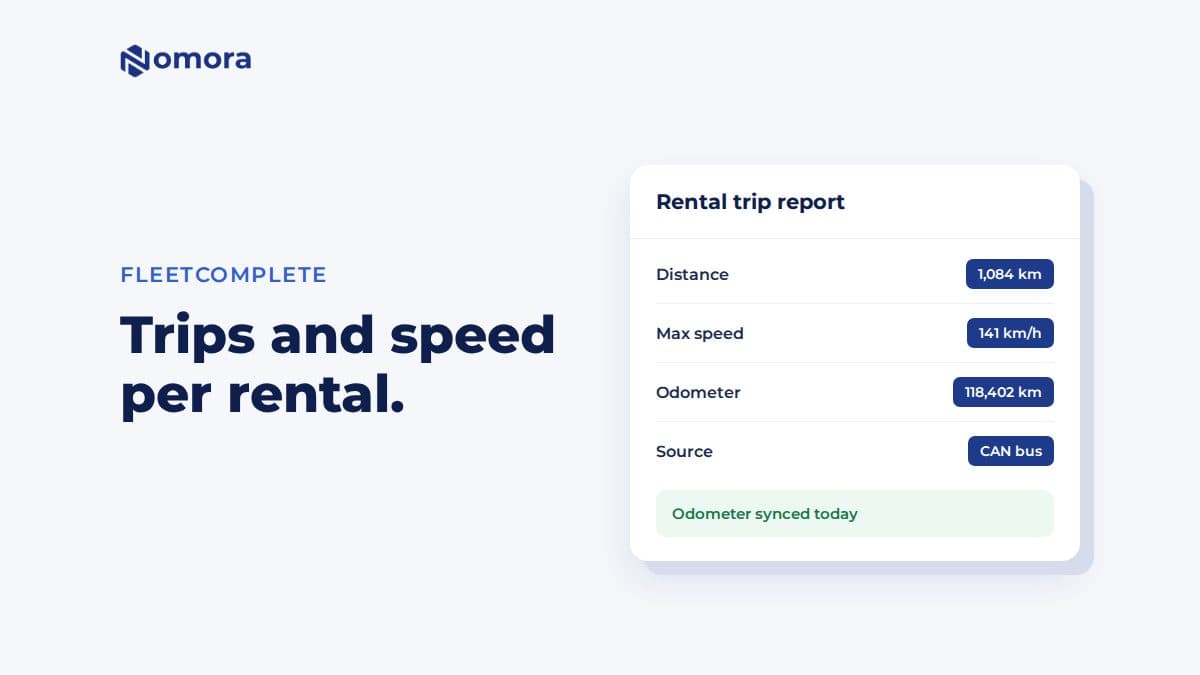
- Trip distance and top speed per rental. After the booking ends, its telemetry card shows the distance driven and the maximum speed in km/h. Speed is handy when a customer insists the car was "never driven fast". Fuel is not shown for FleetComplete.
Rental periods longer than 90 days can't be fetched in one trip report.
How to connect FleetComplete
- Get an API key for your FleetComplete account.
- In Nomora, open Settings → Telematics and set the Telemetry Timezone.
- On the FleetComplete card, enter the key, enable the integration, click Test Connection, and save.
- Click Load Vehicles and Units.
- Review the suggested matches: high for an exact plate, medium for a partial plate or exact name, low for a partial name.
- Select any new vehicles to import, then save the linking.
If FleetComplete also tracks vehicles you do not rent, leave them unselected.
Limits worth knowing
- No remote lock or unlock. Only Wialon supports that in Nomora.
- No live map in Nomora. Use FleetComplete's portal.
- No fuel on the rental report.
- The trip report appears after the booking ends.
- Speed stays in km/h, even if your organization uses miles for distance.
When it pays off
A 20-car fleet with service intervals every 15,000 km is servicing more than one car a month. With the odometer updated every day, the service reminder arrives before the car is overdue, not after a customer has had it for a fortnight.
Other providers: Wialon, Mapon, Linqo, GPS Live.
Get it set up
Book a free 30-minute setup call and send your vehicle list in any format. Your fleet, prices and contract template go live in Nomora within 48 hours, and the connection gets set up on the same call. If you would rather click through it yourself, start a 14-day free trial. No card needed.
Frequently asked questions
Does Nomora use FleetComplete's CAN-bus odometer?
Yes. Nomora reads the latest odometer FleetComplete reports and never lets a FleetComplete reading move a car's odometer backwards.
What does the rental trip report show for FleetComplete?
Distance driven and maximum speed for the rental period, after the booking has ended. Fuel is not shown.
Can I unlock cars through FleetComplete in Nomora?
No. Remote lock and unlock work through Wialon only.
Set this up on your own fleet
Book a free 30-minute setup call. Send your vehicle list in any format, and your fleet, bookings and contract template are live in Nomora within 48 hours. Or start a 14-day free trial on your own. No card needed.