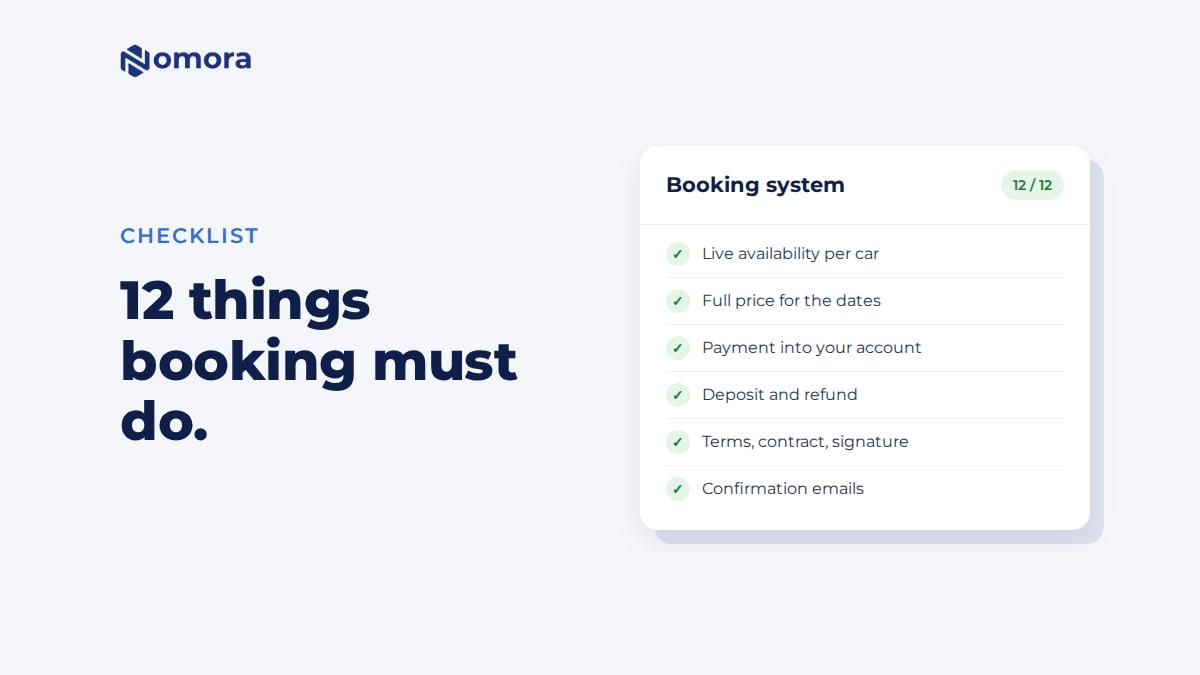
Quick answer: To add online booking to a car rental website, connect a rental booking system to the site instead of building one. The renter picks dates, sees which cars are free and the full price, pays or leaves a deposit, and gets a confirmation email. The booking lands in your calendar. With Nomora you either link a "Book now" button to your booking page, add four booking blocks to the pages you already have, or install the WordPress plugin. Your fleet, prices and payments live in Nomora, so nobody has to code them.
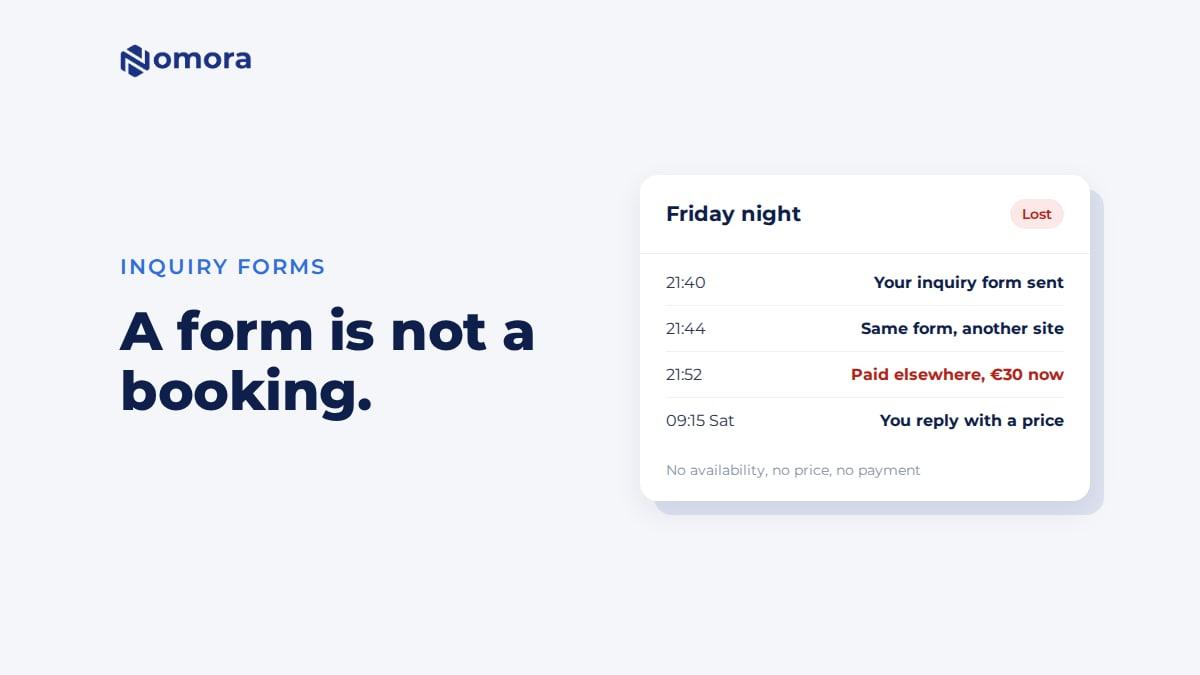
Many rental companies decide they need online booking and call the person who built their website. A few weeks later the site has a new page called "Book online". It asks for dates, a car and a phone number, then emails the office. That is an inquiry form, and renters can tell the difference.
This guide explains what online booking has to do for a car rental business, the three ways to get it, and how to add it to your current site without starting over.
What "online booking" means to a renter
A renter on your site at 10pm wants five things before they close the tab:
- Is a car free for my dates? Not "we will check and get back to you".
- What will it cost in total? Daily rate, extras, insurance, fees and the deposit.
- Can I secure it now? Pay online, pay part of it, or at least hold the car.
- Did it work? A confirmation email with the booking details, straight away.
- What happens next? Pickup time, place, what to bring.
A booking system answers all five without you awake. An inquiry form answers none of them. The renter waits for you, and many book with a company that showed a price. There is more on this in why an inquiry form loses bookings.
For you, online booking also has to do the work behind the page: put the booking in your calendar, stop anyone else booking the same car, record the payment against the booking, and tell you a new booking came in.
Three ways to get online booking on your site
| Inquiry form | Custom-built booking | Rental booking system connected to your site |
|---|
| Renter sees free cars | No | Yes, if built | Yes |
| Renter sees full price | No | Yes, if built | Yes, from your price list |
| Pays online | No | Yes, if built | Yes, into your own Stripe account, or by bank link through Montonio |
| Booking lands in your calendar | No, you type it in | Only if it is also your booking system | Yes |
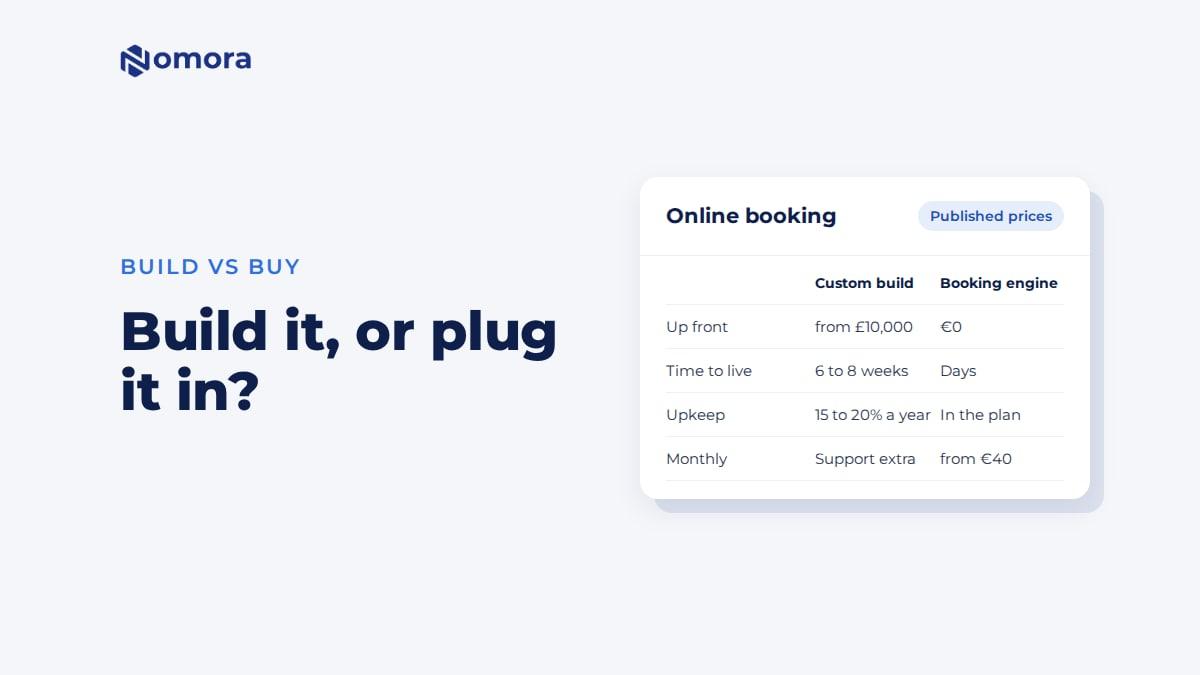
| Typical cost | Part of the website fee | Thousands to tens of thousands up front, plus upkeep | Monthly subscription |
| Time to live | Days | Weeks to months | Days |
The middle column is where many operators end up by accident. A web agency can build a real booking engine, but a good one needs availability per car, seasonal pricing, deposits, refunds and emails. That is a software product, and it needs maintenance for as long as you use it. Our cost breakdown of a custom booking system has published agency prices and timelines.
The third column keeps your website and your web designer. The booking part comes from software built for rentals.
How to add online booking with Nomora
1. Load your fleet and prices
Add your vehicles and group them into classes. Set prices per class: a daily rate, cheaper rates for longer rentals, seasons, and extras such as child seats or a second driver. If your fleet is in a spreadsheet, send it over on the setup call and it gets imported for you.
2. Connect payments
Connect Stripe for card payments into your own Stripe account, or Montonio for bank payments in euros. Then decide per vehicle class how much the renter pays when booking: the full amount, a percentage, or a fixed advance. You can make bookings close to pickup pay in full, and set when the balance is due.
3. Decide what a booking from the website does
Under Guest Book payment mode you pick one of three:
- Online payment required. The booking is confirmed once the renter pays.
- Online or cash payment. The renter can also choose to pay at pickup.
- Inquiry only (no payment). Every booking comes in as a request. It holds the car, and you accept it with a payment link, confirm it without payment, or decline.
Booking rules cover the rest: minimum notice before pickup, opening hours and closed dates. Each rule either blocks the booking or turns it into a request for you to approve. So a Sunday pickup outside opening hours can still come in, as a question, and the car stays held while you decide.
4. Put it on your website
Pick the way that suits your site:
- A "Book now" button that links to your booking page at book.nomora.io/your-company. It works on any website, and takes five minutes. Your own booking domain is available as an extra.
- Booking blocks on your own pages. One script and four blocks: search, vehicle list, vehicle page and checkout. They use your site's font, and you set the accent colour.
- The WordPress plugin, which adds the same four blocks to the block editor. See the WordPress car rental booking plugin.
The booking widget guide shows the code and how it works on WordPress, Wix, Squarespace and hand-coded sites.
5. Make a test booking
Book a car yourself, pay a small amount, and check the booking in your calendar, the confirmation email, and the payment on the booking. Then refund it.
What the renter goes through
- Picks pickup and return dates, times and location.
- Sees your cars. The ones already booked for those dates are marked as unavailable, and each free car shows the total price for the dates.
- Opens a car and continues to checkout.
- Enters their details. You choose which fields are required, including driving licence details.
- Adds extras and insurance, and a promo code if you gave one out.
- Reviews the price, ticks to accept your rental terms, and pays.
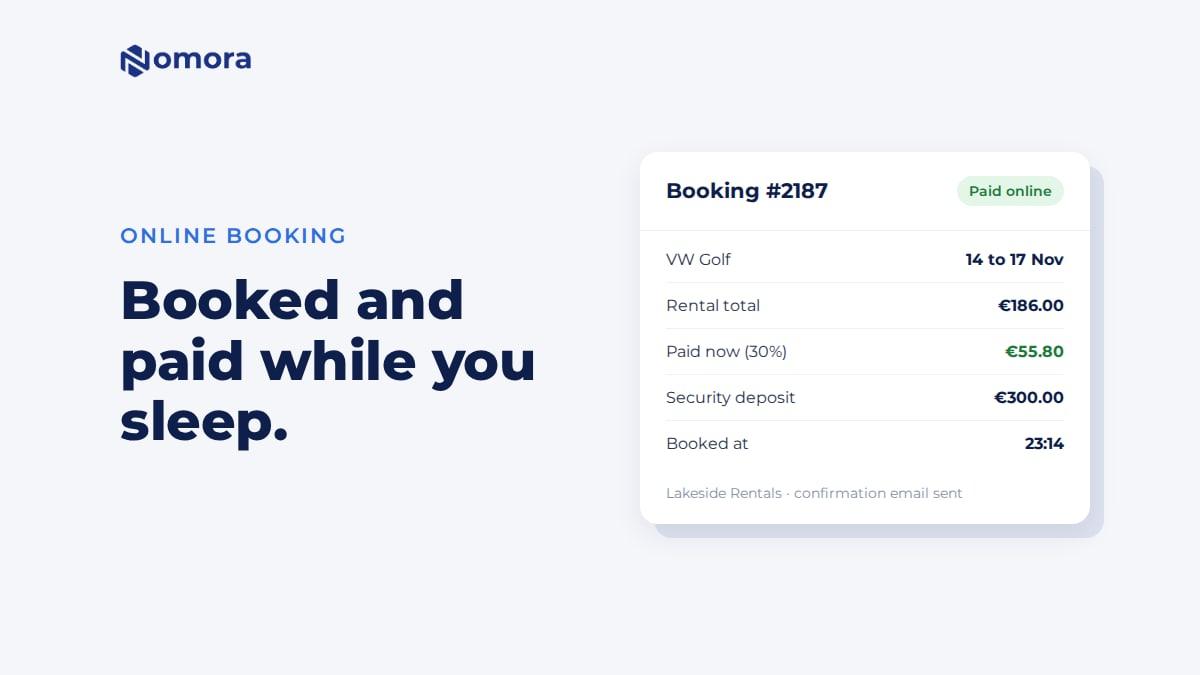
- Lands on a confirmation page and gets a confirmation email with the price, the amount paid, the deposit and your terms as a PDF.
Availability is checked again at the moment the renter submits. If someone else booked the car a minute earlier, the second renter is told it is no longer available.
What happens on your side
- The booking appears in your calendar with the payment already recorded.
- You get an email about the new booking.
- If the renter paid part of the rental, their confirmation email includes a link to pay the balance.
- The security deposit, if you take it online, is charged with the first payment. After return, a card deposit paid through Stripe goes back to the card from the booking. A deposit paid by Montonio bank payment you send back yourself and record on the booking.
- The rental contract is made from your template with Generate contract on the booking, and you can send it for signing online.
- Pickup and return reminders go out by email or SMS once you turn on message rules for them.
Things to know before you start
- Deposits from the website are a payment, not a hold. The renter sees the deposit leave and come back. Card holds exist in Nomora, but staff place them on a saved card. They are not part of the website checkout.
- The contract is one click, not automatic. At booking the renter accepts your terms. The full contract is generated from the booking when you are ready.
- Licence photos can't be uploaded through the booking blocks yet. If you require them, the renter finishes on your Nomora booking page instead.
- No built-in ad tracking. Nomora does not send conversions to Google Ads or Analytics for you. After payment the renter returns to your own page with the booking reference in the address, so your web developer can fire a conversion from there.
Before you call your web agency
If an agency is quoting you for "online booking", take two pages with you: what a car rental booking system needs and questions to ask your web developer before they build it. A good agency will be happy to design the site and embed a booking system that already does the rental part.
Get it set up
Book a free 30-minute setup call and send your vehicle list in any format. Your fleet, prices and booking page go live in Nomora within 48 hours, and the booking link or the booking blocks go onto your website on the same call. If you would rather click through it yourself, start a 14-day free trial. No card needed.
Frequently asked questions
Do I need a new website to take online bookings?
No. Link a Book now button to your Nomora booking page, or add the booking blocks to the pages you already have. Your fleet, prices and payments are managed in Nomora, so the website itself doesn't change much.
Can renters see which cars are free?
Yes. Once the renter enters dates, cars already booked or blocked out for those dates are marked as unavailable, and free cars show the total price. The booking blocks can hide unavailable cars instead.
Can I approve bookings before they are confirmed?
Yes. Set the Guest Book payment mode to Inquiry only, or set booking rules to Request. The booking comes in as a request that holds the car, and you accept it with a payment link, confirm it without payment, or decline it.
Where does the money go?
Card payments go to your own Stripe account. Bank payments in euros can go through Montonio. Nomora charges a 1% processing fee on payments collected through it, and none on the deposit.
Is online booking included in every Nomora plan?
Yes. The booking page, the booking blocks and the WordPress plugin are on every plan. Your own booking domain and SMS are optional paid extras.
Set this up on your own fleet
Book a free 30-minute setup call. Send your vehicle list in any format, and your fleet, bookings and contract template are live in Nomora within 48 hours. Or start a 14-day free trial on your own. No card needed.