Montonio for Car Rental: Bank Payments and Payouts in Nomora
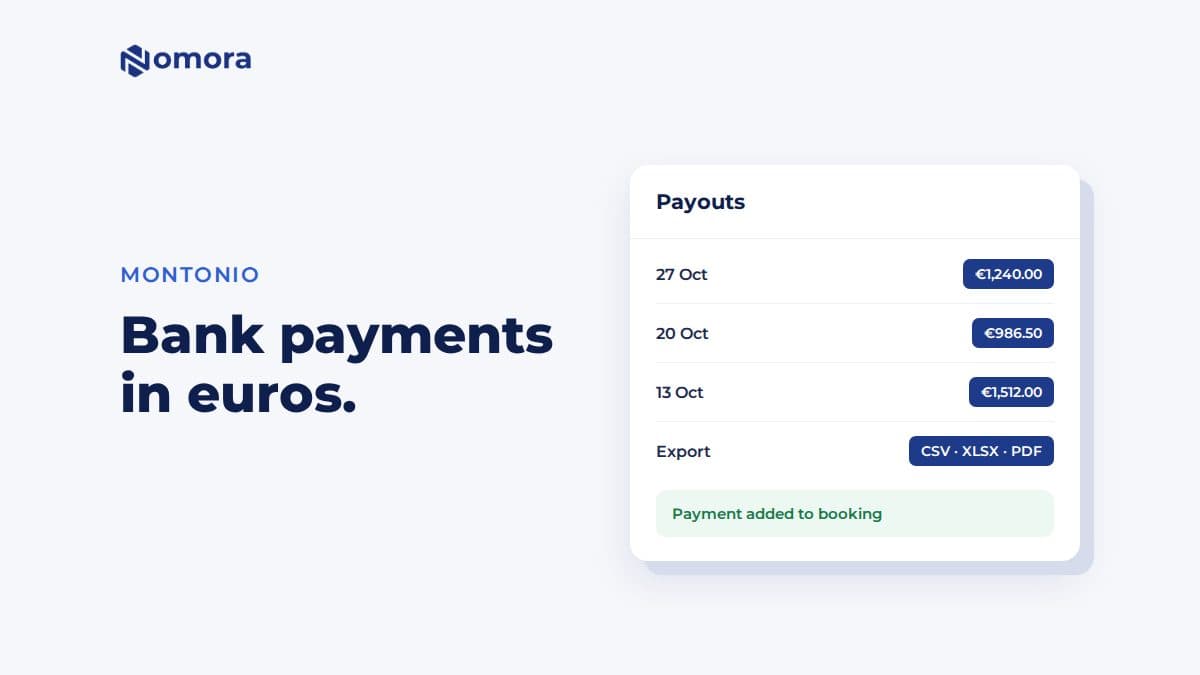
Montonio lets Baltic customers pay for a rental through their own bank. Nomora adds each payment to the booking and lists your Montonio payouts in Finances.
Quick answer: Nomora connects to Montonio under Settings → Payments with your Montonio access key and secret key. After a connection test, customers pay for their booking in euros through Montonio: by bank payment, or by any other method you have turned on in Montonio. Each payment is added to the booking automatically, and a Payouts tab in Finances lists your Montonio settlements, with CSV, Excel or PDF export.
In Lithuania, Latvia and Estonia, plenty of customers would rather pay from their bank app than type in a card number. Montonio handles that, and it is the payment provider many Baltic shops already use.
What the integration does
Online payment in euros. The customer opens their booking link, Guest Book or the booking widget on your site, and is sent to Montonio to pay. They come back to the confirmation.
Bank payments and payment links. Montonio's payment page offers every method your Montonio store has turned on, including card if you enabled it.
Payments land on the booking. A successful payment adds a transaction to the booking. Nobody matches bank statements by hand.
Balance reminders. If the customer paid part of the rental, Send reminder emails a link to pay the rest.
Payouts in Finances. The Payouts tab reads your settlements from Montonio and exports them as CSV, XLSX or PDF for your accountant. A payout's timing and fees can differ from the rental payments in Income.
How to connect Montonio
In your Montonio account, copy the access key and secret key.
In Nomora, open Settings → Payments, enter both keys, and choose the environment.
Click Test connection, then save.
Send yourself a customer link for a small booking and pay it.
Things to know
Euros only. Montonio is available to organizations that charge in EUR. Other currencies use Stripe.
Refunds are recorded by hand. Montonio refund notifications appear under the matching transaction with their status, but they do not add a refund to the booking. After Montonio confirms the money went back, record a Refund, or use Return for a deposit.
No recurring card billing. Automatic monthly card payments for open-ended rentals run through Stripe only.
Sandbox for testing. The environment option is Sandbox (Testing) or Production (Live). Use sandbox with Montonio's sandbox keys to try the payment flow, then switch to production with your live keys before taking real bookings. Test bookings still land in Nomora, so cancel them afterwards.
If you also take card payments from foreign tourists, compare with Stripe for car rental.
The 42-Point Car Rental Operations Checklist
The exact checks profitable rental operators run every week. Free, straight to your inbox.
Fleet readiness & handover
Bookings & no-show prevention
Pricing & revenue reviews
Contracts & compliance
Payments & invoicing
Maintenance & fleet health
One email with the checklist. No spam, unsubscribe anytime.
Get it set up
Book a free 30-minute setup call and send your vehicle list in any format. Your fleet, prices and contract template go live in Nomora within 48 hours, and the connection gets set up on the same call. If you would rather click through it yourself, start a 14-day free trial. No card needed.
Frequently asked questions
Can customers pay for a car rental by bank link with Nomora?
Yes, through Montonio. Customers pay in euros on Montonio's payment page, using bank payment or any other method your Montonio store has turned on.
Does Montonio work in currencies other than euros?
No. Nomora offers Montonio to organizations that charge in EUR. Other currencies use Stripe.
Are Montonio refunds recorded in Nomora automatically?
No. The refund notification appears under the payment with its status. Once the money is returned, record a Refund on the booking, or use Return for a deposit.
Set this up on your own fleet
Book a free 30-minute setup call. Send your vehicle list in any format, and your fleet, bookings and contract template are live in Nomora within 48 hours. Or start a 14-day free trial on your own. No card needed.