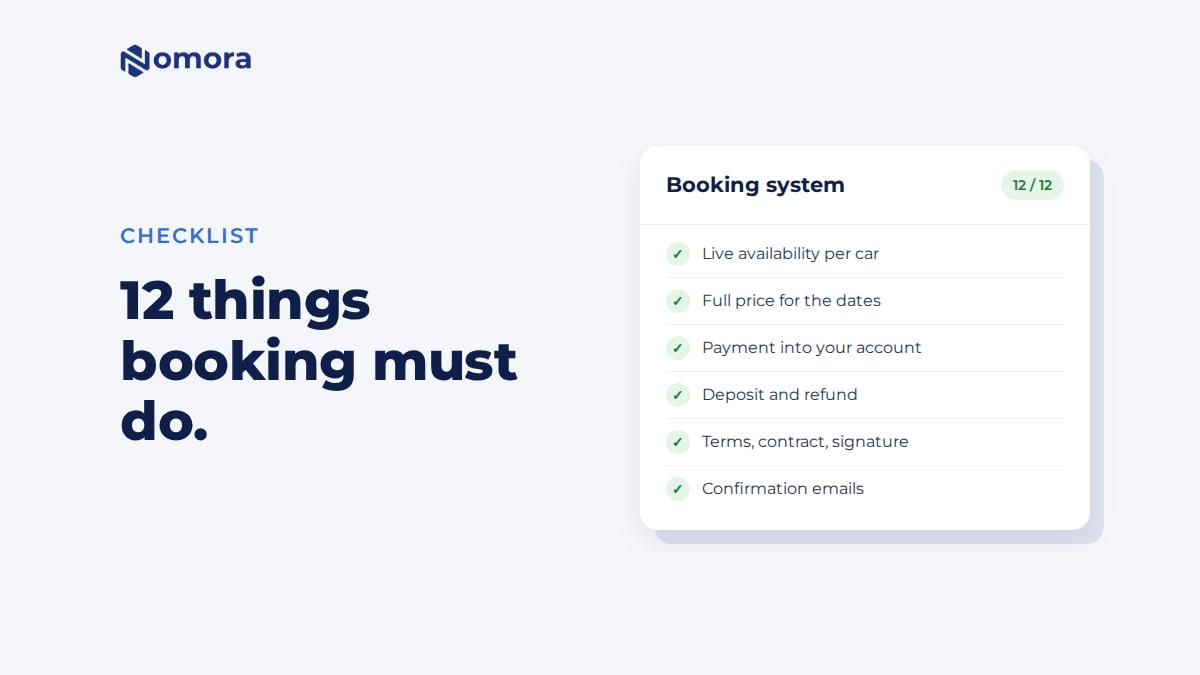
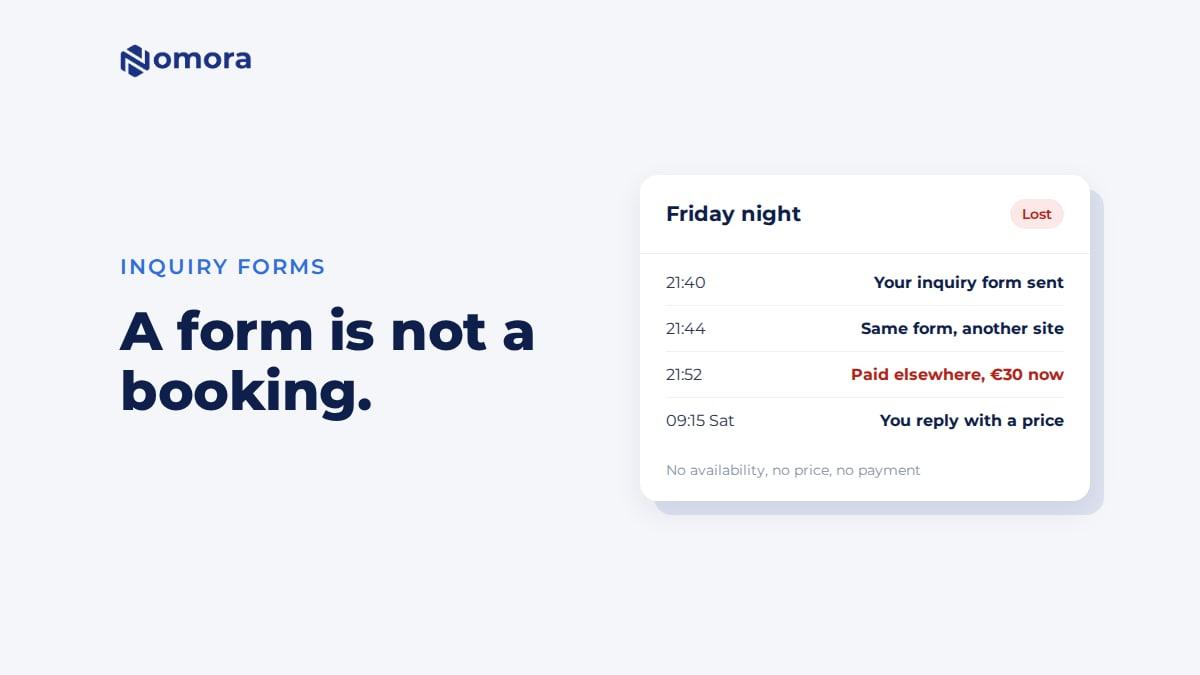
Quick answer: A car rental booking system needs to show live availability per vehicle, calculate the full price for the dates (season, duration, extras, insurance, fees and VAT), take payment or an advance into your own account, handle the security deposit and its refund, get the renter to accept your terms and sign a contract, send confirmation emails, put the booking in your calendar, and check availability again at the moment of payment. Anything less is a form.
Use this list to judge any booking system, including one a web agency offers to build. Each item says what it is for, what to check, and how Nomora does it. Where Nomora does something only partly, it says so.
The checklist at a glance
| # | It must | Ask this |
|---|
| 1 | Show availability per vehicle | Are booked and blocked cars kept out of the dates? |
| 2 | Calculate the full price | Seasons, longer-rental rates, extras, insurance, fees, VAT? |
| 3 | Apply your booking rules | Minimum notice, opening hours, closed dates? |
| 4 | Take payment | Into whose account? Full amount or an advance? |
| 5 | Handle the deposit | How is it taken and how does it come back? |
| 6 | Collect renter details | Licence details, phone, address? Which are required? |
| 7 | Get terms accepted, then a contract | Is acceptance recorded? Can the contract be signed online? |
| 8 | Confirm by email | What does the renter get? What do you get? |
| 9 | Stop double bookings | Is availability checked again at payment? |
| 10 | Put the booking in your calendar | Or does someone type it in? |
| 11 | Let the renter finish later | Can they pay the balance from a link? |
| 12 | Speak the renter's language | Which languages, for pages and emails? |
1. Availability per vehicle
The renter should only be able to book a car that is free for the whole rental, counting other bookings, service days and anything staff blocked out.
In Nomora: once the renter enters dates, cars that are booked or blocked out are marked as unavailable for those dates, and the renter can see when they are free. The website booking blocks can hide them instead.
2. The full price for the dates
A daily rate times days is rarely the real price. The system should apply cheaper rates for longer rentals, seasons, extras, insurance, location fees, VAT and promo codes, and show the total before payment.
In Nomora: prices per class with duration rates and seasons. Checkout adds extras, insurance, delivery or location fees, required fees, VAT and up to two promo codes, and shows the deposit and the amount due now.
3. Your booking rules
You don't hand cars over at 3am on Christmas Day. The booking page should know that.
In Nomora: minimum notice before pickup, opening hours for pickups and returns, and closed dates. Each rule either blocks the booking or turns it into a request for you to approve. Minimum rental length is set per class.
4. Payment
The renter should pay online as part of booking, and the money should go to your account, not the developer's or a platform's.
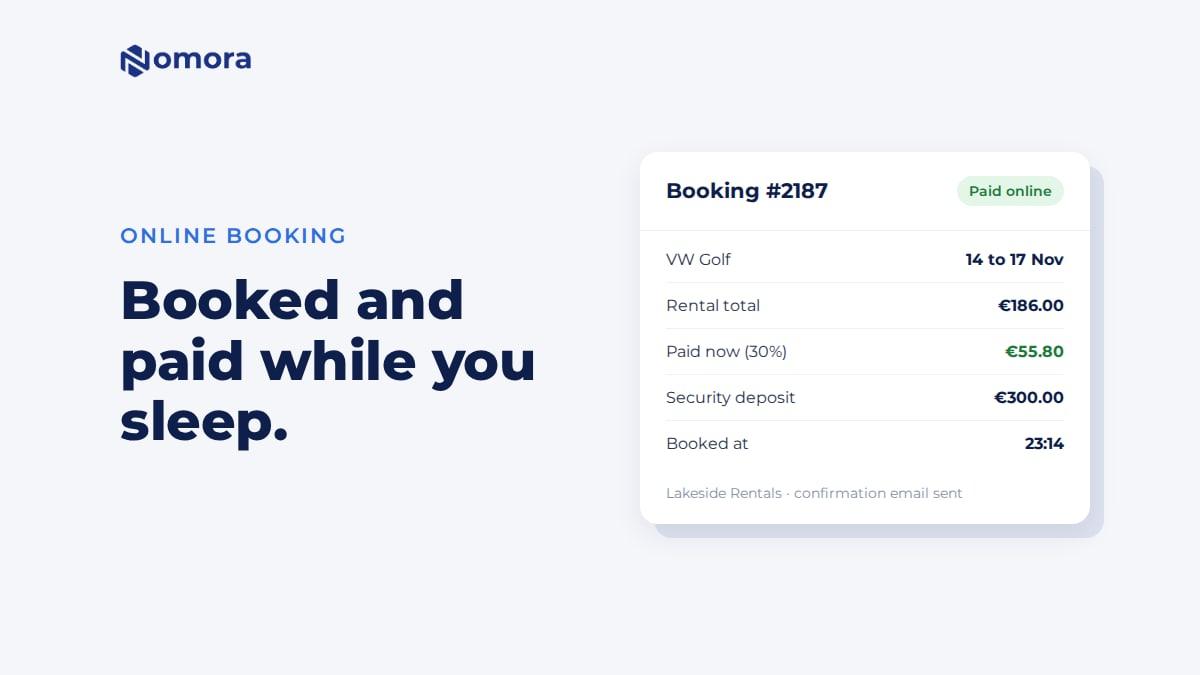
In Nomora: card payments through your own Stripe account, or bank payments in euros through Montonio. Per class you take the full amount, a percentage or a fixed advance. Bookings made close to pickup can pay in full, and you set when the balance is due. Nomora charges 1% on payments collected through it.
5. The security deposit
The renter needs to know the amount, how it is taken, and when it comes back. You need a way to return it without logging into three systems.
In Nomora: with Collect security deposit upfront on, the deposit is charged with the first online payment and shown as its own line. After return, and after keeping any agreed charges, a deposit paid by card through Stripe goes back with Return and Refund to card. A deposit paid by Montonio bank payment, cash or transfer you pay back yourself, then record it with Return and Record return. Card holds that block the money without charging it are also possible, but staff place them on a card the renter saved through their customer link. They are not part of the website checkout. More in the deposit and no-shows guide.
6. Renter details
Name, email and phone at the very least. Most operators also want licence number, date of birth and address.
In Nomora: you choose which fields show and which are required. Licence photo upload is available on the booking page but not yet in the website booking blocks. If you require photos, renters from the blocks finish on the booking page.
7. Terms and the contract
The renter should accept your rental terms before paying, and you should be able to show later what they accepted. Then a contract per booking, ideally signed without paper.
In Nomora: the renter ticks to accept the terms set for the car class, the accepted version is kept, and the terms go out as a PDF with the confirmation email. The rental contract is generated from your template with Generate contract on the booking, and Request signature sends it to the renter to sign on their phone. Both are a click by staff, not automatic. See digital rental agreements and e-signing.
8. Confirmation emails
The renter should get a confirmation at once, and you should hear about the booking without checking a dashboard.
In Nomora: the renter gets a confirmation email with the price lines, the amount paid, the deposit and the terms PDF. A request gets a "request received" email instead. You get a new-booking email. Pickup and return reminders by email or SMS are rules you turn on. SMS is a paid extra.
9. No double bookings
Two renters on the site at the same time can pick the same car. The system has to check again when they pay, not only when the page loaded.
In Nomora: availability is checked again when the renter submits. If the car went in the meantime, they are told it is no longer available and nothing is charged. Prices are checked again too, so a renter can't pay an outdated price.
10. The booking lands in your calendar
If someone types website bookings into a spreadsheet, you have built half a booking system.
In Nomora: website bookings go straight into the same calendar as phone and walk-in bookings, with the payment recorded.
11. Finishing later
Renters who paid an advance need a way to pay the rest. Some need to send documents or sign.
In Nomora: if a balance is due, the confirmation email includes the renter's booking link to pay it. Staff can send the same link to collect details, a signature or a card.
12. Languages
In Nomora: the booking page and blocks are in English, Lithuanian and Polish. Booking emails go out in English or Lithuanian.
What this list leaves out
Running the rental itself: pickup and return inspections, damage, fines, maintenance and invoices. A booking system that stops at the booking leaves those to paper. Nomora covers them, but they are outside this checklist.
Next: how to add online booking to your car rental website, or, if an agency is quoting, questions to ask your web developer.
Get it set up
Book a free 30-minute setup call and send your vehicle list in any format. Your fleet, prices and booking page go live in Nomora within 48 hours, and the booking link or the booking blocks go onto your website on the same call. If you would rather click through it yourself, start a 14-day free trial. No card needed.
Frequently asked questions
What features should a car rental booking system have?
Live availability per vehicle, a full price calculation, booking rules, online payment into your account, deposit handling and refunds, renter details, terms acceptance and a contract, confirmation emails, a re-check against double bookings, and bookings that land in your calendar.
Does Nomora hold the deposit on the card or charge it?
Online bookings from your website charge the deposit with the first payment. After return, a deposit paid by card through Stripe is refunded to the card from the booking; one paid by bank payment you return yourself and record. Card holds are possible as a staff action on a card the renter saved through their booking link.
Is the rental contract created automatically?
The renter accepts your terms at booking and gets them as a PDF. The full contract is generated from your template with one click on the booking, and you can send it for online signing.
Which emails does the renter get?
A booking confirmation with the price, amount paid, deposit and terms, or a request-received email for requests. Reminders before pickup and return are rules you switch on.
Set this up on your own fleet
Book a free 30-minute setup call. Send your vehicle list in any format, and your fleet, bookings and contract template are live in Nomora within 48 hours. Or start a 14-day free trial on your own. No card needed.