Car Rental Booking Widget: Add Booking to WordPress, Wix, Squarespace or a Custom Site
You don't need a new website to take bookings. Three ways to add car rental booking to the site you have, with the code, what each looks like and where each one stops.
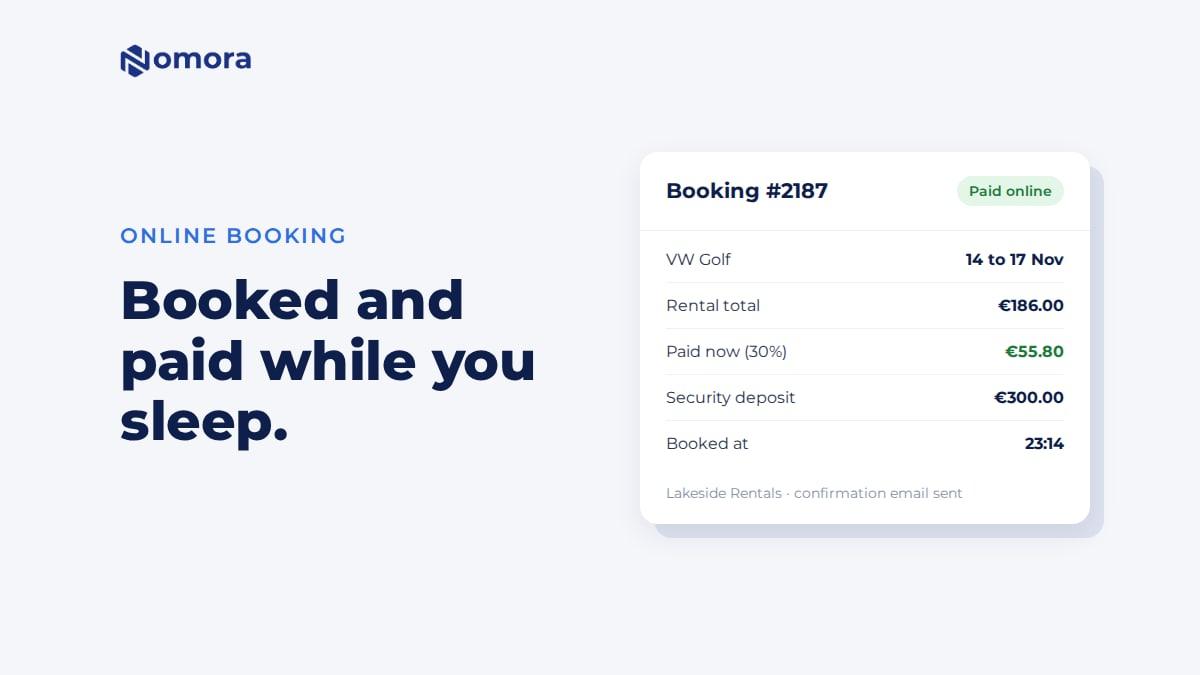
Quick answer: There are three ways to add Nomora booking to an existing website. Link a "Book now" button to your booking page, which works on any site. Add one script and four booking blocks (search, vehicle list, vehicle page and checkout) to any site that accepts custom HTML and scripts. Or install the WordPress plugin, which adds the same blocks to the editor. Availability, prices and payments come live from Nomora in every case, and every booking lands in your calendar.
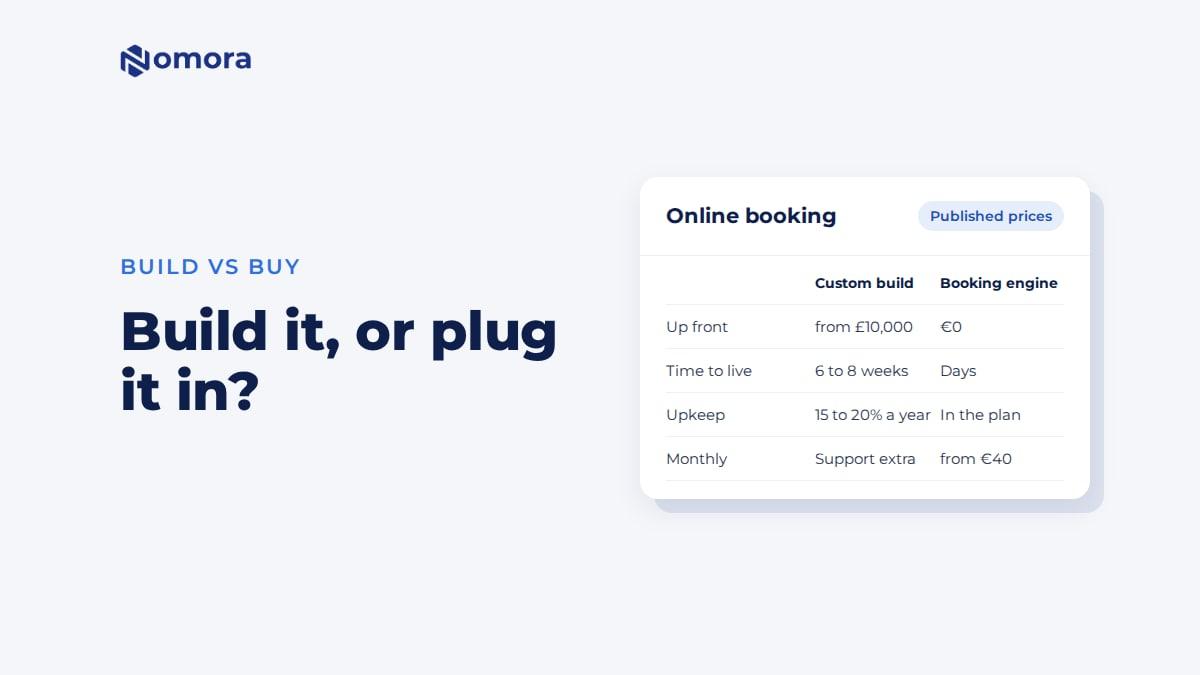
The site you have probably took time and money to get right. It ranks for your town's name, it has your photos, and your web designer knows it. Adding booking shouldn't mean starting over.
Option 1: a "Book now" button to your booking page
Every Nomora account has a booking page at book.nomora.io/your-company. It lists your cars with live availability and prices, and runs the whole checkout. You can also use your own booking domain, such as book.yourcompany.com, as a paid extra.
Add a button or menu link that points to it. Every website builder can do this in a few minutes.
Good for: any site, a quick start, or a site you can't edit much.
The catch: the renter leaves your site for the booking. The page carries your logo and accent colour, but it is a separate page.
You can also link each car on your site straight to that car on your booking page, so "Book this car" goes one step further.
Option 2: booking blocks on your own pages
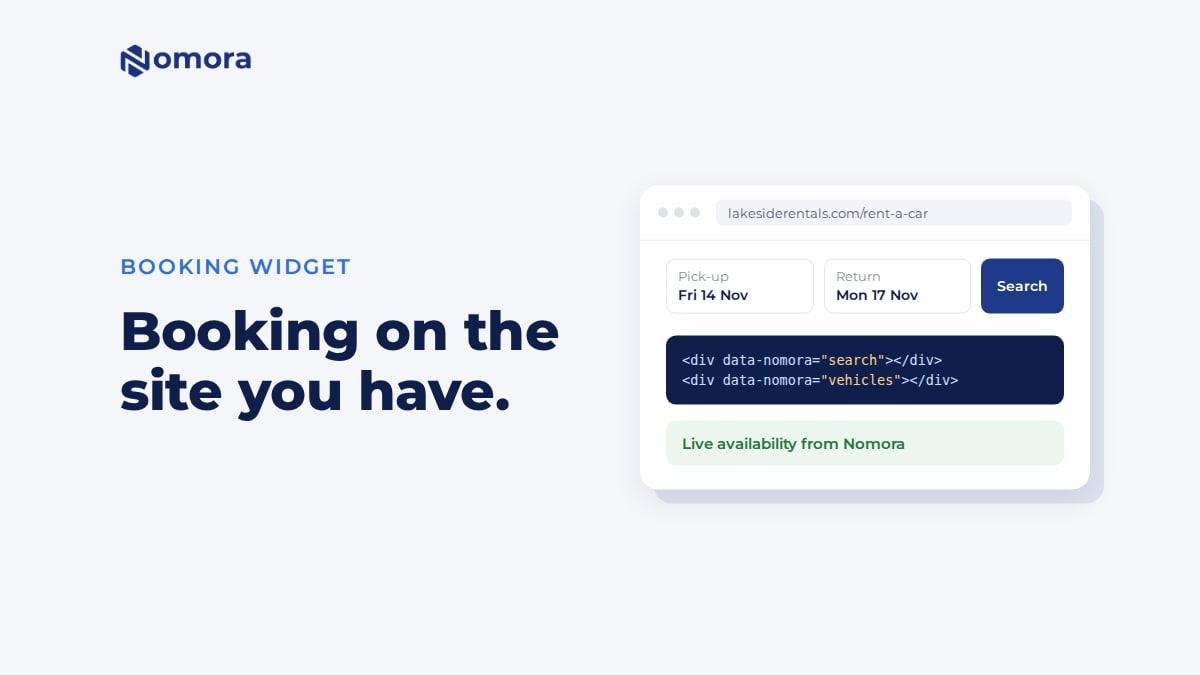
The booking blocks put the booking inside your own pages. Add the script once, then place a block wherever you want it:
The vehicle page gets <div data-nomora="vehicle"></div> and the checkout page <div data-nomora="checkout"></div>. Leave out the page addresses to keep everything on one page.
What the blocks do:
Search: dates, times and pickup location.
Vehicles: your fleet with availability and prices for the dates, with filters. It can show one class only, or hide cars that are booked.
Vehicle: one car with details, included mileage and a booking box.
Checkout: renter details, extras, insurance, promo codes, deposit and payment.
The blocks use your site's font. Set the accent colour and corner radius with two CSS variables:
Card and bank payments open Stripe's or Montonio's payment page, then bring the renter back to your checkout page for the confirmation. Cash bookings and requests confirm without leaving your page. The setup guide in Nomora's docs has every option.
Option 3: the WordPress plugin
On WordPress, the Nomora Booking plugin adds the four blocks to the block editor and as shortcodes. You enter your operator slug, create three pages and pick them in the plugin settings. It also works on multilingual sites with Polylang or WPML. Step by step: WordPress car rental booking plugin.
Which option for which website
Your site
Best option
Notes
WordPress
Plugin
Blocks or shortcodes, works with caching plugins
Wix, Squarespace, Webflow
Book now button. The blocks, if your plan lets you add your own code to a page
Make a test booking before you announce it
Hand-coded or agency-built
The blocks
About an hour of your developer's time
Facebook page, Google Business profile, Instagram
Your booking page link
Also good in email signatures
The rule for the blocks: if your builder lets you add your own script and HTML to the page, they work. If it doesn't, or you aren't sure, start with the button and move to the blocks later. Nothing changes in Nomora when you switch.
The 42-Point Car Rental Operations Checklist
The exact checks profitable rental operators run every week. Free, straight to your inbox.
Fleet readiness & handover
Bookings & no-show prevention
Pricing & revenue reviews
Contracts & compliance
Payments & invoicing
Maintenance & fleet health
One email with the checklist. No spam, unsubscribe anytime.
What the blocks don't do yet
Licence photos. Renters can't upload them through the blocks. If you require photos, checkout sends them to finish on your booking page. If photos are optional, they bring the licence to pickup.
Different return location. The return location is the pickup location.
Ad tracking. Nothing reports conversions to Google Ads or Analytics for you. The renter returns to your page with the booking reference in the address, which your developer can use to record a conversion.
Hosted page or blocks?
Start with the hosted booking page. It takes minutes, and you see real bookings come in this week. Move to the blocks when you want the booking inside your design, or when your web designer has an hour. For the full setup, from prices to payments, read how to add online booking to your car rental website.
Get it set up
Book a free 30-minute setup call and send your vehicle list in any format. Your fleet, prices and booking page go live in Nomora within 48 hours, and the booking link or the booking blocks go onto your website on the same call. If you would rather click through it yourself, start a 14-day free trial. No card needed.
Frequently asked questions
Can I add car rental booking to my existing website?
Yes. Link a Book now button to your Nomora booking page, add the booking blocks with one script, or install the WordPress plugin. You keep your site and your designer.
Does the booking widget work on Wix and Squarespace?
The booking blocks work on any builder that lets you add your own script and HTML to the page. Where that isn't possible, a Book now button to your booking page always works.
Is the widget an iframe?
No. The blocks are added with one script and empty placeholder elements, use your site's font, and take your accent colour from a CSS variable.
Do bookings from the widget go into my calendar?
Yes. Every booking made through the booking page, the blocks or the WordPress plugin lands in your Nomora calendar with the payment recorded.
Set this up on your own fleet
Book a free 30-minute setup call. Send your vehicle list in any format, and your fleet, bookings and contract template are live in Nomora within 48 hours. Or start a 14-day free trial on your own. No card needed.