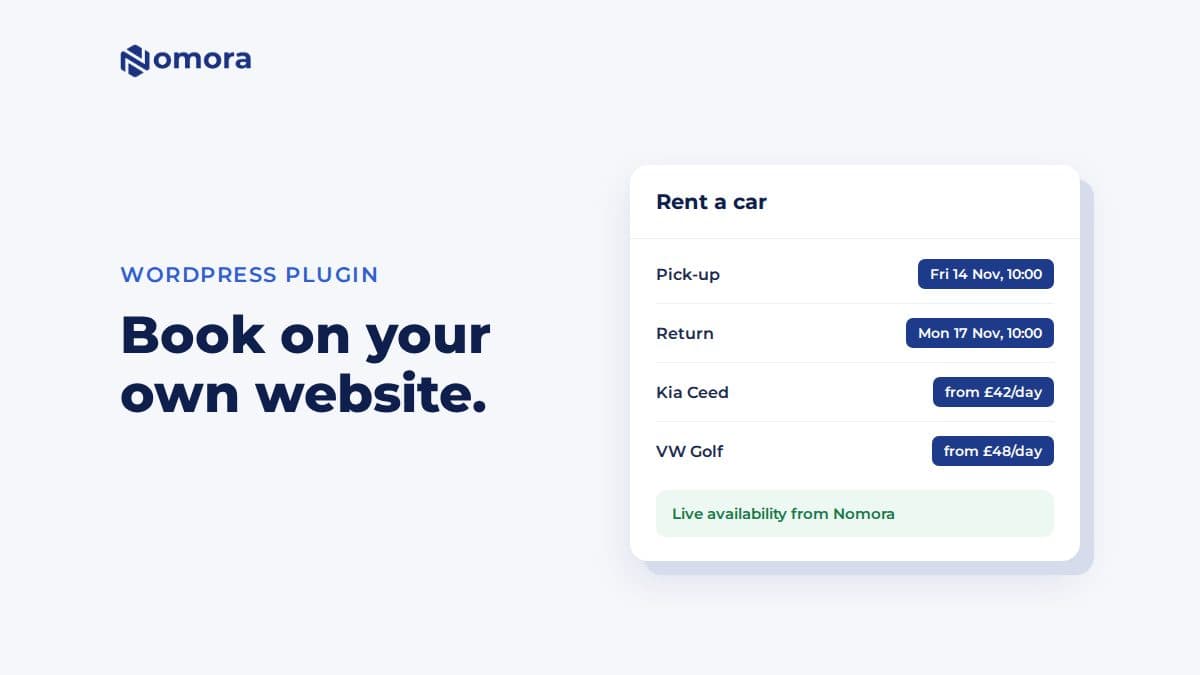
Quick answer: The Nomora Booking plugin adds four blocks to WordPress: Nomora Search, Nomora Vehicles, Nomora Vehicle and Nomora Checkout. Install the plugin zip, enter your operator slug under Settings → Nomora Booking, and add the blocks to your pages. Customers see live availability and prices, pick extras and insurance, and pay through Stripe or Montonio. Every booking lands in Nomora. For sites not on WordPress, one script tag does the same.
Most small rental websites end in a contact form or a phone number. The customer has to wait for an answer, and by the time it arrives they have booked somewhere that showed a price. A booking flow on your own site, in your own design, fixes that without sending people to a third-party page.
What the plugin adds
- Nomora Search. Pick-up and return dates, times and location.
- Nomora Vehicles. Your fleet with live availability and "from" prices for the chosen dates, with class and transmission filters.
- Nomora Vehicle. One car with its details, included mileage, availability and a booking box.
- Nomora Checkout. Renter details, extras, insurance, promo codes and payment. The confirmation shows on the same page.
Everything follows your Nomora settings: seasonal prices, advance payments, deposits, VAT, required renter fields, opening hours and booking rules. Dates that need your approval become booking requests without payment.
How to install it
- Get the plugin zip from Nomora and install it under Plugins → Add New → Upload Plugin. Activate it.
- Open Settings → Nomora Booking and enter your operator slug. It is the last part of your Guest Book link.
- Create three pages. "Rent a car" with the Search and Vehicles blocks, "Vehicle" with the Vehicle block, "Book" with the Checkout block.
- Pick those pages under Booking pages in the plugin settings, and save.
You can also put everything on one page and leave the page settings empty. The blocks then update in place.
Each block is also a shortcode, for builders without the block editor: [nomora_search], [nomora_vehicles], [nomora_vehicle] and [nomora_checkout].
Fitting it into your site
- Your design. The blocks use your theme's font. Change the accent colour and corner radius with two CSS variables under Appearance → Customize → Additional CSS.
- Your own car pages. If each car already has a page, use the Vehicle block with the "Booking box only" layout there, and point the vehicle list at those pages.
- Languages. English, Lithuanian or Polish. On a multilingual site with Polylang or WPML, Match the page language shows each translation in its own language.
- Caching plugins work, because the plugin outputs static HTML and the live data loads in the browser.
- Checkout elsewhere. Set Checkout to "Nomora Guest Book" if you would rather customers pay on your Nomora booking page.
Not on WordPress?
Add Nomora's script to any site builder that accepts custom HTML, then place the blocks as empty elements, such as <div data-nomora="search"></div>. The script is app.nomora.io/widget/v1/nomora.js with your operator slug.
Current limits
- Licence photos can't be uploaded through the blocks yet. If your Guest Book requires them, checkout sends the customer to finish on your Guest Book. If they are optional, the customer brings the licence to pickup.
- Return location is always the pickup location.
- Guest Book must be on in your Nomora account.
For more on direct bookings, see benefits of automated bookings for vehicle rental businesses.
Get it set up
Book a free 30-minute setup call and send your vehicle list in any format. Your fleet, prices and contract template go live in Nomora within 48 hours, and the connection gets set up on the same call. If you would rather click through it yourself, start a 14-day free trial. No card needed.
Frequently asked questions
Is the Nomora Booking plugin in the WordPress plugin directory?
Not yet. Nomora sends you the plugin zip, and you install it under Plugins → Add New → Upload Plugin.
Do bookings from my WordPress site go into Nomora?
Yes. Every booking made through the blocks lands in your Nomora account like any other, with payment if you take it online.
Can customers pay on my website?
Card and bank payments open the payment provider's page, Stripe or Montonio, and return to your checkout page for the confirmation. Cash bookings and inquiries confirm without leaving the page.
Does it work with Wix, Squarespace or Webflow?
Any builder that lets you add a script and custom HTML can use Nomora's script snippet, which renders the same four blocks.
Set this up on your own fleet
Book a free 30-minute setup call. Send your vehicle list in any format, and your fleet, bookings and contract template are live in Nomora within 48 hours. Or start a 14-day free trial on your own. No card needed.