Quick answer: A digital car rental agreement is your normal contract, turned into a template that fills itself from the booking: customer, driver's licence, vehicle, dates, price and deposit. The customer signs it on a tablet at the counter or remotely through a link before pickup. You keep the signed PDF on the booking, along with when it was signed and from which device. E-signatures are valid for rental agreements in the UK, Ireland, Australia and New Zealand.
Paper agreements are slow in two places. At the counter, where you copy the customer's details onto a form while they wait. And later, when you need to find a signed contract from four months ago because a parking fine or a damage claim has come in.
Going digital fixes both, and for a small fleet the switch takes an afternoon.
What a digital rental agreement includes
The content is the same as your paper contract. What changes is where the details come from:
- From the booking: pickup and return dates, times and locations, price, extras, deposit, mileage allowance.
- From the customer record: name, address, contact details, driver's licence number.
- From the vehicle: make, model, plate, and mileage and fuel at pickup.
- Your terms: insurance and excess, fuel policy, fines and tolls, damage, cancellation, late return.
Because the details are filled in for you, the two most common contract errors disappear: the wrong plate and the wrong dates.
Step 1: Turn your current contract into a template
Start from the agreement you already use. Mark the parts that change each rental (customer name, dates, vehicle) and leave the terms as they are.
In Nomora, document templates fill from the booking, customer, vehicle and price data. If a template has extra fields that aren't in the booking, you fill those in when you create the document. You can use different templates for different vehicle classes, such as vans and cars.
Step 2: Choose how the customer signs
Small operators usually need two ways to sign:
- At the counter. The customer signs on your phone, laptop or a tablet on the desk. Good for walk-ins and customers who arrive without having done anything in advance.
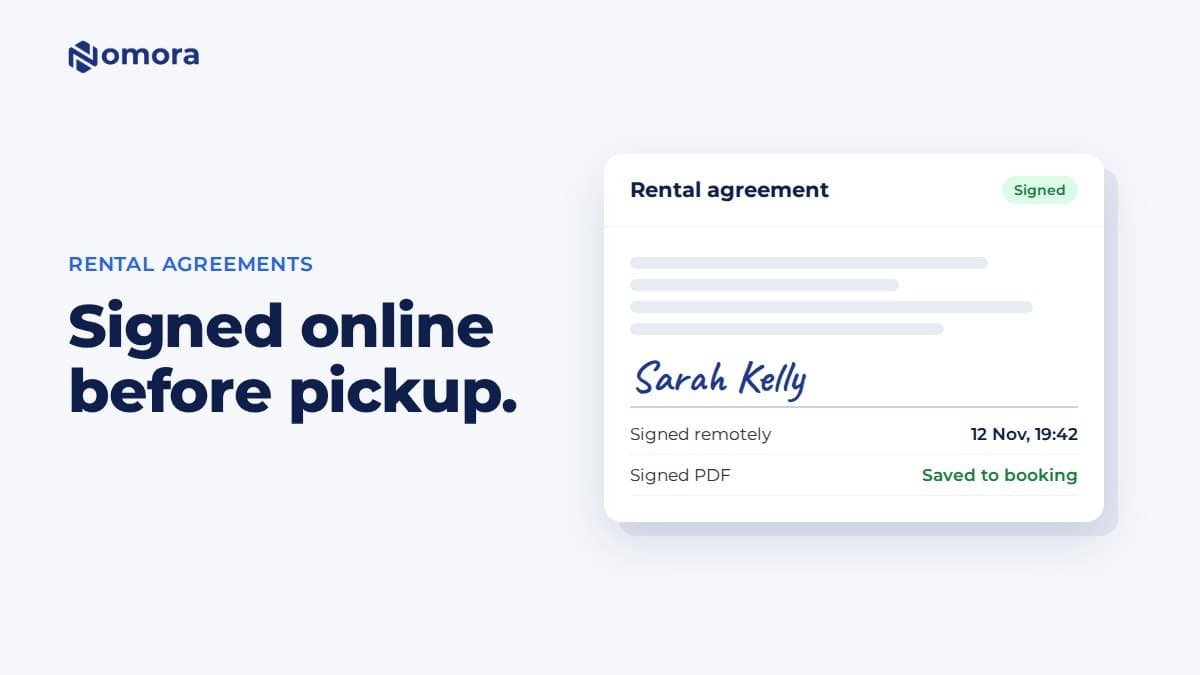
- Remotely, before pickup. The customer gets a link by email or in their booking link and signs on their own phone. Good for key-drop and after-hours handovers, and it cuts counter time to a few minutes.
Nomora supports both. The customer can sign on your current device, on a paired tablet, or remotely through an emailed signing request or their customer link.
Step 3: Collect the licence and terms acceptance online
The contract is only part of the paperwork. You also need the driver's licence and the customer's agreement to your terms.
- Ask for licence photos in the online booking form, front and back.
- Ask the customer to accept your terms and conditions when they book.
- Check the licence against the person at pickup.
Nomora's booking forms can ask for licence photos and record the customer's acceptance of your terms with a timestamp. At the counter, you can scan a licence with your phone. Nomora reads the details, and you check them before saving.
Step 4: Keep a record of every signature
If a customer later says "I never signed that", you need more than a squiggle. A good e-signature record shows:
- when it was signed
- how it was signed (on your device or remotely)
- the signer's IP address and browser
- the exact version of the document they signed
Nomora saves the signed PDF with the signing time, signer IP address, browser, signing method and a fingerprint (hash) of the document. The signed agreement stays on the booking, and you can download it or email it to the customer.
Are electronic signatures legal for rental agreements?
Yes, in all four countries, for ordinary rental agreements:
- United Kingdom: electronic signatures are recognised under the Electronic Communications Act 2000 and the UK eIDAS rules.
- Ireland: covered by the Electronic Commerce Act 2000 and EU eIDAS.
- Australia: the Electronic Transactions Act 1999 and matching state and territory laws.
- New Zealand: Part 4 of the Contract and Commercial Law Act 2017.
The key is showing that the customer intended to sign and agreed to the version you have on file, which is what the signing record is for. This is general information, not legal advice. If your contracts include unusual terms, have a solicitor or lawyer check them.
A paperless handover in practice
Here is how a remote handover looks for a typical customer:
- The customer books online, uploads their licence and accepts your terms.
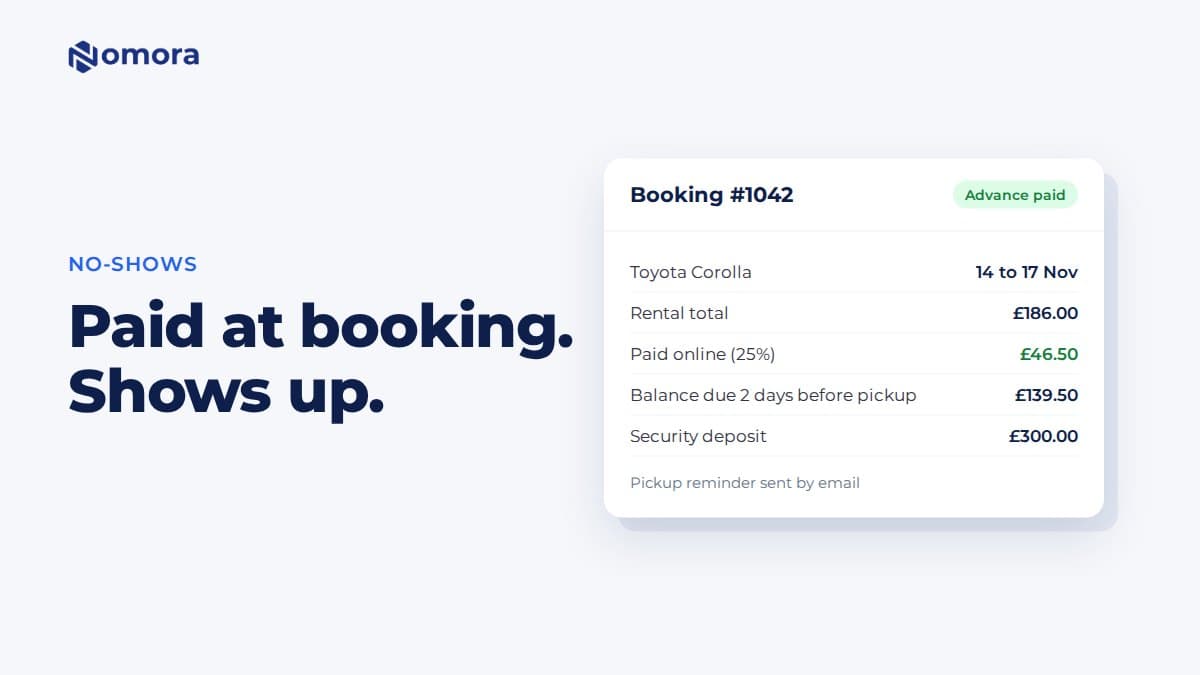
- They pay the advance and get their customer link.
- You generate the agreement from the booking and send it for signature.
- The customer signs on their phone the evening before.
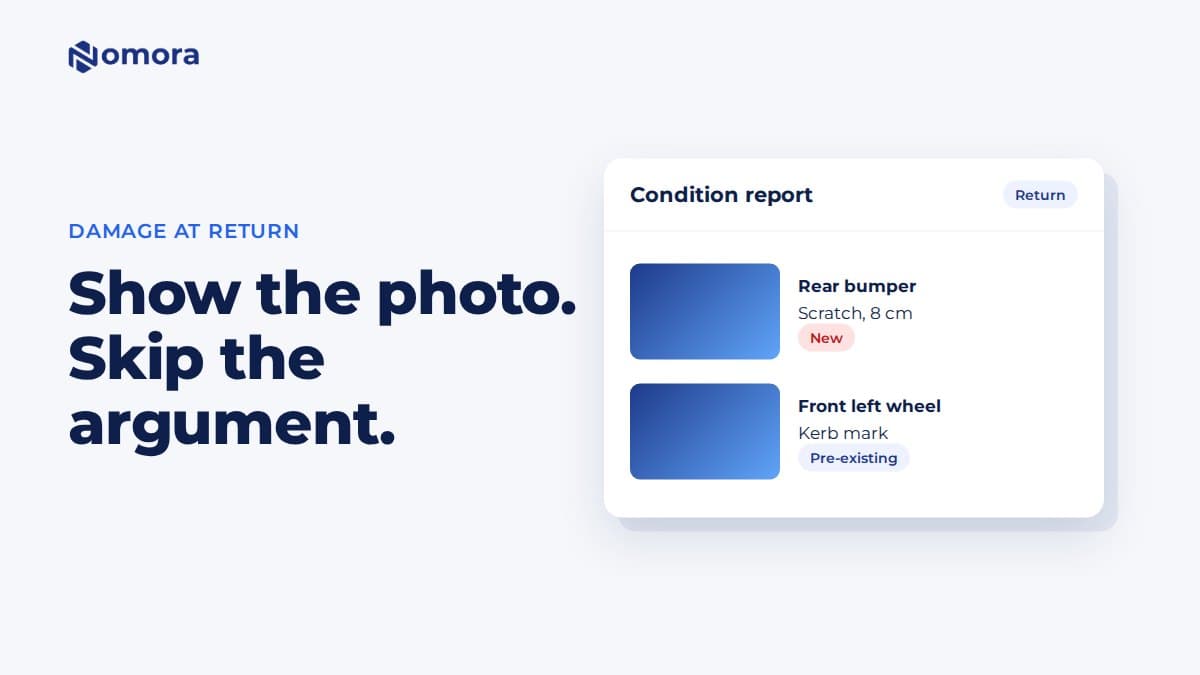
- At pickup you check the licence, inspect the car and hand over the keys.
The counter conversation becomes a quick licence check and a walk around the car, not a form.
What to look out for when you switch
- Old paper contracts. Scan and keep them for the period your record-keeping rules require.
- Customers who don't sign in advance. Have a tablet or phone ready to sign at the counter.
- Template changes. When you change your terms, update the template, and the next agreement uses the new version.
For contract templates and e-signing in more detail, see car rental contract software.
Frequently asked questions
Is an e-signature valid on a car rental agreement?
Yes. The UK, Ireland, Australia and New Zealand all recognise electronic signatures for ordinary contracts such as rental agreements. Keep a record of when and how the customer signed and the exact document they signed. This is general information, not legal advice.
Can customers sign the rental agreement before they arrive?
Yes. In Nomora you send a signing request by email or through the customer's booking link, and they sign on their own phone or computer before pickup.
What if the customer has no smartphone?
They sign at the counter on your phone, laptop or a paired tablet. The signed PDF and signing record are saved to the booking the same way.
Can I use my own rental agreement?
Yes. Your existing contract becomes the template. The parts that change for each rental are filled from the booking, customer and vehicle, and your terms stay as you wrote them.
Is the signed contract emailed to the customer automatically?
No. The signed PDF is saved on the booking, and you email it to the customer from the booking's documents when you want to.
Set this up on your own fleet
Book a free 30-minute setup call. Send your vehicle list in any format, and your fleet, bookings and contract template are live in Nomora within 48 hours. Or start a 14-day free trial on your own. No card needed.