Quick answer: Most damage disputes come down to one question: was the damage there before the rental? You can only answer it if you photographed the whole car at pickup. Do a full walk-around at pickup and the same walk-around at return, mark any damage on the booking, and show the customer a condition report with the photos. Then charge the agreed amount from the deposit and give them the evidence in writing.
Every rental owner knows the conversation. The car comes back with a scuff on the rear bumper. The customer says it was already there. You are fairly sure it wasn't, but your pickup photos are four blurry shots taken in the rain, and none of them show the rear bumper.
At that point you either eat the cost or argue with a customer who might leave a one-star review. Neither is good. The way out is to make the evidence so clear that the argument doesn't start.
Why damage disputes happen
Disputes rarely come from dishonest customers. They come from gaps:
- Missing pickup photos. If you can't show the panel at pickup, you can't prove the damage is new.
- Different photos at return. Pickup photos from the front and return photos from the side don't prove anything.
- No customer sign-off. The customer never saw or agreed to the condition of the car when they took it.
- Vague charges. "£400 for damage" with no photo, no description and no breakdown invites a challenge.
- Old damage not on record. A scratch from three rentals ago gets blamed on today's customer because nobody wrote it down.
Step 1: Photograph the whole car at pickup
Take photos before the keys change hands, with the customer there if you can. Cover every side, not just the corners:
- front, rear and both sides
- each corner at an angle
- all four wheels and tyres
- windscreen and roof if you can reach it
- interior: seats, dashboard, boot
- the odometer and fuel gauge
Then take close-ups of any existing damage, with something for scale. Point the damage out to the customer and note it on the booking.
In Nomora, you start the inspection from the booking by choosing Inspect at pickup and scanning the QR code with your phone. The phone captures photos as you walk around the car and shows how much of it you have covered. You add close-ups of anything worth a second look. No app to install, it runs in the phone's browser.
Step 2: Do the same walk-around at return
The return inspection only helps if it matches the pickup one. Same angles, same order, same lighting if possible. Do it before the customer leaves, or straight after a key-drop return.
In Nomora you choose Inspect at return on the same booking, so both inspections sit on one rental and you can compare before and after. You also record mileage and fuel or battery level at pickup and return. Extra miles over the allowance can be added to the booking total.
Step 3: Confirm the damage before you raise it
Before you message the customer, check the damage against what was already there. Look at the same panel in the pickup photos and in the vehicle's damage history.
Nomora checks each inspection photo for possible damage such as scratches and dents and marks where it found them. You then confirm real damage, dismiss reflections and dirt, edit the panel or severity, and add anything it missed. When a finding matches damage already on record, you see the new photo next to the one on record, so pre-existing damage doesn't get charged twice. Confirmed damage is saved to the vehicle, ready for the next rental.
Step 4: Give the customer a condition report
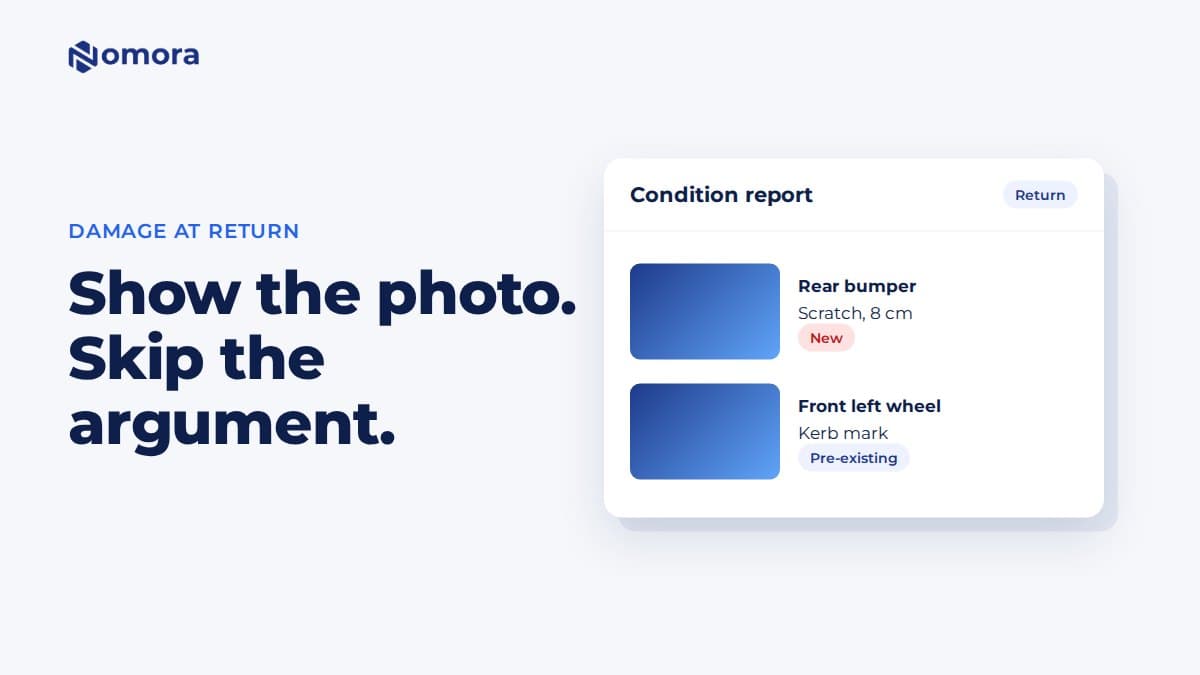
A report changes the tone of the conversation. Instead of "you damaged the car", you are showing them a document with the panel, a photo and whether it is new or pre-existing.
A good condition report shows:
- the vehicle, plate and booking
- each confirmed damage item with its photo
- whether it was new on this rental or already on record
Nomora creates a report for each inspection from its confirmed findings. You download it as a PDF or share a link the customer opens without signing in, and it appears in the booking's documents. The return report lists the damage, so if the customer says it was already there, open the pickup inspection on the same booking and show them that panel. Mileage and fuel are recorded on the booking at pickup and return. If your handover document template has fields for them, the readings fill in and the customer signs them on your device, a paired tablet or through their customer link.
Step 5: Charge clearly, from the deposit
When the damage is confirmed and the customer has seen the evidence:
- Add the damage charge to the booking with a short description.
- Take the agreed amount from the deposit, and refund the rest.
- Send the customer the condition report and the final invoice.
Keep the charge specific: "Rear bumper scuff, 8 cm, repair quote £180" holds up far better than a round number. If the repair costs more than the deposit, invoice the difference with the quote attached.
In Nomora, you add custom charges such as damage to the booking, and they appear on the invoice. You can settle an agreed charge from the deposit you hold and refund the remainder. Nothing is charged automatically from an AI finding, you decide every charge.
What to put in your rental agreement
Your terms should say, before the customer signs:
- the excess or maximum the customer pays for damage
- that the car is inspected and photographed at pickup and return
- how damage is assessed (repair quote, a fixed price list for small items)
- that charges come from the deposit first
- how long the customer has to respond to a damage claim
If you rent cars in the UK, Ireland, Australia or New Zealand, check your terms against local consumer law. Unfair or hidden charges can be challenged, and clear advance terms are your best protection.
For the full inspection flow, see vehicle inspections for rental companies. For a ready list to follow at the counter, see the pickup and return photo checklist.
Frequently asked questions
How do I prove a customer damaged a rental car?
Show the same panel at pickup without the damage and at return with it. That needs a full walk-around at both handovers, taken from the same angles, saved on the booking. A condition report listing the damage with its photo makes the case clear to the customer.
Can I charge damage from the security deposit?
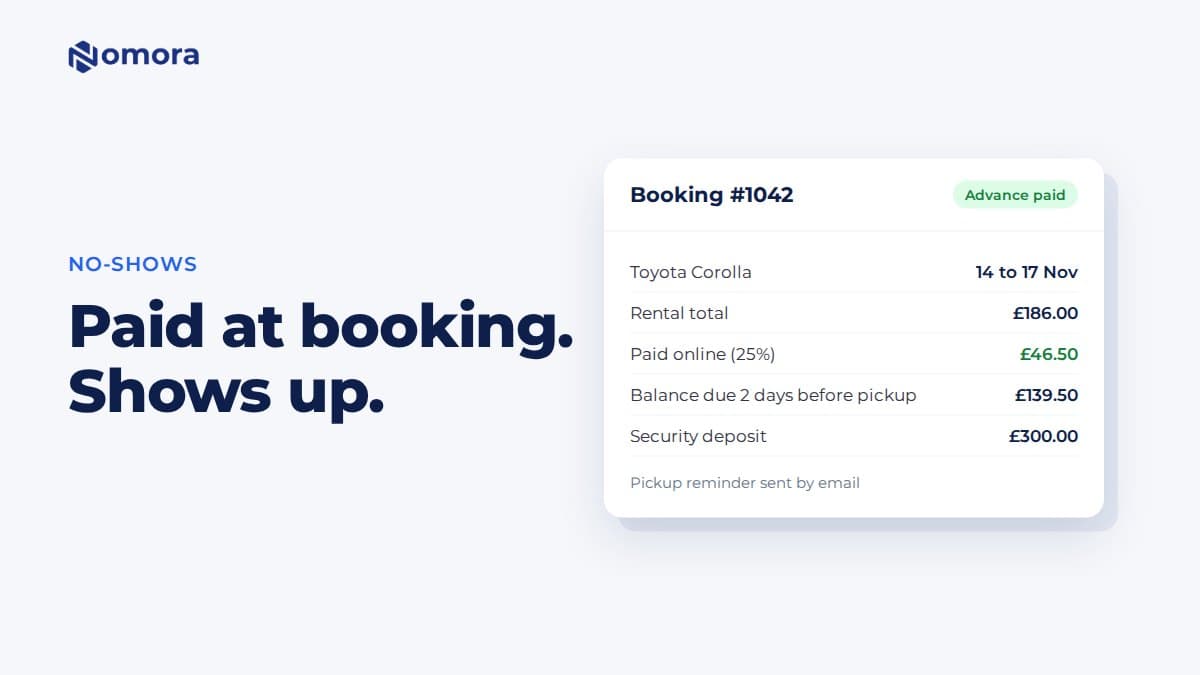
Yes, if your rental terms say so and the customer agreed to them. Charge the specific, evidenced amount and refund the rest. In Nomora you add the damage charge to the booking and can settle it from the deposit you hold.
Does Nomora's AI decide what to charge the customer?
No. The AI marks possible damage in the photos. You confirm or dismiss each finding and decide whether to charge. Dismissed findings stay out of the customer report.
What if the customer returns the car out of hours?
Do the return inspection as soon as you collect the car, before anyone else drives it. You can also ask customers to take return photos themselves through their booking link while the rental is active.
How much do Nomora inspections cost?
Every organisation's first five inspections are free. After that, the current price is shown on the Inspections page in Nomora before you start more.
Set this up on your own fleet
Book a free 30-minute setup call. Send your vehicle list in any format, and your fleet, bookings and contract template are live in Nomora within 48 hours. Or start a 14-day free trial on your own. No card needed.