Quick answer: At pickup and at return, photograph the car in the same order: the four sides and four corners, all wheels, the windscreen and glass, the roof if you can see it, the interior and boot, and the dashboard showing mileage and fuel. Then take close-ups of every existing mark. Take the photos in good light, with the customer present if possible, and save them on the booking. The return set only proves something if it matches the pickup set.
A handover photo set has one job: to show the condition of the car at a moment in time, clearly enough that nobody can argue with it later. That means every panel, from an angle you can compare, every time.
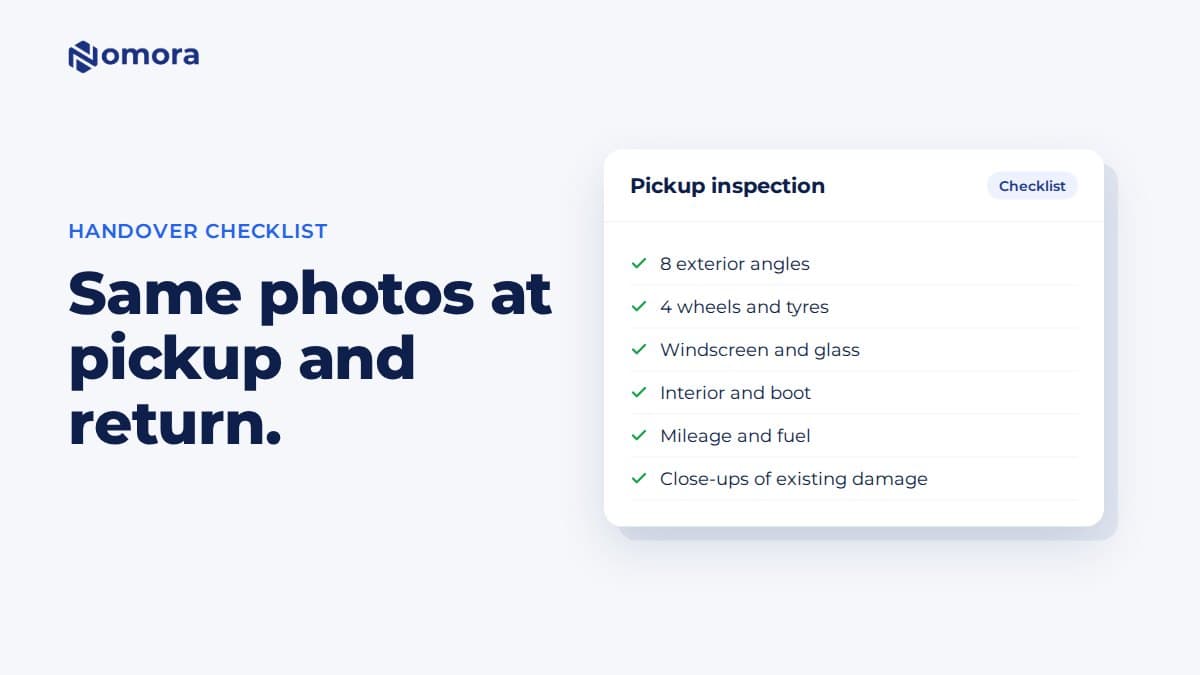
Print this checklist, stick it on the wall by the keys, or use it to train whoever helps you with handovers.
Before you start
- Clean car, good light. Dirt and low sun hide scratches. If the car is wet, dry the panels you are photographing, or note that it was wet.
- Phone, not tablet. A phone is easier to hold steady at bumper height.
- Customer there, if possible. Walk around with them. Point out existing damage as you photograph it.
- Same order every time. Start at the front, walk clockwise. The return set will then line up with the pickup set.
The exterior walk-around
Stand about two metres from the car so each photo shows the whole panel.
- Front, straight on (plate visible)
- Front left corner, at an angle
- Left side, full length
- Rear left corner
- Rear, straight on (plate visible)
- Rear right corner
- Right side, full length
- Front right corner
Eight photos is the minimum. More angles are better: a guided walk-around in Nomora captures photos continuously as you move, usually two to three dozen frames for a full lap.
Wheels, glass and roof
- Each wheel and tyre, close enough to see kerb damage on the rim (4 photos)
- Windscreen from the front, looking for chips and cracks
- Rear window and side mirrors
- The roof, if you can see it from a step or the door sill
Chips in the windscreen are easy to miss and expensive to replace. Look at the glass at an angle so the light shows them.
Interior and boot
- Driver's seat and footwell
- Passenger seat
- Rear seats
- Boot, with the floor visible
- Spare wheel or repair kit, and any extras (child seat, roof box, charging cable)
Look for burns, stains, tears and smells. A smoking or pet hair charge needs a photo at pickup showing a clean interior.
Dashboard readings
- Odometer
- Fuel gauge or battery level
- Warning lights with the ignition on
Write the mileage and fuel level on the booking as well as photographing them. In Nomora, you record mileage and fuel or battery level on the booking at pickup and return, and miles over the allowance can be added to the booking total.
Close-ups of existing damage
For every scratch, dent, chip or scuff:
- one photo from about a metre away, so you can see where it is on the car
- one close-up, with a coin or key next to it for scale
- a note on the booking: panel, type, size
This is the step that saves you at return. A mark that is photographed and noted at pickup can't become a dispute later.
At return: the same set, plus a check
Take the same photos in the same order. Then compare:
- any new marks on the panels?
- wheels kerbed?
- new windscreen chips?
- interior clean, extras returned?
- fuel and mileage within the agreement?
Do the return inspection before the customer leaves, or as soon as you collect a key-drop car, before anyone else drives it.
Storing the photos so they help later
Photos on a staff member's phone don't help six weeks later when a claim comes in. Store each set on the booking it belongs to, separated into pickup and return.
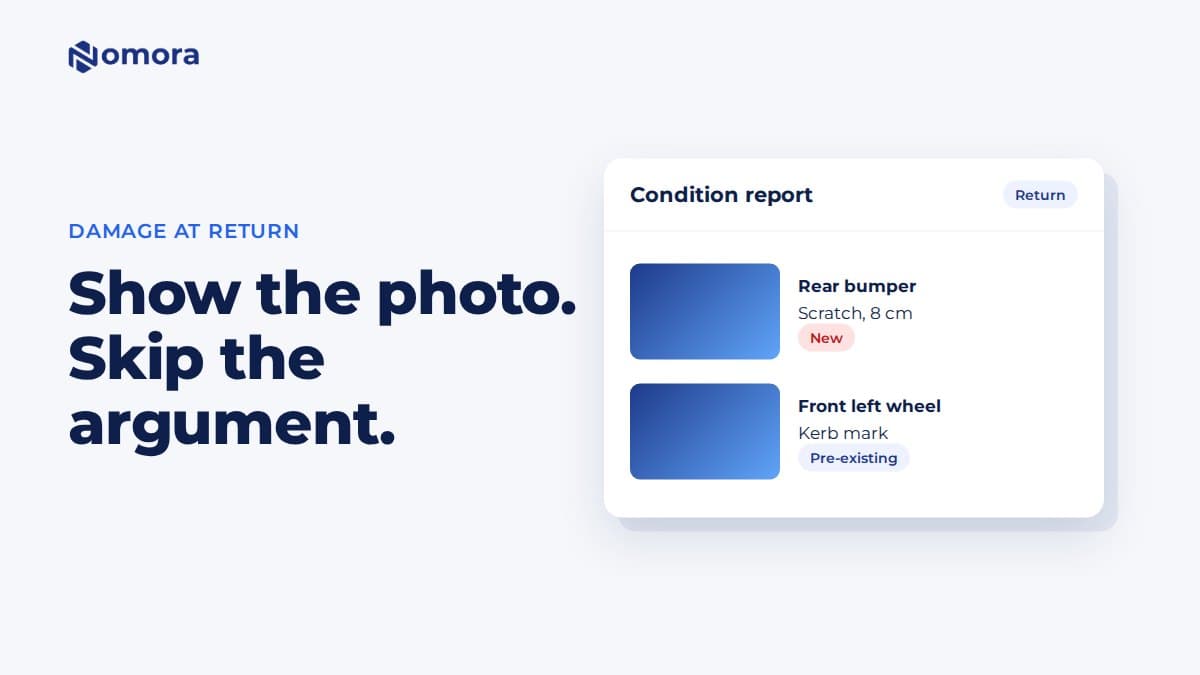
In Nomora you start the inspection from the booking, choosing Inspect at pickup or Inspect at return, and the photos are saved to that stage of that rental. Nomora marks possible damage in the photos for you to confirm or dismiss, and confirmed damage goes into the vehicle's damage history and a condition report you can share with the customer. Customers can also take the photos themselves through their booking link for after-hours handovers: pickup photos from an hour before the rental starts, and return photos while the rental is active.
The checklist, short version
Pickup and return:
- 8 exterior angles, front first, clockwise
- 4 wheels
- windscreen, rear glass, mirrors, roof
- interior: front, rear, boot, extras
- odometer, fuel or battery, warning lights
- close-ups of every mark, with scale
- saved on the booking, labelled pickup or return
For how this works on your phone, see vehicle inspections for rental companies. If a customer disputes damage, follow the steps in how to handle damage disputes at return.
Frequently asked questions
How many photos should I take when a rental car is picked up?
At least 20: eight exterior angles, four wheels, the glass, the interior and boot, and the dashboard readings, plus close-ups of any existing damage. A guided walk-around in Nomora usually captures two to three dozen frames for a full lap.
Should the customer be there for the inspection?
Yes, if possible. Walking around the car together and pointing out existing damage prevents most disputes before they start. For key-drop handovers, customers can take the photos themselves through their Nomora booking link.
Do I need an app for vehicle inspection photos?
Not a separate one. Nomora inspections run in the phone's web browser. You start the inspection from the booking on your computer and scan a QR code with your phone.
How does Nomora know if an inspection is at pickup or return?
You choose it. Start the inspection from the booking with Inspect at pickup or Inspect at return, and the photos are saved to that stage of the rental.
How long should I keep handover photos?
At least until the rental is closed and any damage, fines or tolls have been settled. Many operators keep them for as long as they keep the rental agreement.
Set this up on your own fleet
Book a free 30-minute setup call. Send your vehicle list in any format, and your fleet, bookings and contract template are live in Nomora within 48 hours. Or start a 14-day free trial on your own. No card needed.