
Vehicle inspections for rental companies, done on your phone
Walk around the car at pickup and return. Nomora saves the photos to the rental, flags possible damage for your team to confirm, and turns it into a condition report your customer can open.
Your first five inspections are free.
From walk-around to report in minutes
One flow for your team at the counter, and the same evidence every time.
- 1Step 1
Start from the booking
Choose Inspect at pickup or Inspect at return on a booking, then scan the QR code with your phone. The vehicle, the booking and the handover stage come with it, so every photo lands in the right place.
ConfirmedTesla Model 3 · NMR 001Emilija Grigaitė · Sep 12 – Sep 15Inspect at pickupInspect at returnContinue on your phoneScan the code or copy the link. The vehicle, booking and stage come with it. - 2Step 2
Walk around the car
Start at the front and walk slowly around the vehicle. Nomora captures photos as you move and shows how much is covered. Add close-ups of anything worth a second look, then tap Done.
- 3Step 3
AI flags possible damage
Nomora checks every photo for scratches, dents and other possible damage, and marks where it found them. Coverage checks point out angles that were missed or too unclear to judge.
- 4Step 4
Your team makes the call
Confirm real damage, dismiss reflections and dirt, edit the panel or severity, and add anything the analysis missed. Confirmed findings are saved to the vehicle's damage records.
- 5Step 5
Share the condition report
The report shows confirmed damage with its photos, marked as new or pre-existing. Download a PDF or share a link the customer opens without signing in. It also appears in the booking's documents.
Let customers take the photos
For keyless and after-hours handovers, customers photograph the car through their booking link, without an account. Pickup photos open an hour before the rental starts; return photos while the rental is active.
- Require photos before remote unlock at pickup and remote lock at return
- Set the rule for your whole company, a client or a single booking
- Your team still reviews every finding before the report goes out
Built for the rental counter
No app to install
Staff and customers use the phone's browser.
Pickup and return
Each inspection belongs to a rental stage, so you can compare before and after.
Number plate matching
Standalone inspections are matched to the vehicle from its plate.
Damage history
Confirmed damage stays on the vehicle for the next rental.
Customer's language
Reports use your customer-facing language setting.
Five free inspections
Try it on your own fleet before you pay anything.
Frequently asked questions
No. Inspections run in the phone's web browser. Start the inspection in Nomora on your computer, scan the QR code with a phone, sign in with the same account if asked, and begin the walk-around.
Nomora checks each inspection photo for possible damage, such as scratches and dents, and marks where it found them. Your team reviews every finding: confirm damage, mark it as not damage, edit its details, or add damage the analysis missed. Dismissed findings stay out of the customer report.
Yes. Customers can take photos through their booking's Customer link without an account: pickup photos from one hour before the booking starts, and return photos while the rental is active. You can require these photos before remote unlock at pickup and remote lock at return.
Confirmed damage with its supporting photos and whether it is new or pre-existing. You can download it as a PDF or share a link the customer opens without signing in. Inspections linked to a booking also appear in that booking's documents.
Yes. Start a standalone inspection from Inspections or from a vehicle's Inspect button. For standalone inspections, Nomora tries to match the number plate in the photos to a vehicle in your fleet.
Every organization's first five inspections are free. After that, the current price is shown on the Inspections page in Nomora before you start more.
Related pages
See Nomora on your own fleet
Book 30 minutes with the founder and we will walk through inspections using your vehicles and your workflow. We migrate your fleet out of Excel for you, free, and you are live within 48 hours.
Prefer to look around first? Start a 14-day free trial
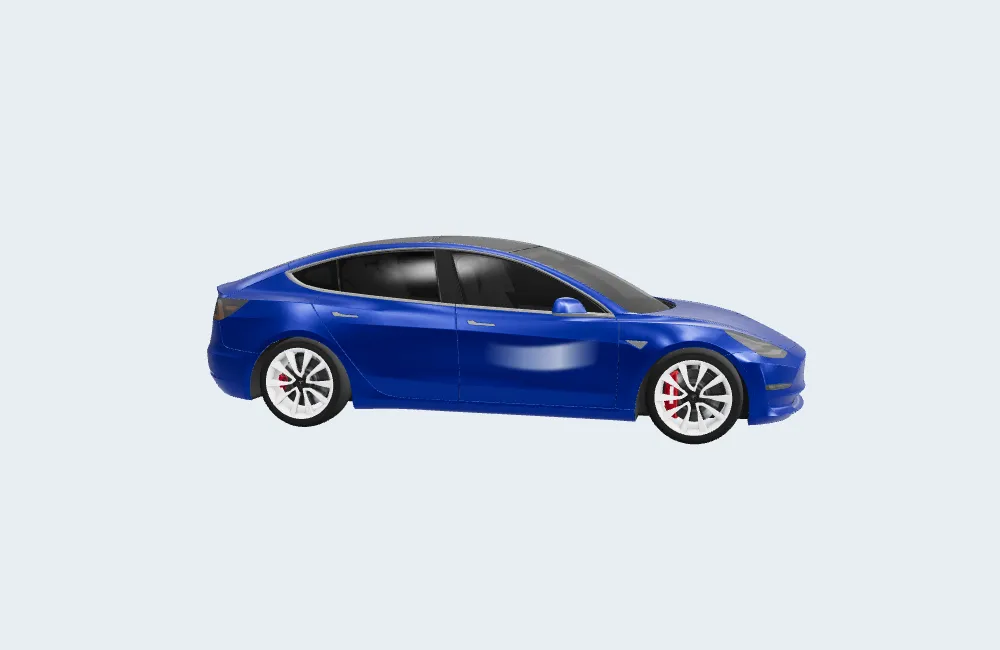
The walkthrough video uses the 3D model “Tesla 2018 Model 3” by Ameer Studio, licensed CC BY 4.0, and the track “Forest Mist Whispers” by Alejandro Magaña under the Mixkit Stock Music Free License. Records shown are fictional.