Quick answer: Turo has no API for hosts, so Nomora reads the trip emails Turo sends you. Turn on Settings → Channels → Turo, copy your private Turo address, and create a mailbox rule that redirects mail from noreply@mail.turo.com to it. A booked trip becomes a confirmed booking, a changed trip moves it, and a cancelled trip cancels it. You match each Turo listing to a car once.
Hosts who rent on Turo and directly usually run two calendars. A direct booking comes in for a car that already has a Turo trip, nobody notices, and someone has a very awkward morning. Getting the Turo trips onto the main calendar is the first fix.
What the integration does
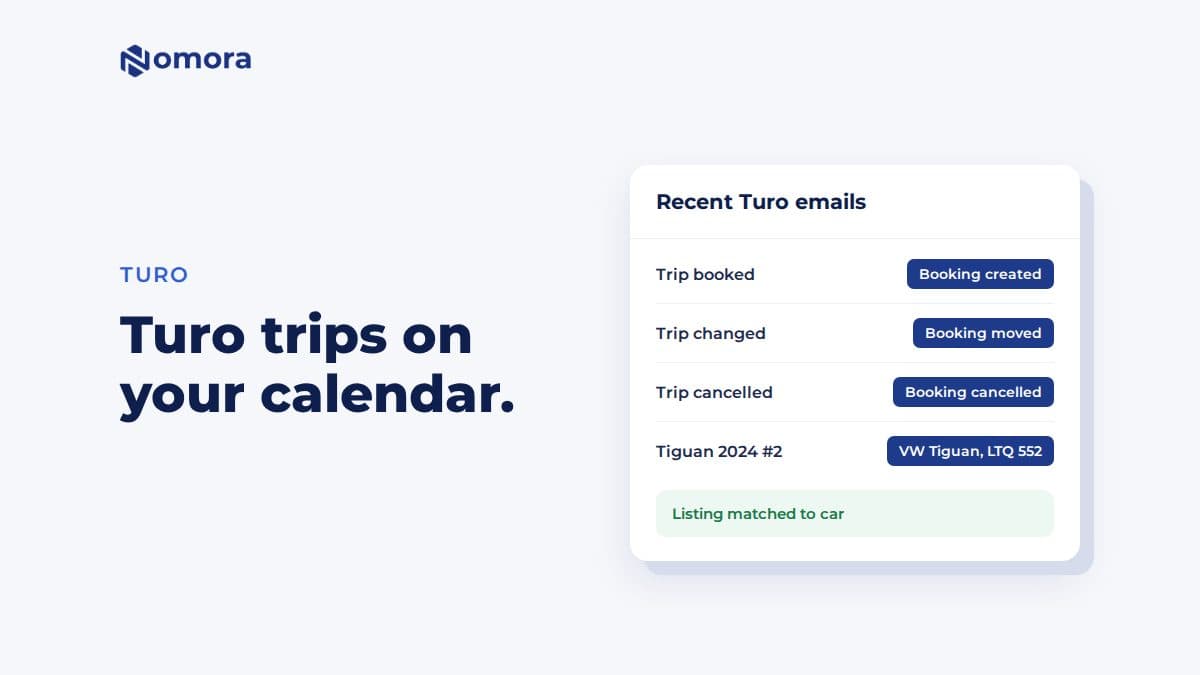
- A booked trip becomes a confirmed booking, with the guest, the dates and the amount Turo pays you.
- A changed trip moves the booking, and a cancelled trip cancels it.
- Overlaps are flagged, not dropped. A Turo trip that overlaps another booking is still added and marked, so you see the clash.
- Each listing maps to one car. Turo prints "Volkswagen Tiguan 2024" for every Tiguan you own. Nomora uses the listing, so two identical cars stay apart.
- You see what each email did. Recent Turo emails on the same page lists every email and its effect on the calendar.
How to set it up
- Open Settings → Channels → Turo and turn it on. Copy your Turo address.
- In the mailbox Turo writes to, create a rule that redirects every email from noreply@mail.turo.com to that address. A forwarding rule works too.
- Wait for the first email about each car. It adds the Turo listing to the page.
- Choose the vehicle for each listing once. Its trips are booked from then on.
Keep your Turo address to yourself. Anyone who has it can add bookings to your calendar.
What it does not do
- Nothing goes back to Turo. When you take a direct booking, Turo does not learn about it. Block those dates in Turo yourself.
- Currency. If Turo pays you in another currency than your Nomora one, the amount goes into the booking's notes, not its price.
- Only what the emails say. If Turo stops sending an email for something, Nomora does not see it.
Is it worth setting up?
If even two of your cars are on Turo, yes. Once the trips are on the same calendar, a direct booking for the same car and dates runs into the same conflict check as any other booking. You also get one place to see which car is out, which is due back, and which needs a service.
For keeping the rest of the calendar clean, see how to avoid double bookings in a small rental fleet.
Get it set up
Book a free 30-minute setup call and send your vehicle list in any format. Your fleet, prices and contract template go live in Nomora within 48 hours, and the connection gets set up on the same call. If you would rather click through it yourself, start a 14-day free trial. No card needed.
Frequently asked questions
Does Turo have an API for hosts?
Not one hosts can use for their calendar. Nomora reads the trip emails Turo sends you instead, redirected to a private address.
Does Nomora block dates in Turo when I get a direct booking?
No. The connection is one-way, from Turo to Nomora. Block direct-booking dates in Turo yourself.
What happens when a guest changes or cancels a Turo trip?
Turo emails you, the email reaches Nomora, and the booking moves or is cancelled. Recent Turo emails shows what each email did.
I have two identical cars on Turo. How does Nomora tell them apart?
By the Turo listing. You match each listing to a vehicle once, and its trips are booked on that car.
Set this up on your own fleet
Book a free 30-minute setup call. Send your vehicle list in any format, and your fleet, bookings and contract template are live in Nomora within 48 hours. Or start a 14-day free trial on your own. No card needed.