Rental Car Tolls: Import Linkt and 407 ETR Statements and Charge Customers
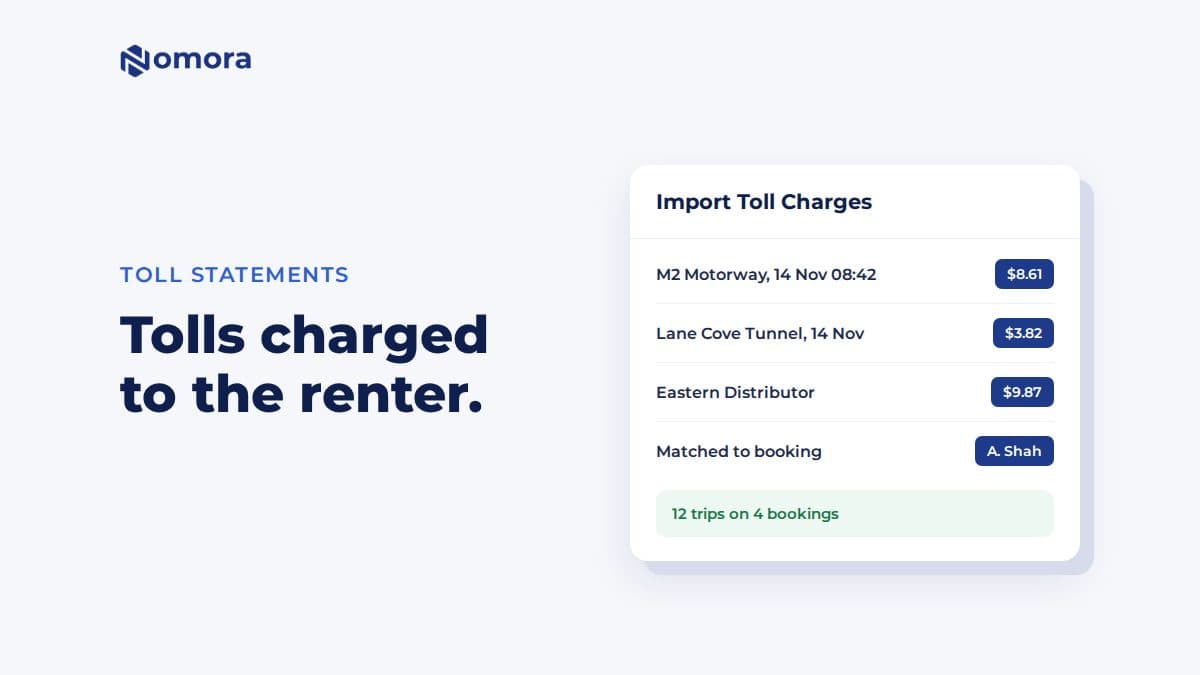
Upload your Linkt CSV or 407 ETR bill PDF. Nomora matches each toll trip to the booking that had the car at that time and adds it as a charge, so you can bill the renter.
Quick answer: In Finances → Import Tolls, upload a Linkt trips CSV or a 407 ETR bill PDF. Nomora reads each trip, matches it by plate and time to the booking that had the car, and shows you a preview. When you confirm, each trip is added as a charge on its booking, so it appears in the customer's balance. Trips with no booking can be saved as expenses on the car. Uploading the same file twice does not charge anyone twice.
Tolls are one of those costs that quietly eat a rental margin. On Sydney's or Melbourne's toll roads, or the 407 in Ontario, a week's rental can run up a meaningful amount. The statement arrives weeks later, by plate, and someone has to work out who had the car on the 14th at 8:42.
What the import does
Reads the statement. Linkt's trips CSV or its account history CSV, or a 407 ETR bill PDF downloaded from your 407 ETR account.
Matches each trip to the booking that occupied that car at the trip time, by plate.
Shows a preview grouped by booking: new matched trips, trips already imported, and unmatched trips with the reason. The reason is one of: no plate in the file, no vehicle with this plate, no booking at trip time, or several bookings match.
Adds the charges. Each matched trip becomes a charge on its booking. Collect it with the rest of the balance, or take it from the deposit.
Saves the rest as expenses, if you choose, on the vehicle the trip belongs to.
How to use it
Download the statement. For Linkt, export the trips CSV or the account history CSV. For 407 ETR, download the bill PDF from your account. A scan or photo will not work.
In Nomora, open Finances and click Import Tolls.
Upload the file and wait for the matching.
Review the preview. Untick any trip you have agreed to absorb.
Click Import Charges. If you also save unmatched trips as expenses, the button reads Import Charges and Save Expenses.
Do it monthly, straight after the statement arrives. The sooner the charge reaches the customer, the less argument there is.
Things to know
Plates need to be right in Nomora. The match runs on the plate. A car with a typo in its registration collects no trips.
Tag-only rows are skipped. A row with a tag number and no plate cannot be matched to a car.
407 ETR bills are checked. If the trips on a bill do not add up to its totals, nothing is imported, so a misread bill never charges anyone.
No admin fee is added. If you charge a handling fee per toll, add it to the booking's pricing yourself.
Statements are uploaded, not fetched. Nomora does not connect to your Linkt or 407 ETR account.
The exact checks profitable rental operators run every week. Free, straight to your inbox.
Fleet readiness & handover
Bookings & no-show prevention
Pricing & revenue reviews
Contracts & compliance
Payments & invoicing
Maintenance & fleet health
One email with the checklist. No spam, unsubscribe anytime.
Get it set up
Book a free 30-minute setup call and send your vehicle list in any format. Your fleet, prices and contract template go live in Nomora within 48 hours, and the connection gets set up on the same call. If you would rather click through it yourself, start a 14-day free trial. No card needed.
Frequently asked questions
Which toll statements can Nomora import?
Linkt's trips CSV and account history CSV, and 407 ETR bill PDFs downloaded from your 407 ETR account.
How does Nomora know which customer drove through the toll?
It matches each trip by plate and time to the booking that had the car at that moment. Trips it cannot place are listed with the reason.
What if I upload the same statement twice?
Trips already imported are marked as such and not charged again.
Can toll trips without a booking be recorded?
Yes. Unmatched trips that belong to one vehicle can be saved as expenses on that vehicle.
Set this up on your own fleet
Book a free 30-minute setup call. Send your vehicle list in any format, and your fleet, bookings and contract template are live in Nomora within 48 hours. Or start a 14-day free trial on your own. No card needed.