TL;DR:
- Automated billing executes the full invoicing and payment cycle without manual intervention, aligning with current market expectations.
- Implementing it involves configuring triggers, calculating charges, generating invoices, delivering them, and reconciling payments automatically, reducing errors and scaling efficiently.
Automated billing is defined as software that executes the full invoicing and payment collection cycle without manual intervention, from triggering a charge to reconciling the payment in your accounting system. The industry term for this discipline is billing automation, and it covers recurring, subscription, and usage-based models equally. 39% of customers now pay recurring monthly bills through automatic payments, which signals that your customers already expect this experience. Businesses that still rely on manual invoicing are not just slower. They are operating against a market standard that has already shifted. For business owners and financial managers, understanding billing automation is the first step toward building a payment operation that scales without adding headcount.
What is automated billing and how does it work?
Automated billing systems execute five core functions in sequence: triggering the billing cycle, calculating charges, generating invoices, delivering invoices, and reconciling payments. Each function hands off to the next without human involvement. That continuous loop is what separates billing automation from simply using a spreadsheet with formulas.
Here is how each stage works in practice:
-
Trigger. The system fires a billing event based on a rule. Time-based triggers fire on a fixed schedule, such as the first of every month. Event-based triggers fire when a customer action occurs, such as exceeding a usage threshold or signing a new contract. Mastering billing triggers is the single most critical skill for anyone configuring a billing automation system.
-
Calculation. The system applies your pricing rules to produce a charge. This includes proration for mid-cycle changes, usage fees pulled from a metering source, applicable taxes by jurisdiction, and any discounts tied to the customer's contract.
-
Invoice generation. The system assembles a formatted invoice using the customer's contract data, line items, and branding rules. No one types a number. The output is machine-generated and consistent every time.
-
Delivery. The invoice goes out through the configured channel, whether that is email, a customer portal, EDI, or API. Delivery confirmation is logged automatically.
-
Reconciliation. When payment arrives, the system matches it to the open invoice using a unique identifier. Reconciliation automation closes the invoice instantly and posts the entry to your ERP or accounting system, eliminating manual journal entries entirely.
Pro Tip: Map your billing triggers before you configure anything else. A misconfigured trigger fires the wrong charge at the wrong time, and fixing it mid-cycle is far more disruptive than getting it right upfront.
What are the key benefits of automated billing vs. manual billing?
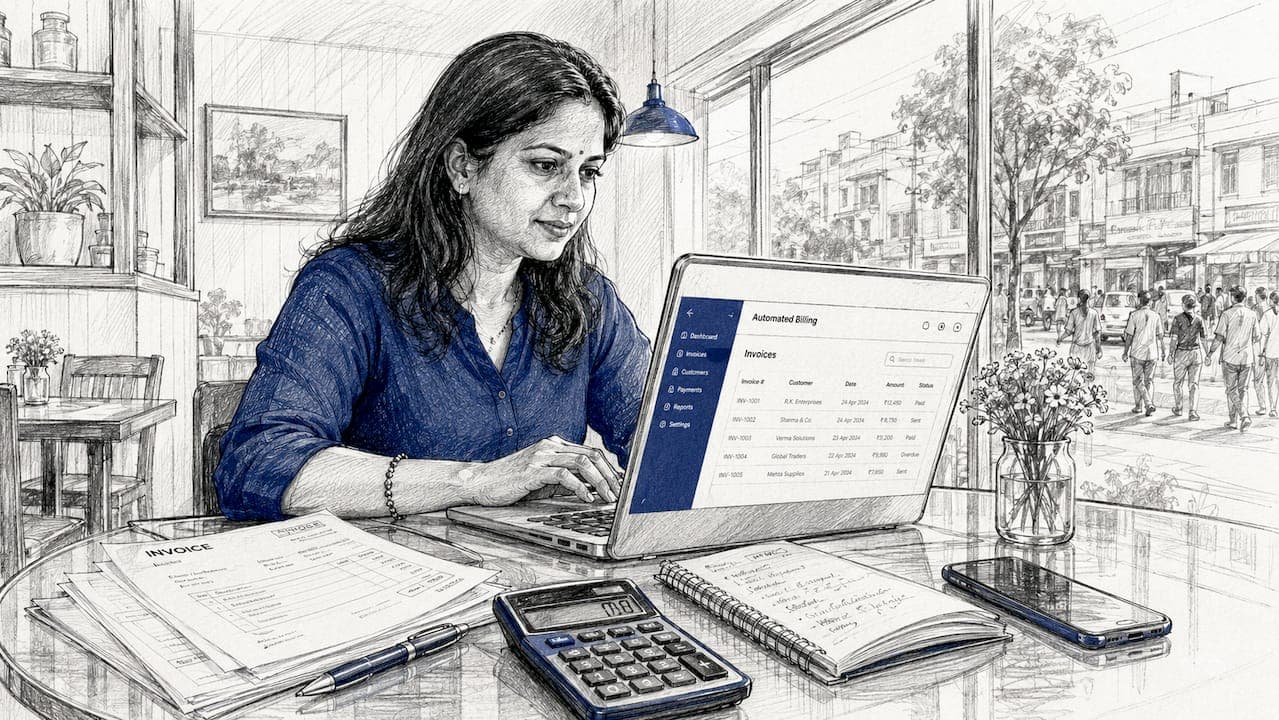
The gap between automated and manual billing is not just about speed. It is about what happens to your business as transaction volume grows.
Manual billing scales badly. Every new customer, pricing tier, or product variant adds work for your team. Errors compound. Chasing late payments consumes hours that should go toward growth. The cost to bill in a manual system rises as complexity increases. Billing automation reverses that curve entirely.
Key advantages of automated billing over manual processes:
- Error reduction. Calculations run from the same rule set every time. There is no risk of a team member applying the wrong tax rate or forgetting a discount.
- Faster cash collection. Invoices go out the moment a billing event fires, not when someone gets around to it. Shorter invoice-to-cash cycles improve working capital directly.
- Cash flow predictability. Recurring billing on a fixed schedule means you can forecast revenue with confidence. Manual billing introduces timing variability that distorts your projections.
- Real-time visibility. Enterprise-grade billing systems run continuously rather than in batch cycles, giving financial managers live data on outstanding invoices, collected revenue, and aging receivables.
- Scalability without headcount. Adding a new pricing model or a new customer segment does not require hiring another billing specialist. The system absorbs complexity that would otherwise require people.
Billing automation and accounts receivable automation deliver the strongest results when they are fully integrated. Separating them creates data gaps that cause revenue leakage, which is money your business earned but never collected.
What types of businesses benefit most from automated billing?
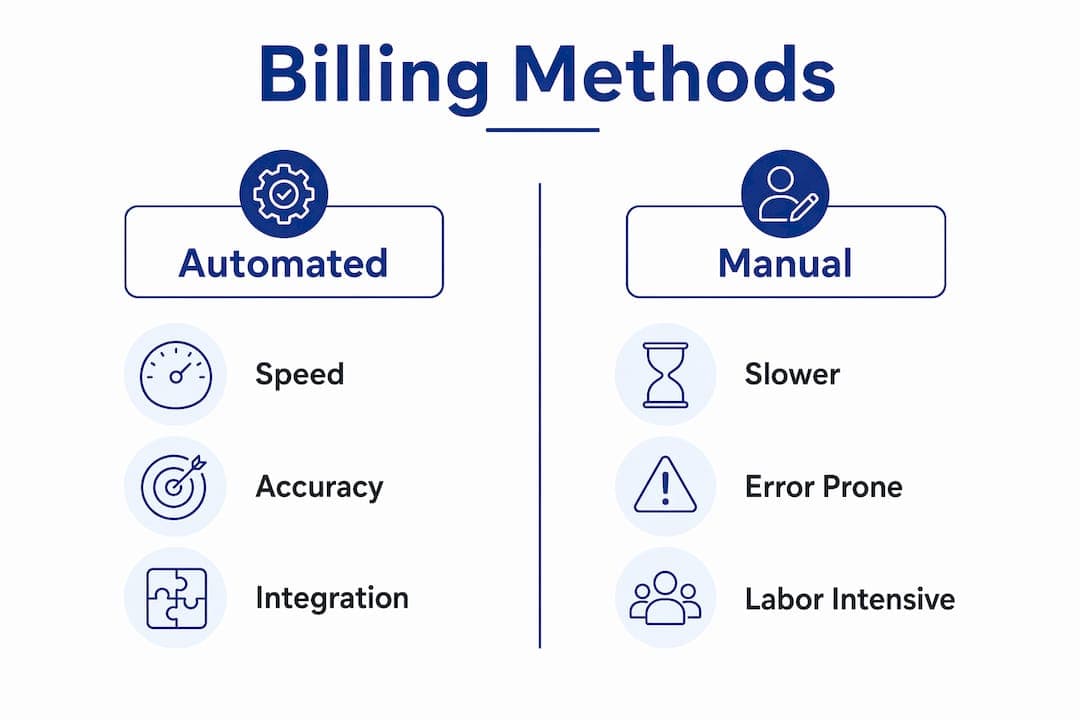
Billing automation delivers the most value to businesses where charges repeat, vary by usage, or combine multiple pricing components. The more complex your billing model, the more automation saves.
The business types that gain the most include:
- Subscription businesses. Any company charging a recurring monthly or annual fee, from SaaS platforms to membership services, benefits immediately. The billing cycle is predictable, and automation handles it without any manual work per customer.
- Usage-based and metered billing. Utilities, cellular IoT providers, and cloud services charge customers based on consumption. Calculating those charges manually at scale is not realistic. Automation pulls metering data and calculates the correct charge every cycle.
- Hybrid billing models. Many businesses combine a base subscription fee with usage charges and one-time fees. Automated billing handles all three components in a single invoice, which manual systems struggle to produce consistently.
- High-volume transaction environments. When you process thousands of invoices per month, even a small error rate creates significant financial exposure. Automation keeps error rates near zero regardless of volume.
- Rental and fleet businesses. Vehicle rental operations, for example, bill customers across multiple charge types: base rental rates, mileage overages, damage fees, and fuel charges. Nomora's automated payment processing handles this complexity across the full rental lifecycle.
Small and mid-sized businesses often assume billing automation is only for large enterprises. That assumption is wrong. Configuration-driven platforms have made automation accessible to operators with modest transaction volumes, and the time savings are proportionally significant for smaller teams.
How to implement automated billing successfully
A billing automation project fails at the data layer more often than at the technology layer. Validating opening balances and existing contract data before go-live is the single most important step you can take.
Follow this sequence for a clean implementation:
-
Audit your existing contracts and pricing rules. Document every pricing model, discount structure, and billing frequency currently in use. Gaps here become errors in production.
-
Structure your data for machine readability. Contracts and customer records need to be in a format the billing system can parse. Unstructured data in PDFs or spreadsheets must be converted before migration.
-
Choose a configuration-driven platform. Configuration-driven pricing lets your finance team update pricing models without involving engineers. This reduces delays and operational costs as your business evolves.
-
Map every billing trigger precisely. Decide which events are time-based and which are event-based. Document the exact conditions that fire each trigger. Test every trigger in a staging environment before going live.
-
Integrate with your CRM, ERP, and payment gateways. Billing does not operate in isolation. Your billing and software integrations must connect cleanly to your customer records, general ledger, and payment processors. A broken integration is a revenue leak.
-
Validate with a parallel run. Run your automated system alongside your manual process for at least one billing cycle. Compare outputs line by line before cutting over completely.
Pro Tip: Assign one person to own the billing trigger map. When pricing changes or a new product launches, that person updates the triggers first. Decentralized trigger management is the fastest way to introduce billing errors.
Ongoing maintenance matters as much as the initial setup. Pricing models change. Tax rules change. New products launch. Your billing configuration must reflect those changes immediately, or your invoices will be wrong.
Key Takeaways
Automated billing is the revenue control plane of your business, and the businesses that treat it as core infrastructure outperform those that treat it as a back-office task.
| Point | Details |
|---|
| Five-stage billing loop | Every automated system triggers, calculates, generates, delivers, and reconciles without human handoffs. |
| Complexity drives value | The more pricing components and customers you manage, the greater the time and error savings from automation. |
| Integration is non-negotiable | Billing and accounts receivable automation must connect to your ERP and CRM to prevent revenue leakage. |
| Data validation comes first | Auditing contracts and opening balances before go-live is the most reliable way to prevent failed implementations. |
| Configuration over code | Platforms that let finance teams update pricing rules directly reduce delays and engineering dependency. |
Billing is not a back-office function. It is your revenue engine.
I have watched business owners treat billing as something to fix later, after the product is right, after the team is bigger, after the next funding round. That delay is expensive in ways that do not show up immediately. They show up in cash flow gaps, in customers who were undercharged for months, in finance teams burning hours on reconciliation that should take minutes.
The insight that changed how I think about this: billing is the revenue control plane of your business, not a support function. Every pricing decision, every contract change, every new product you launch flows through your billing system. If that system is manual, every one of those changes creates risk.
The businesses I have seen get this right share one habit. They treat their billing configuration with the same discipline they apply to their product. They document triggers. They test changes in staging. They assign ownership. The ones who get it wrong treat billing as something that runs in the background until it breaks.
One more thing worth saying directly: automation does not eliminate the need for judgment. It eliminates the need for repetitive manual work. Your team still needs to design the pricing rules, validate the data, and monitor the outputs. What automation gives you is the time to do that thinking well, instead of spending it on data entry.
— Dizzy
Nomora's billing and payment automation for rental businesses
Rental businesses face a billing challenge that most generic platforms underestimate. A single rental contract can generate charges across base rates, mileage, fuel, damage, and late returns, all in one invoice.
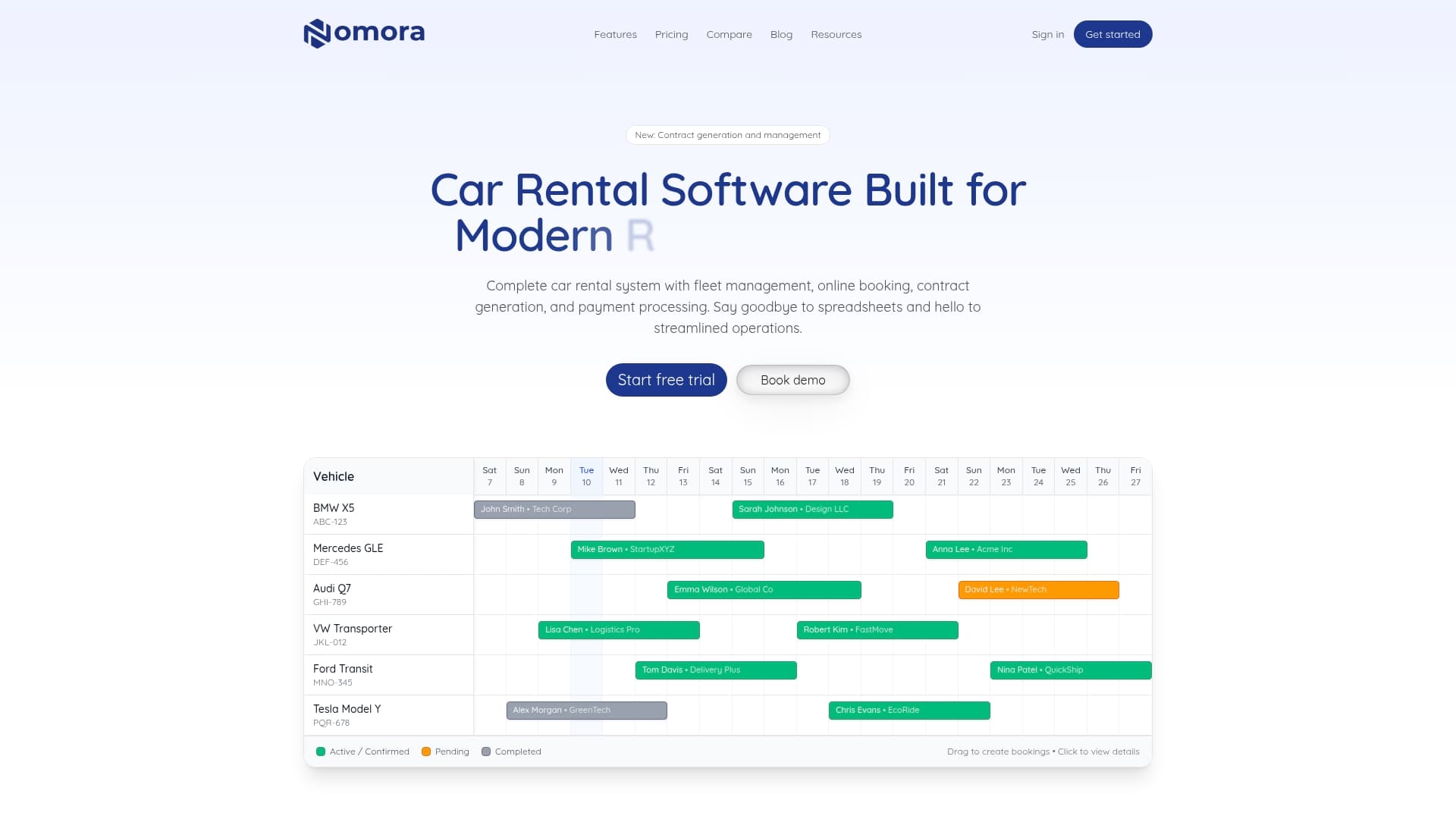
Nomora is built specifically for this complexity. The platform handles the full automated invoicing process from contract creation through payment collection, with real-time data visibility and payment gateway integration included. Whether you operate a single location or a franchise network, Nomora's cloud-based system connects billing directly to your fleet management and customer records. Explore Nomora's use cases by business type to see how rental operators at different scales have replaced manual billing with a system that runs without daily oversight.
FAQ
What is automated billing in simple terms?
Automated billing is software that generates invoices and collects payments on a set schedule without manual work. It handles the full cycle from triggering a charge to reconciling the payment in your accounting system.
How does automated billing differ from manual billing?
Manual billing requires a person to create, send, and track every invoice. Automated billing executes those steps by rule, which eliminates errors, speeds up cash collection, and scales without adding staff.
What is subscription billing and how does it relate to billing automation?
Subscription billing is a recurring charge model where customers pay on a fixed schedule. Billing automation is the technology that makes subscription billing practical at scale by handling every cycle without manual intervention.
Which businesses need an automated billing system most?
Businesses with recurring charges, usage-based pricing, or high invoice volumes gain the most. This includes SaaS companies, utilities, rental operators, and any business managing hybrid pricing models.
What causes automated billing implementations to fail?
Incomplete data validation before go-live is the leading cause of failure. Unstructured contract data and misconfigured billing triggers are the two most common problems that stall or break a billing automation project.
Recommended
Ready to streamline your car rental business?
Book 30 minutes with the founder. We set up everything in this guide on your own vehicles, and migrate you out of Excel for free.