For any car rental operation running more than a handful of vehicles, dedicated rental software outperforms Excel on real-time availability, billing accuracy, and audit readiness. Excel works fine for a one-location operator tracking a few cars by hand, but it breaks down fast once bookings, staff, and vehicles multiply. Platforms like Nomora close that gap with conflict-free reservations, automated billing, and a full data trail, and onboarding typically takes 24 to 48 hours.
TL;DR:
- Spreadsheets become unreliable for fleets larger than 15 to 20 vehicles or when more than two staff members regularly edit the file.
- Manual processes in Excel lead to frequent double bookings, version conflicts, and hours spent on reconciliation, especially as volume grows.
- Rental software automatically blocks cars on reservation, logs all activities, and integrates with other systems, significantly reducing conflicts and manual errors.
- Transitioning from Excel to rental software typically takes 24 to 48 hours with proper data cleaning, testing, and staged implementation.
- For small fleets with minimal volume, Excel may suffice, but beyond that, the cost benefits of rental software become clear through time savings and recovered revenue.
Table of Contents
Rental Software vs Excel: How Daily Operations Actually Differ
Open a shared rental spreadsheet on a Monday morning and you'll usually find at least one stale tab, a broken formula, or a booking someone entered twice. That's not a training problem. It's a structural one.
In Excel, booking a vehicle means checking a grid, trusting that nobody else has the file open, and manually blocking dates. Two staff members editing the same workbook at once is the most common way double bookings happen, since Excel has no built-in mechanism to lock a reservation the instant it's made. Rental software solves this differently: the reservation engine checks live availability against every existing booking and blocks the vehicle the moment it's reserved, so the same car can't be assigned twice.
Version control compounds the problem. A spreadsheet emailed between three people generates three versions of the truth, and reconciling them eats hours nobody budgeted for.
The differences show up clearly across daily tasks:
- Booking conflicts: Excel relies on manual checking; software blocks the vehicle instantly on confirmation.
- Collaboration: Spreadsheets create version conflicts with multiple editors; cloud platforms update in real time for every user.
- Reporting: Excel requires manual pivot tables and formula audits; software generates dashboards automatically.
- Audit trail: Spreadsheets rarely log who changed what; rental platforms timestamp every edit and payment.
Common spreadsheet failure modes documented across rental operators include overwrites by multiple editors, broken formulas, and hours lost to manual report cleaning, all without any record of who changed what or when.
When Is Excel Still Fine for a Rental Fleet?
Excel isn't wrong for every rental business. It's wrong past a certain size and complexity, and that threshold is more measurable than most owners assume.
A single-location operator with a small fleet, one or two staff members touching the booking sheet, and no more than a couple of reservations a day can usually manage in Excel without real risk. The moment any of the following show up, the math shifts.
- Fleet size passes roughly 15 to 20 vehicles. Below that, manual tracking is tedious but manageable. Above it, the odds of a missed conflict rise sharply.
- More than two people edit the booking sheet regularly. Concurrent editing is where most double bookings originate.
- Daily bookings climb into double digits. At that volume, manual availability checks start costing real staff hours every week.
- You operate more than one location. A single spreadsheet can't reflect real-time status across sites without constant manual syncing.
- Double bookings or reconciliation errors happen more than once a month. That's not bad luck. That's a system that's already failed.
Insurance and compliance add pressure too. Auditors and insurers increasingly expect a documented trail for every rental agreement and payment, something a spreadsheet was never built to produce.
Pro Tip: Count how many hours your team spends each week reconciling bookings or fixing spreadsheet errors. If it's more than two or three hours, you're already paying for software, just not receiving any of its benefits.
What Rental Software Provides That Excel Cannot
Rental software isn't just a fancier spreadsheet. It's a different architecture built around the specific failure points Excel exposes.
Think of it as the central nervous system of the rental operation: every booking, payment, and vehicle status update runs through one connected system instead of a dozen disconnected files.
The core categories map directly onto the spreadsheet problems above:
- Reservations engine: Real-time availability checking prevents overlapping bookings automatically, rather than relying on someone remembering to check a grid.
- Fleet and maintenance tracking: GPS integration and service scheduling flag which vehicles are due for maintenance or are currently off the road, so idle or unsafe vehicles don't get booked.
- Digital contracts and payments: Contracts generate automatically from reservation data, and payment processing integrates directly with payment gateways, cutting manual invoicing.
- Reporting and audit logs: Every transaction, edit, and payment is timestamped, producing the kind of record spreadsheets can't reliably maintain.
- Integrations: Accounting software, CRM tools, and telematics providers typically connect through the platform rather than requiring manual data entry between systems.
Centralizing bookings this way typically reduces double bookings and can recover lost revenue within months for smaller fleets, since every prevented conflict is a booking that doesn't get canceled or refunded. Nomora's own use-case documentation shows this integrated approach applied across independent operators, luxury fleets, and franchise networks alike.
Is Rental Software Worth the Cost? A Simple ROI Model
The question every owner asks before switching is straightforward: will this pay for itself? The answer usually comes down to three numbers.
Start with an estimate of time spent weekly on manual booking checks, invoice creation, and spreadsheet cleanup, multiplied by an hourly rate. Add recovered revenue from bookings lost to double-booking errors or delayed confirmations, which even a modest fleet may experience. Subtract the subscription cost, which typically scales by vehicle count, user seats, or feature tier depending on the plan.
- Time saved per week (hours) × hourly labor cost
- Recovered bookings per month × average rental value
- Minus monthly subscription fee
A fleet losing even two bookings a month to scheduling conflicts, at a modest average rental value, often covers the cost of a subscription plan before counting the labor hours saved on reconciliation. Nomora's ROI case study walks through a documented example showing a 312% return, and the pricing page breaks down how plans scale with fleet size for readers who want exact numbers before committing.
How to Migrate From Excel to Rental Software Without Disruption
Moving off Excel doesn't have to mean a chaotic weekend cutover. A staged approach limits risk and surfaces data problems while they're still cheap to fix.
- Inventory your spreadsheets. Identify every field you actually use: vehicle IDs, rate codes, customer records, reservation history.
- Clean your data before importing anything. Inconsistent vehicle IDs and rate codes cause more migration headaches than any technical import step, so standardizing that taxonomy first saves real time later.
- Run a test import with a subset of data. Confirm reservations, rates, and customer records land correctly before touching your full history.
- Pilot one location or one workflow in parallel with Excel. A staged rollout exposes issues early without risking the whole operation.
- Train staff, verify reconciliation, and set a rollback plan. Keep the old spreadsheet accessible for at least one full billing cycle as a safety net.
Pro Tip: Migrate rate codes and vehicle IDs first, even before reservation history. Clean foundational data prevents the small labeling errors that otherwise multiply across every future booking.
What Rolling Out Rental Software Actually Looks Like
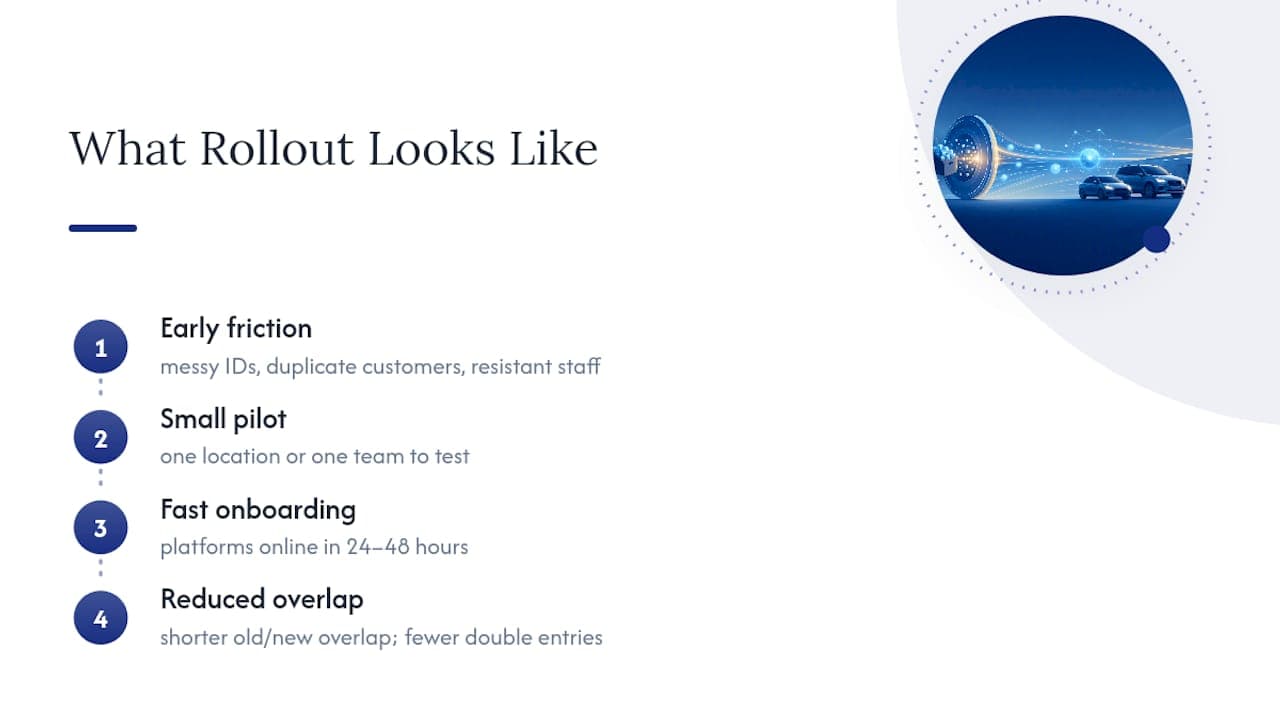
Every migration I've seen hits the same early friction: messy vehicle IDs, duplicate customer records, and at least one staff member who liked the old spreadsheet just fine. None of that means the switch was wrong.
A small pilot, one location or one team, before a full rollout, catches these issues while they're still cheap to fix. It also gives skeptical staff a chance to see the system work before they're asked to trust it fully. Platforms built for fast onboarding, Nomora included, typically get a rental business operational within 24 to 48 hours. This shortens the window where old and new systems overlap and reduces the chance of double entry.
— Dizzy
Getting Started With Nomora
Nomora is the direct fix for the exact spreadsheet failures covered above: no more double-booked vehicles, no more manually built invoices, no more guessing who edited what and when. The platform combines a real-time reservations engine, GPS-integrated fleet tracking, automated contract generation, and integrated payment processing into one system, and it's built to run on cloud access with GDPR-aligned data handling so your records stay secure and reachable from anywhere.

Setup typically takes 24 to 48 hours, not weeks, and pricing scales by fleet size and feature needs rather than locking every operator into the same plan. If you manage a small independent lot or a multi-location corporate fleet, the use-case pages show how the platform fits your specific situation. Book a demo or check current plans on the pricing page to see what a 24 to 48 hour switch from Excel actually looks like for your fleet.
Recommended
Ready to streamline your car rental business?
Book 30 minutes with the founder. We set up everything in this guide on your own vehicles, and migrate you out of Excel for free.