Switching from outdated spreadsheets or underpowered systems to a car rental management platform often exposes hidden licensing fees, limited integrations, or slow onboarding that delay daily operations. Many solutions with advanced features require costly add-ons, lack real support for multi-location fleets, or force you to contact sales just for transparent pricing. This comparison breaks down five leading car rental management software options so you can match the right features, support, and cost structure to your fleet without the usual guesswork.
navotar.com alternatives15 min read•
Top 5 navotar.com Alternatives Software 2026
Discover 5 alternatives to navotar.com and streamline your vehicle rental management processes with these effective software options.
N
Nomora Team
Car Rental Software Experts

Nomora
At a Glance
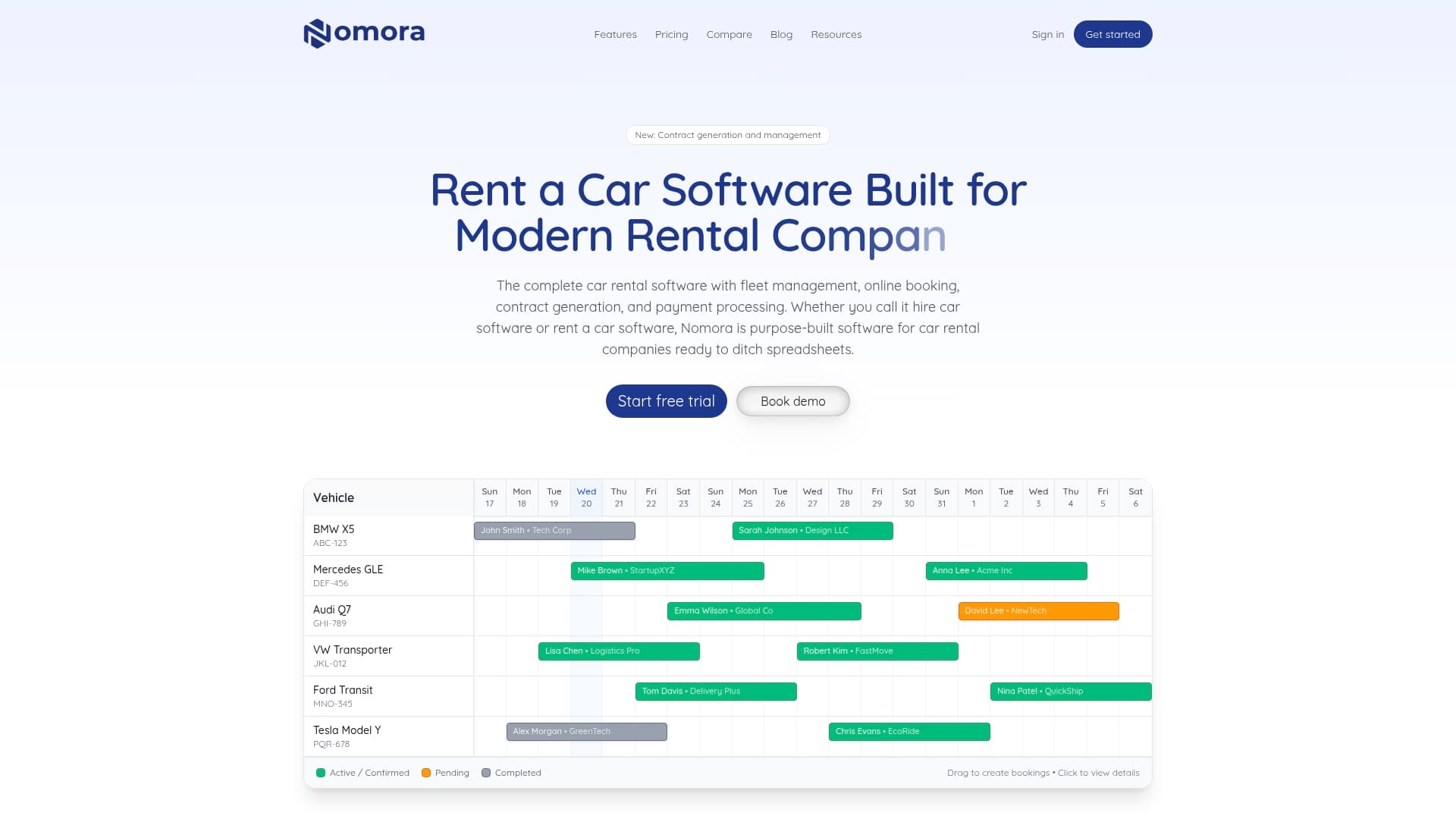
All features are included in every plan with no hidden fees — a clear commercial approach for fleets that want predictable monthly costs. The vendor advertises a 24 to 48 hour setup window and states GDPR compliance; those are vendor claims.
Nomora combines reservations, fleet operations, contract generation, payments, and customer records into one cloud product for rental operators.
Core Features
- Fleet management with maintenance tasks, inventory control, and vehicle profiles.
- Online booking portal with white label branding and booking controls.
- Contract generation with electronic signatures and templated agreements.
- Real-time analytics and KPI reporting for utilization and revenue per vehicle.
- Customer data management with searchable profiles and document storage.
Key Differentiator
Nomora’s standout policy is the all‑features‑included model paired with fast onboarding. Every plan advertises the same feature set and integrations so you do not pick add‑on modules as your fleet grows. That predictability simplifies procurement and month to month budgeting.
Pros
- Predictable pricing removes surprises when you add vehicles. The euro per vehicle tiers make monthly forecasting straightforward for finance teams.
- Real time vehicle tracking with conflict detection reduces double bookings and speeds up dispatch decisions.
- Setup claimed in 24 to 48 hours lets operations go live faster than long enterprise rollouts; the setup claim above is from the vendor.
- Built in payment processing and electronic contracts shorten the rental conversion funnel and reduce paperwork.
- Cloud access and the vendor’s stated GDPR posture support remote management and data controls for multi location operators.
Cons
- Pricing can be costly for very small fleets compared with maintaining spreadsheets; solo operators should model the per month outlay before committing.
Notable Integrations
- Wialon GPS for telematics and live position feeds.
- Stripe for card payments and settlements.
- Montonio for alternative payment options common in certain European markets.
Who It's For
Rental companies that need a professional, scalable, cloud based management system. Works well for small firms moving off spreadsheets, multi location operators, niche or luxury fleets, and corporate internal vehicle pools.
Unique Value Proposition
Because every plan includes the full feature set and integrations, procurement becomes a single decision rather than a checklist of modules. That changes the math: budget discussions focus on fleet size not hidden module costs, and IT time is spent on configuration not licensing debates.
Real World Use Case
A medium sized rental firm replaces spreadsheets and manual bookings with Nomora. Online bookings rise, contract turnaround shortens thanks to e signatures, and maintenance schedules move from ad hoc notes into tracked tasks tied to vehicle profiles.
Pricing
- €45/month for 1 to 10 vehicles.
- €2.80 per vehicle per month for 11 to 50 vehicles, minimum €99/month.
- €2.20 per vehicle per month for 51 to 200 vehicles, minimum €140/month.
- Custom pricing for fleets over 200 vehicles. All plans include the full feature set and integrations.
Website: https://nomora.io
Rent Centric
At a Glance
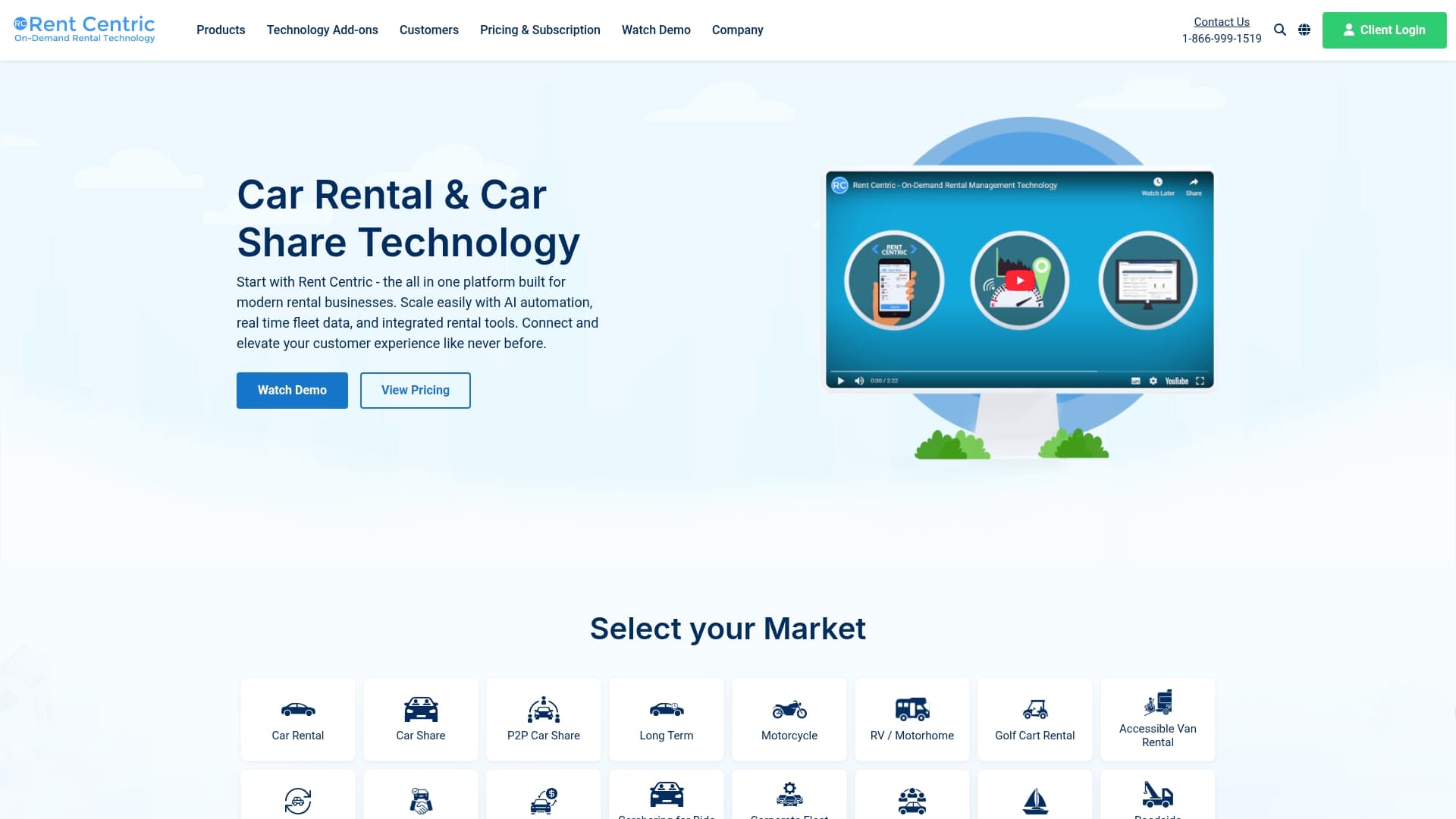
Handles rentals across cars, motorcycles, golf carts, boats, RVs, and vans from a single system. The vendor positions Rent Centric as a cost-conscious option with add-ons for GPS, toll processing, and contactless payments that bring live fleet data into daily operations.
Core Features
- Online reservations with customer self-service and booking widgets for websites.
- Split billing and automated invoicing for insurance, corporate accounts, and multi-party charges.
- GPS tracking and toll processing add-ons to tie location and fees directly to rental records.
- Fleet management tools, real-time status, APIs, web hooks, digital signatures, and payment gateway support.
Key Differentiator
Rent Centric focuses on vehicle rental specifics rather than generic fleet tools. Its modular add-on approach means you can build for niche markets such as golf cart or boat fleets without heavy custom engineering.
That modularity pairs with automation. Reservation, billing, and location feeds can be wired together so a toll event or GPS alert updates a booking record automatically.
Pros
-
The interface is reported as user-friendly, which lowers front-desk training time for seasonal hires and temp staff.
-
The platform supports multiple vehicle types and languages, making regional expansion easier for agencies moving into new markets.
-
Offers a self-serve booking engine and payment integrations so customers can reserve and pay without staff intervention.
-
Split billing and invoicing automation reduce manual reconciliation for corporate and insurance workflows.
-
Good integration choices include CRM, GPS, and toll systems, which helps connect bookings to customers and telematics.
Cons
-
Some users report inconsistent support responsiveness; support quality appears to vary between cases.
-
Early mobile usability issues were noted; improvements are reported but mobile experience may still lag best-in-class native apps.
-
A subset of users find onboarding nonintuitive and may need hands-on assistance during the first weeks.
When It May Not Fit
If your operation demands 24/7 high-touch vendor support or a fully native mobile app today, Rent Centric may cause friction. Large enterprises that require guaranteed support SLAs or heavily customized integrations could find the vendor’s standard offering too light.
If you need an out-of-the-box, enterprise-grade mobile app with deep telematics customization, expect to budget for professional services.
Notable Integrations
-
CRM platforms such as Salesforce, Zoho, and Netsuite.
-
GPS tracking systems and toll processing providers for automated location and fee capture.
-
Web hooks and API services for custom workflows and third-party system connections.
-
Payment gateways and digital signature solutions for contactless payments and contract capture.
Who It's For
Small to large vehicle rental companies that want a configurable system focused on rental workflows rather than a generic fleet product. Especially useful for operators who manage mixed fleets or niche rental categories and want built-in billing logic for insurance and corporate accounts.
Real World Use Case
A regional car rental agency ties online bookings to GPS feeds and toll processing. When a customer returns a vehicle, toll events are matched to the rental and invoiced automatically, reducing manual reconciliation and cutting end-of-month billing cycles.
Pricing
The vendor lists pricing as informational only and does not publish standard tiers in the source data. Prospective buyers should contact Rent Centric for quotes that reflect fleet size, add-ons, and integration needs.
Website: https://rentcentric.com
EasyRentPro
At a Glance
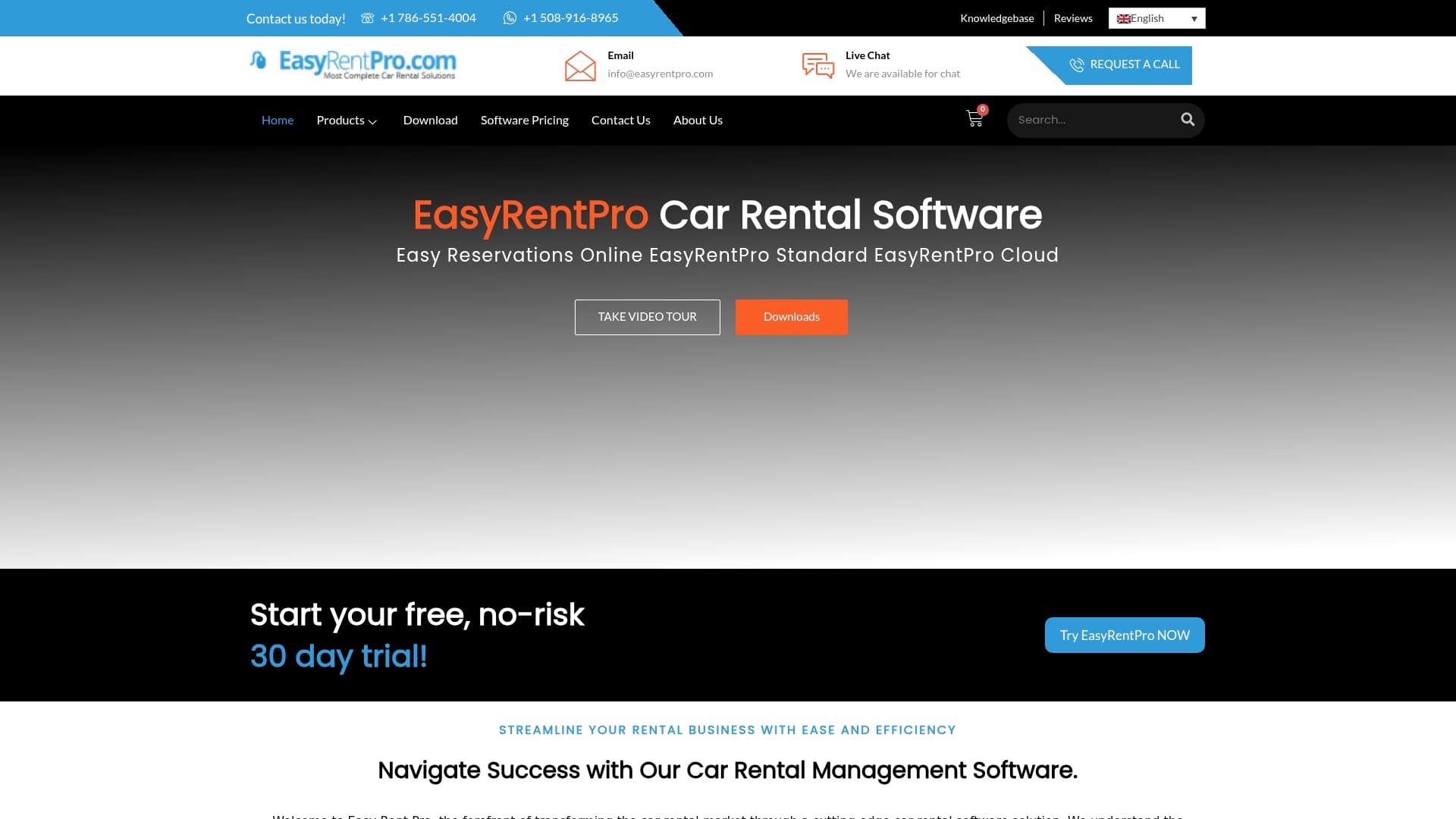
Free trial is available while published pricing is not disclosed on the vendor site, so you need a sales touchpoint to get rates. EasyRentPro presents a cloud based, multi language car rental toolkit focused on fleet oversight, bookings, and customer records.
Core Features
- Comprehensive fleet management covering maintenance schedules and vehicle availability tracking.
- Intuitive online reservation engine that handles bookings and basic rate rules.
- Dynamic rate management with flexible pricing and discount options for seasonal or promotional pricing.
- Centralized customer profiles that store rental history, documents, and contact details.
- Reporting and analytics for fleet utilization and booking trends.
Key Differentiator
EasyRentPro's pitch is an all in one interface that targets the operational needs of vehicle rental businesses rather than generic property or equipment rentals. The focus on fleet oversight plus reservation and CRM in a single product reduces the number of tools you must stitch together.
Pros
- Fast to learn. The vendor advertises a user friendly interface that gets staff booking and checking vehicles with minimal training.
- Support responsive. Users report a fast attending support team which speeds issue resolution during high demand periods.
- Affordable positioning. The product data lists an affordable pricing model which helps smaller operators experiment without a heavy upfront license fee.
- Cloud access. Working from any device is built in so branch managers and remote agents can view availability and accept bookings on the go.
- Practical feature set. The combination of maintenance tracking, reservations, and customer data solves the day to day workload for many regional rental firms.
Cons
- Sparse third party reviews make it hard to form an independent quality judgment about reliability and long term support.
- Marketing materials emphasize basic fleet and reservation workflows but provide few specifics on advanced automation or complex booking rules.
- Integrations are limited in the provided content to QuickBooks only; if you need broader accounting, telematics, or OTA connectors you may hit gaps.
When It May Not Fit
If you run a multi location franchise with complex interbranch transfers the product data does not state multi location workflows explicitly. Large enterprise fleet programs that require heavy automation or many external integrations will likely need a more extensible platform.
Notable Integrations
- QuickBooks for accounting sync. That single integration covers basic financial posting but the vendor does not list additional connectors in the supplied data.
Who It's For
Regional car rental operators, independent agencies, and small chains that want a single place for bookings, vehicle upkeep, and customer records. Good for teams that prefer a simpler operational model over a highly configurable enterprise stack.
Real World Use Case
A regional rental company consolidates reservations, vehicle maintenance logs, and customer contracts into EasyRentPro. Branch staff stop using separate spreadsheets and the booking process moves from email threads to the reservation system, improving day to day clarity.
Pricing
A free trial is offered according to the product data but published pricing is not provided. You will need to request a quote on the vendor site for tiering, seat costs, or add on fees.
Website: https://easyrentpro.com
HQ Rental Software
At a Glance
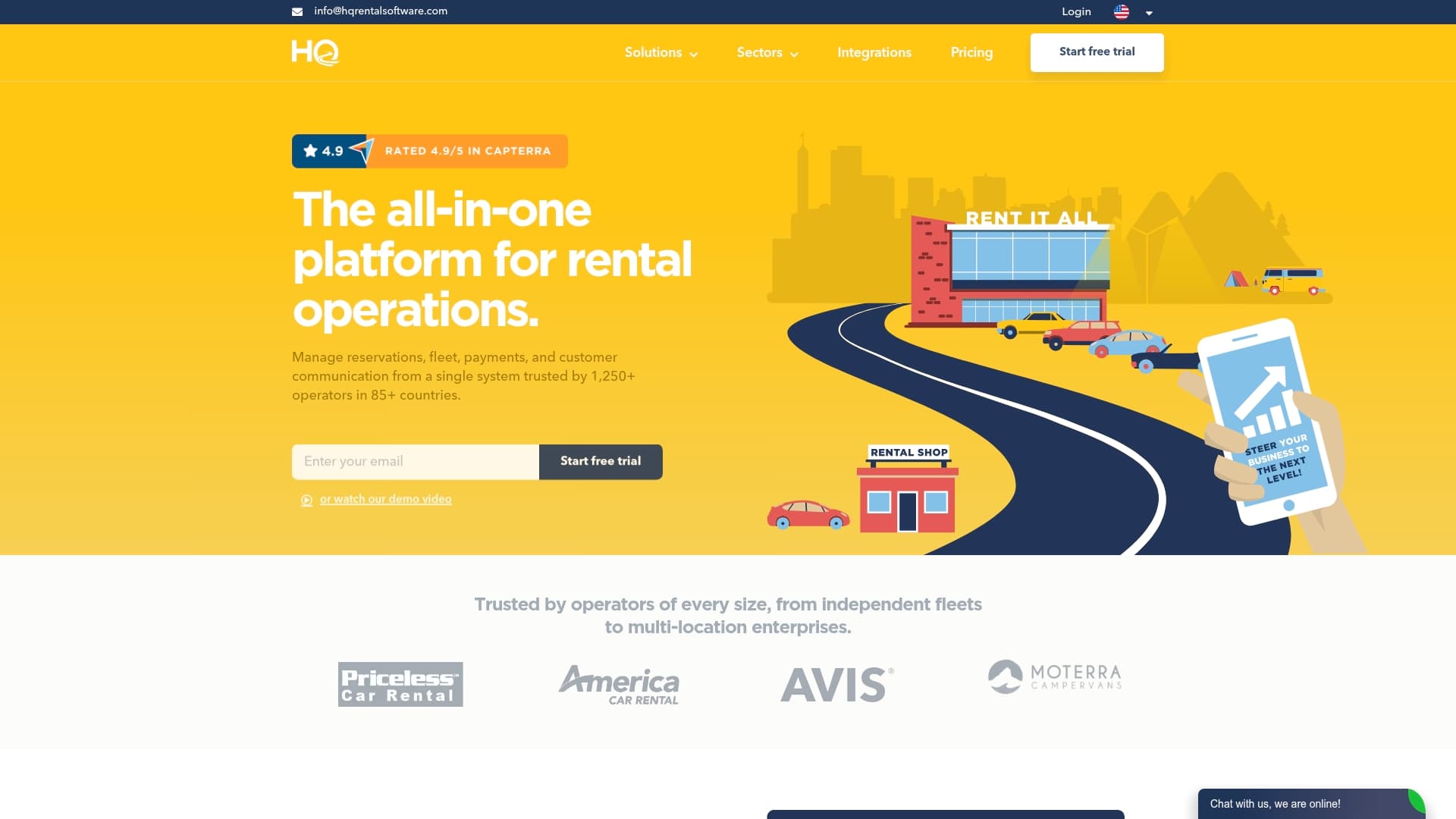
HQ Rental Software reports being used by over 1,250 operators across more than 85 countries, a market reach the vendor cites in its materials. The product targets mixed fleets — cars, motorbikes, boats, equipment — and bundles bookings, fleet care, payments, and customer communications into a single system.
Core Features
- Online reservations with a self-service flow for customers and direct booking pages.
- Fleet tracking combined with maintenance scheduling and multi-location control.
- Digital agreements and remote vehicle inspection workflows to reduce paper handling.
- Channel management for availability syncing across websites and OTAs, plus customizable dashboards and KPI tracking.
Key Differentiator
HQ Rental Software’s real strength is its emphasis on configurability. The vendor positions the product as highly adaptable to different rental markets and modes, letting you shape booking flows, permissions, and invoicing rules to match car, equipment, or long-term lease operations rather than forcing a single process.
Pros
- The usage claim above suggests meaningful market adoption, which correlates with a mature feature set and ongoing product development.
- Flexibility: you can map different asset types and rental modes in one account, avoiding separate systems for boats or equipment.
- End-to-end workflow coverage reduces switching between tools; bookings, payments, inspections, and maintenance live in the same place.
- Vendor support and reported positive reviews make onboarding less painful than with niche tools that lack guidance.
Cons
- The breadth of features creates a learning curve for teams without a dedicated admin; setup can take time for complex configurations.
- Pricing is tiered by fleet size and feature needs, so very small operators may find entry costs noticeable compared with lighter tools.
- Integrating with obscure or heavily customized third-party systems may require technical work and additional vendor involvement.
When It May Not Fit
If you operate a very small two‑vehicle fleet and want a near-zero setup product, HQ’s configurability may be overkill. Likewise, teams that require plug‑and‑play integrations with highly bespoke internal systems should budget for integration effort and possible professional services.
Notable Integrations
- QuickBooks
- Xero
- Stripe
- PayPal
- Geotab
- Zubie
- Invers Cloudboxx
- SunPass
Who It's For
Rental operators that need a single system to manage bookings, fleet care, payments, and reporting across multiple locations or vehicle types. It fits operators planning to grow or consolidate systems and those willing to trade upfront setup for tighter process control.
Real World Use Case
A regional car rental firm moved online bookings into HQ, automated routine maintenance scheduling, and routed payments through Stripe. The company replaced three separate spreadsheets and a bespoke invoicing script with a single dashboard for reservations and vehicle health.
Pricing
HQ Rental Software lists pricing tiers on its site and structures plans by fleet size, feature set, and support level. Expect costs to scale with vehicle count and advanced integrations; request a quote for exact figures.
Website: https://hqrentalsoftware.com
The 42-Point Car Rental Operations Checklist
The exact checks profitable rental operators run every week — free, straight to your inbox.
- Fleet readiness & handover
- Bookings & no-show prevention
- Pricing & revenue reviews
- Contracts & compliance
- Payments & invoicing
- Maintenance & fleet health
One email with the checklist. No spam, unsubscribe anytime.
Comparative Analysis of Car Rental Management Software
Selecting the right car rental management software depends on balancing business needs against the features and constraints of each platform. Below, we compare Nomora with its competitors, providing a clear perspective for decision-making.
Pricing Predictability
Nomora stands out with its clear, transparent pricing structure where all features are included in every plan. This approach allows businesses to focus on scaling their fleet without worrying about hidden costs or fluctuating expenses. Conversely, platforms like Rent Centric offer a modular approach, where features are treated as optional add-ons. While this structure is flexible, it may increase costs over time as needs expand. Small fleet operators should weigh their need for simplicity against the potential of incremental charges.
Customization and Flexibility
When it comes to adapting the platform to niche markets, HQ Rental Software excels. Its highly configurable nature allows users to tailor workflows for various rental types and operational structures. This flexibility can provide a significant advantage for businesses managing mixed vehicle fleets. However, this customization comes with a steeper learning curve and higher implementation effort compared to Nomora's faster deployment and uniform features.
Support Responsiveness
Feedback highlights faster and more consistent support responses from EasyRentPro, which can be for small to medium-sized vacation rental agencies facing operational issues during peak seasons. In comparison, while Nomora offers onboarding, some operators may find its support scope not as tailored to fast-turn resolution for smaller-scale urgencies.
Best Fit Scenarios
- Nomora: Recommended for car rental companies seeking a unified solution that includes all essential features at a fixed cost, suitable for medium to large fleets.
- HQ Rental Software: Suits operators needing advanced configurability, such as those managing mixed fleets or multiple business models.
- EasyRentPro: A good match for regional car rental agencies appreciating affordable pricing and attentive support.
- Rent Centric: Fits businesses focusing on vehicle rental-specific rather than general fleet management and seeking flexible, modular feature deployment.
Our Pick: Nomora
For most use cases, Nomora provides the balance between feature richness, pricing transparency, and ease of scaling. By including a suite of tools in one package with predictable pricing tiers, it minimizes complexity and administrative overhead. However, enterprises with specific demands for modular extensions or extreme customizability may find alternatives, such as HQ Rental Software, more aligned with their operational goals.
Car Rental Management Software Comparison
Choosing the optimal software involves assessing fleet size, integration needs, and feature inclusivity to find the ideal solution for scalable fleet operations.
| Product | Core Feature | Key Differentiator | Best For | Pricing | Notable Limitation |
|---|---|---|---|---|---|
| Nomora | Fleet management, real-time analytics, online bookings | Inclusive feature set with predictable pricing | Multi-location or corporate rental fleets | €45/month (1–10 vehicles)€2.80+ per vehicle/month (scalable) | Costlier for small 1-vehicle ops |
| Rent Centric | Reservations, GPS tracking, split billing | Modular add-on design for niche markets | Mixed vehicle types and regional agencies | Not disclosed | Support responsiveness inconsistency reported |
| EasyRentPro | Fleet oversight, centralized customer management | Simple interface targeting rental business workflows | Independent and regional rental operators | Not disclosed | Limited integrations beyond basic accounting connectors |
| HQ Rental Software | Multichannel bookings, payments, vehicle inspections | Highly configurable for diverse rental operations | Growing fleets managing various asset types | Tiered by size and features | Steep learning curve for complex setups |
Discover a Strong navotar.com Alternative with Nomora
If you are exploring navotar.com alternatives, finding a platform that handles all rental management needs without hidden costs can be challenging. Nomora offers a clear pricing model and fast onboarding, perfect for rental businesses tired of juggling spreadsheets and fragmented tools. Its integrated system covers reservations, fleet management, electronic contracts, and payment processing with real-time conflict detection to reduce booking errors.
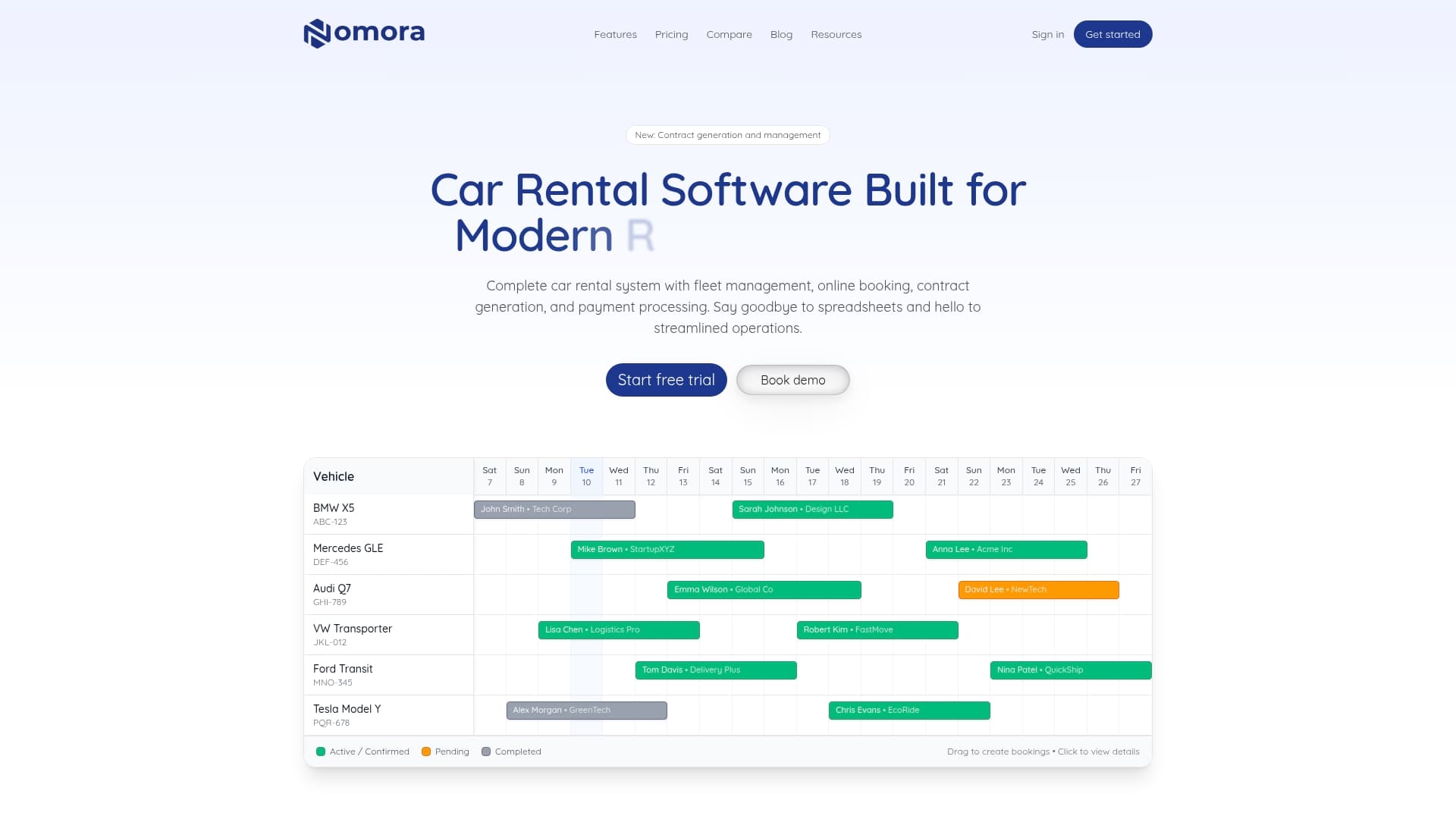
Act today to switch to a solution that includes every feature in every plan. Visit Nomora to unlock fast setup within 48 hours and experience streamlined operations that maximize fleet utilization. Get started with Nomora and simplify your rental workflow by managing bookings, maintenance, and payments from one platform.
Frequently Asked Questions
How does Nomora support fleet management for car rental businesses?
Nomora offers a comprehensive fleet management feature that includes maintenance tasks and inventory control. The platform combines all necessary tools to manage fleet operations, making it suitable for rental operators transitioning from spreadsheets. If you're seeking an integrated solution, Nomora can provide a clear advantage.
What is the difference between Nomora and Rent Centric regarding pricing structure?
Rent Centric provides a modular add-on approach that allows businesses to customize their system for niche markets, which can be cost-effective for specialized needs. In contrast, Nomora’s straightforward pricing model charges a flat fee based on vehicle count, ensuring predictable costs as your fleet grows. Choose Nomora for clarity in budgeting as you expand your operations.
Can I use Nomora if I have a smaller fleet of vehicles?
Nomora is designed for fleets starting at just €45/month for 1 to 10 vehicles, making it accessible for smaller rental businesses. The platform's pricing structure is transparent, with all features included, which can help streamline your operations without hidden costs. If you have a small fleet, Nomora is a practical choice to consider.
Does Nomora include any built-in payment processing features?
Yes, Nomora includes built-in payment processing features along with electronic contracts, which reduces paperwork and speeds up the rental conversion process. This integration supports businesses looking for efficiency in managing transactions. If you're aiming to minimize administrative tasks, Nomora’s approach can benefit your operations.
Which platform offers faster setup times: Nomora or HQ Rental Software?
Nomora claims a setup time of 24 to 48 hours, significantly quicker than traditional enterprise rollouts. This feature allows rental businesses to go live faster and reduces downtime during the transition. If you need a swift implementation, Nomora provides a clear advantage in getting started.
Recommended
Ready to streamline your car rental business?
Book 30 minutes with the founder. We set up everything in this guide on your own vehicles, and migrate you out of Excel for free.