TL;DR:
- Managing multiple rental branches requires a unified system to coordinate vehicles, bookings, staff, and customer data effectively. Without deliberate processes and integrated technology, operational issues like double bookings, fleet imbalances, and inconsistent reporting can cause revenue loss and customer dissatisfaction. Implementing an automated, centralized platform with clear ownership, regular staff training, and process discipline is essential for scalable, profitable multi-location rental operations.
Running two or more rental branches is not simply running one business twice. Many operators discover this the hard way, expecting that the systems and habits that worked at a single location will scale naturally. They rarely do. Multi-location rental management is a strategic discipline that requires unified data, deliberate process design, and the right technology working together. This article covers exactly what that discipline involves, the real challenges you will face, the tools that solve them, and the best practices that keep profitable growth sustainable.
Table of Contents
Key Takeaways
| Point | Details |
|---|
| Centralized management is vital | Coordinating bookings, fleets, and teams centrally makes multi-location rental management scalable and stress-free. |
| Solve logistics with smart systems | The right software platform streamlines vehicle transfers, reduces errors, and enhances customer service. |
| Automate but don’t abdicate | Automation saves time but disciplined processes and team alignment are non-negotiable for success. |
| Continuous improvement matters | Regularly audit systems and train staff to optimize efficiency and avoid costly mistakes. |
What is multi-location rental management?
Multi-location rental management is the practice of coordinating vehicles, reservations, staff, and customer data across two or more physically separate rental branches. At a single location, a manager can walk the lot, check a whiteboard, and have a clear mental picture of what is available. Add a second branch ten miles away, and that picture becomes fragmented. Add a third and fourth, and it breaks down entirely without a deliberate structure in place.
The discipline has several unique requirements that single-branch operations simply do not face:
- Unified booking visibility: Every branch must draw from a shared reservation pool so agents at any location can see what is available elsewhere.
- Fleet transfer protocols: Vehicles need to move between sites to balance demand, requiring clear dispatch rules and documentation.
- Cross-location staff scheduling: Teams at each site must align with demand patterns that often differ by location, season, or customer type.
- Consolidated reporting: Managers and owners need performance data across all branches in a single view, not separate spreadsheets that require manual merging.
- Consistent customer experience: A customer who rents at Branch A and returns to Branch B should receive the same process, pricing, and service quality.
As the multi-location fleet management guide from Nomora notes, multi-location management requires coordination of fleet, bookings, and staff across multiple sites. That coordination does not happen by default. It must be engineered.
Think of your rental software as the central nervous system of the operation. Just as the nervous system relays signals across the entire body, a well-integrated platform relays real-time data across every branch so the whole business responds as one.
The moment you open a second location, complexity does not simply double. It multiplies. Every gap in communication, every unsynced data point, and every manual process becomes a potential point of failure at scale.
Pro Tip: Centralize your dashboard from day one. Even if you are managing just two locations today, building the habit of reviewing a single unified view trains your team to think company-wide rather than branch-first. You can explore the full range of car rental software use cases to see how different business types structure their multi-location oversight.
Key challenges of managing rentals across multiple locations
Understanding the concept is one thing. Living with the daily friction is another. Rental operators who expand without a coordinated system report consistent, predictable problems. These are not random. They stem directly from the structural gap between what manual and disconnected processes can handle and what multi-branch operations actually demand.
The most common pain points include:
- Vehicle imbalances: High demand at one branch leaves another with idle cars, cutting utilization rates and revenue per vehicle.
- Double bookings: Two agents at separate locations both confirm the same vehicle, leading to customer complaints and emergency fixes.
- Communication delays: Branch managers rely on phone calls or email chains to transfer fleet or share availability data, creating lag time that worsens during peak periods.
- Inconsistent pricing and contracts: Without a shared system, branches may quote different rates or use different contract templates, creating legal and reputational risk.
- Weak financial visibility: Profit and loss data sits in separate files, making it nearly impossible to see which branches are underperforming in real time.
As covered in Nomora's rental inventory management tips, fleet imbalances, mismanaged inventory, and overbookings are among the most frequently reported multi-location challenges. These are not edge cases. They are predictable outcomes of operating without a connected system.
The financial cost of these inefficiencies compounds quickly. An idle vehicle that should have been transferred to a high-demand branch represents lost daily revenue. A double booking can result in a refund, a discount on a future rental, and permanent damage to that customer's loyalty. Weak oversight also increases the risk that individual branches develop their own informal workarounds, which creates further inconsistency and training burdens over time.
Poor coordination between branches is not just an operational inconvenience. It is a direct driver of revenue leakage and customer churn that many operators fail to quantify until it is too late.
Understanding how to boost profits with rental software starts with recognizing where those profits are currently slipping away unnoticed.
With the challenges clearly mapped, the next step is to build a technology stack that addresses them directly. The right tools do not just add convenience. They remove entire categories of error from your daily operations.

Integrated car rental software is key to managing bookings, fleet allocation, and payments across several branches. The operative word is integrated. A collection of separate tools that do not communicate with each other creates the same data fragmentation problems as manual processes.
Here is a step-by-step approach to implementing an integrated multi-location system:
- Audit your current processes. Before selecting tools, map every workflow that currently touches more than one branch. This includes vehicle transfers, customer check-ins, invoicing, and reporting.
- Select a central platform. Choose a cloud-based rental management system that handles reservations, fleet tracking, contracts, and payments in one place.
- Connect GPS and telematics. Real-time vehicle location data helps managers make faster transfer decisions and improves utilization across the fleet.
- Integrate your payment gateway. Customers should be able to pay at any branch and have that transaction reflected immediately in central accounts.
- Set user roles and permissions. Branch managers need access to their site data and transfer requests. Ownership and finance teams need company-wide reporting. Role-based access keeps data secure while keeping everyone informed.
- Train branch staff on shared workflows. Technology only works when the people using it follow consistent procedures. Every team member should understand not just their branch's tools but how their actions affect data visibility company-wide.
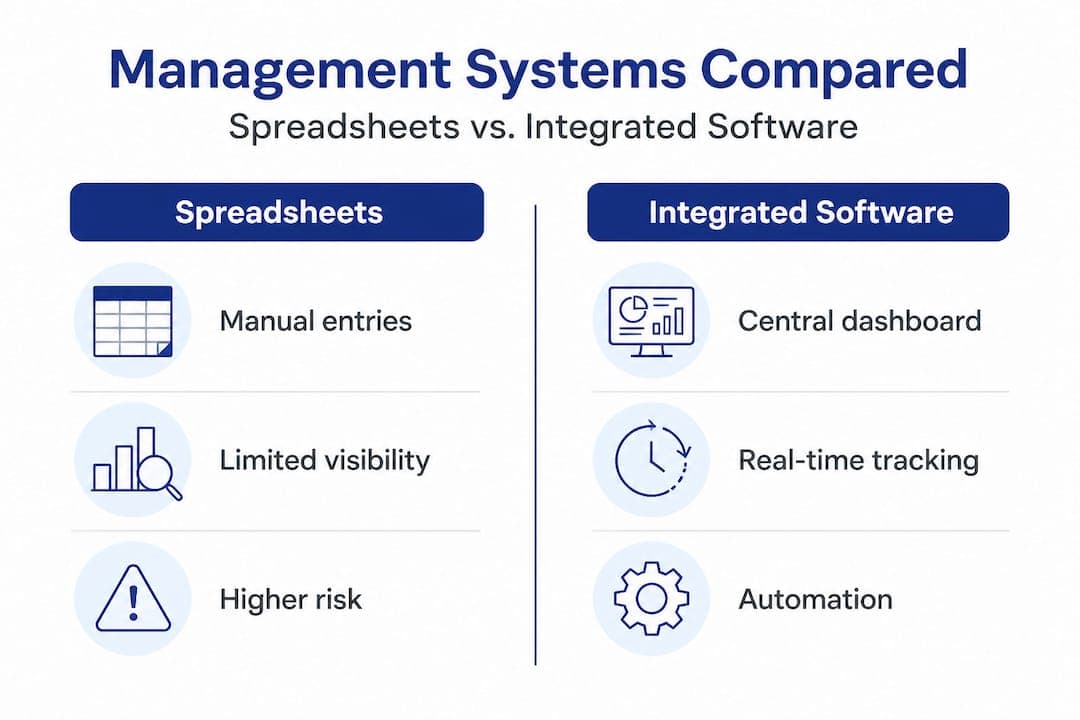
Here is a direct comparison to clarify what is at stake when choosing between disconnected tools and an integrated platform:
| Feature | Spreadsheets and separate tools | Integrated rental software |
|---|
| Booking visibility | Per branch, manual updates | Real-time, all branches |
| Fleet transfer management | Phone and email | In-system dispatch requests |
| Double booking prevention | Error prone | Automated conflict detection |
| Financial reporting | Manual data merging | Unified dashboard |
| Contract generation | Separate templates, inconsistent | Standardized, automated |
| Payment processing | Multiple systems | Single integrated gateway |
| Staff scheduling | Separate files per branch | Centralized scheduling tools |
The contrast is stark. Spreadsheets and disconnected tools are not just slower. They introduce systemic risk that grows with every branch you add. A solid system integration guide helps you see how platforms like GPS providers, payment processors, and CRM systems should connect to your core rental platform.
Pro Tip: Prioritize automation for your highest-volume, most repetitive tasks first. Reservation confirmations, contract generation, and payment receipts are strong starting points. Automating these alone can free up significant staff time and virtually eliminate a class of manual errors. For a deeper look at what to look for, reviewing rental software features gives a practical breakdown of the capabilities that have the biggest operational impact.
Best practices for scaling and automation in multi-location management
Having the right tools is the foundation. Using them with discipline and a clear growth strategy is what separates rental businesses that scale well from those that plateau or deteriorate as they expand.
The top automation opportunities in multi-location rental management are:
- Reservation management: Automate confirmation emails, reminder messages, and waitlist notifications.
- Fleet dispatch and transfer requests: Trigger automatic alerts when inventory at one branch drops below a set threshold.
- Invoicing and payment collection: Remove manual invoice creation from the billing process entirely.
- Customer data updates: Sync customer profiles across branches so returning renters do not need to re-enter details.
- Performance reporting: Schedule automated reports for branch managers and company leadership on a weekly or monthly basis.
To put these into practice, follow this five-step automation process:
- Identify repetitive tasks. List every task your team performs more than ten times per week that follows a predictable pattern.
- Map the trigger and the outcome. For each task, define what initiates it and what the correct result should be.
- Configure your software rules. Use your rental platform's automation settings to replicate that logic digitally.
- Test with low-risk scenarios. Run automated workflows with test bookings before applying them to live customer reservations.
- Monitor and refine. Set a 30-day review cycle after each automation goes live to catch edge cases and adjust rules.
The ROI difference between manual and automated operations is not marginal. Here is a realistic comparison for a mid-sized company with three to five branches:
| Process | Manual operations | Automated operations |
|---|
| Time to confirm reservation | 5-10 minutes per booking | Under 60 seconds |
| Invoice generation | 15-30 minutes per contract | Instant |
| Fleet transfer coordination | 30-60 minutes per transfer | 10-15 minutes with system alerts |
| Weekly reporting | 2-4 hours of data merging | Automated delivery, zero prep |
| Double booking incidents | Several per month | Near zero with real-time sync |
The cumulative time savings across a team of ten staff members and dozens of daily transactions translates directly into lower labor costs, faster customer service, and fewer costly errors. As research from Nomora confirms, rental management software improves efficiency, prevents double bookings, and drives higher profits. These are not theoretical benefits. They show up in your monthly numbers.
Regular staff training matters as much as the tools themselves. Automation fails when team members bypass it or use workarounds. Schedule quarterly refreshers to ensure everyone is current on system updates and understands why consistent data entry supports the whole operation. Pairing fleet efficiency software features with trained, accountable staff creates a system that actually performs.
Pro Tip: Set up custom alerts for early warning signs. Flag any branch where vehicle utilization drops below 60% for more than 48 hours, or where a reservation conflict is detected. Catching these signals early lets you act before they become expensive problems.
Why technology alone isn't enough: The real secret to multi-location rental success
Here is a perspective that most software-focused guides skip over entirely. Technology does not run your rental business. People do. And that distinction matters enormously at scale.
Many rental operators invest in an integrated platform and expect results to follow automatically. Sometimes they do, at first. But within a few months, old habits creep back in. Branch managers start keeping their own spreadsheets again "just in case." Staff skip steps in the system because nobody is checking. Reporting gets ignored because no one owns the decision to act on it.
The uncomfortable truth is that process discipline beats tool selection as a predictor of multi-location success. A rental company running a moderately capable software platform with rigorous, consistent processes will outperform a competitor using a more advanced system loosely and inconsistently. Every time.
The fleet management perspective reinforces this point. Coordination across locations fails most often not because of missing features, but because of missing accountability. Branch staff need clear ownership of their data inputs, their fleet status updates, and their customer interactions. When that ownership is ambiguous, quality degrades regardless of the tools available.
Empowered branch managers are the real multiplier. Give them real-time dashboards they understand and trust, clear escalation paths when problems arise, and authority to act on fleet decisions within defined parameters. That combination of visibility and autonomy turns branch managers from information bottlenecks into operational assets.
Standardized procedures also protect your brand as you grow. A customer who has a great experience at Branch A and a mediocre one at Branch B does not blame Branch B. They lose trust in your company. Documented procedures for every customer touchpoint, enforced through training and monitored through reporting, are what keeps service quality consistent across every location.
Technology and operational rigor are not competing priorities. They amplify each other when both are present. But when only one is present, results are predictably disappointing.
Manage every branch effortlessly with Nomora
If this article has clarified what multi-location rental management truly demands, the natural next step is finding a platform built to meet those demands from day one.
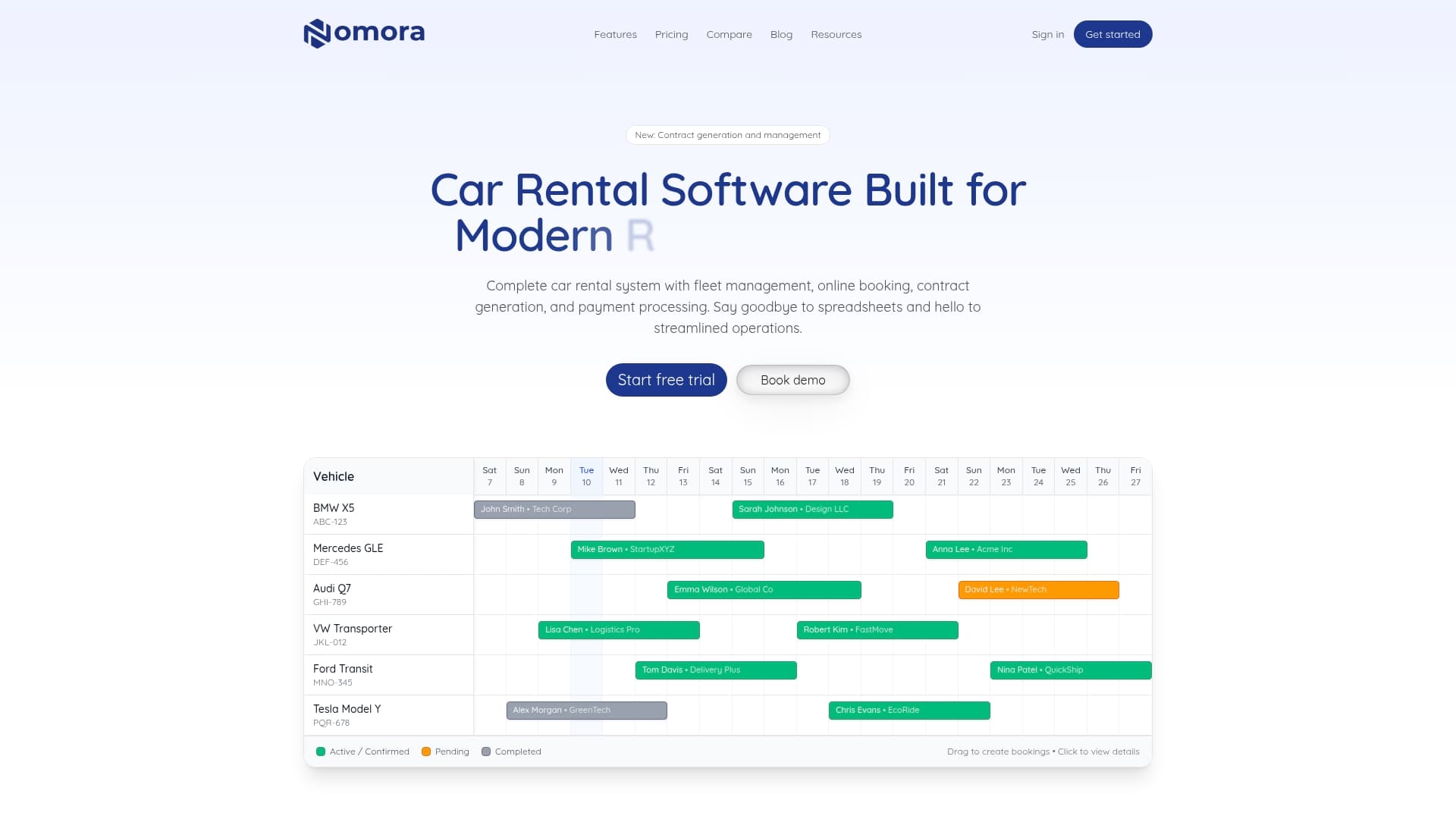
Nomora is designed specifically for rental businesses that need to move beyond spreadsheets and disconnected tools. With a centralized dashboard, real-time fleet tracking, automated booking workflows, and branch-level reporting, Nomora acts as the operational backbone across every location you manage. Setup takes 24 to 48 hours, and the platform scales with you whether you are running two branches or twenty. Explore the full range of multi-location rental software use cases to see how businesses like yours are already using Nomora to streamline operations. Visit Nomora to learn more and take the first step toward genuinely connected, efficiently managed multi-location rentals.
Frequently asked questions
How does multi-location rental management reduce fleet downtime?
By enabling dynamic vehicle transfers and synchronized booking data, managers can keep their fleet active and minimize idle vehicles across all branches. As Nomora's approach to rental inventory management shows, optimizing fleet utilization means balancing vehicles between locations based on real-time demand signals rather than guesswork.
What core features should I look for in multi-location car rental software?
Look for a central dashboard, real-time vehicle tracking, cross-location booking, automated payments, and integrated reporting across all branches. A unified car rental software platform brings these capabilities together so every branch operates with consistent, up-to-date information.
Can automation fully replace manual oversight in rental operations?
No. Automation streamlines workflows and eliminates repetitive tasks, but regular process audits and active staff involvement are essential to catch edge cases and maintain service quality over time.
How do I prevent double bookings across multiple rental branches?
Using integrated software with real-time data sync eliminates reservation overlaps by ensuring that when a vehicle is confirmed at one branch, it is immediately unavailable everywhere else. Nomora's platform prevents double bookings by syncing reservations across all branches in real time.
Recommended