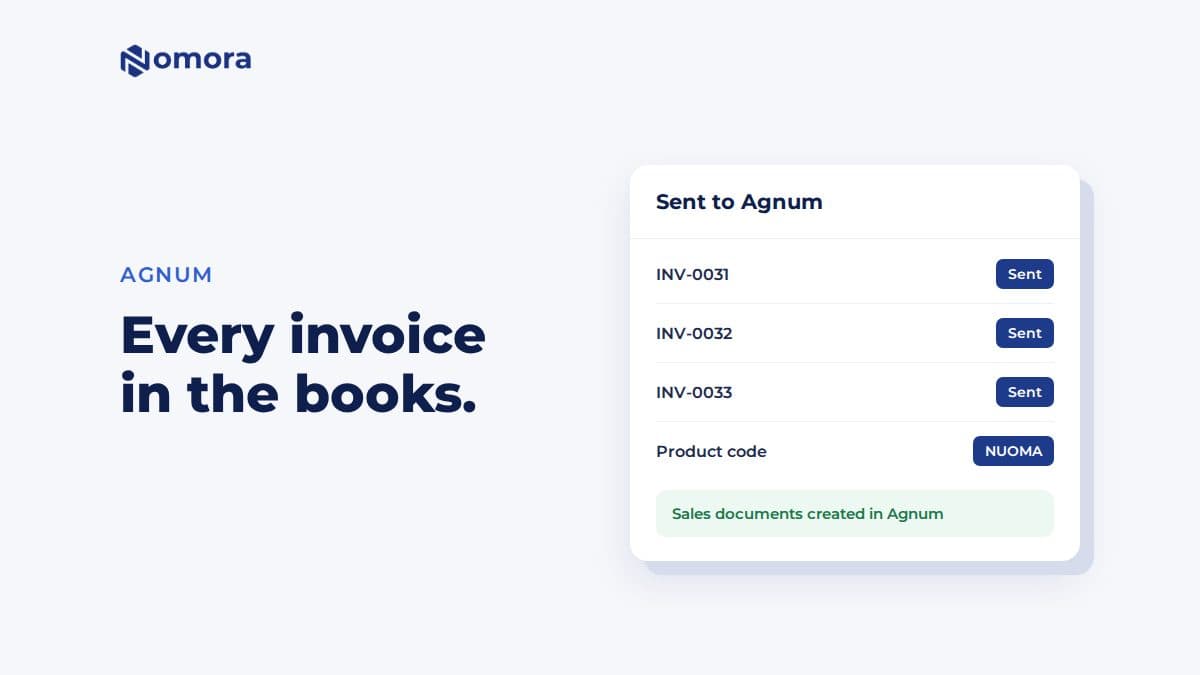
Quick answer: Agnum works differently from Xero or Invoice123. Nomora issues the invoice itself, with its own number and PDF, and then sends it to Agnum as a sales document. You connect it under Settings → Invoices → Agnum with an API key from Agnum and the product code your invoice lines are booked under. Only euro invoices issued after you connect are sent.
Agnum is an accounting program used by many Lithuanian accountants. A rental company often does not touch it at all. The accountant does, and at month end asks for every invoice so they can enter them. This integration removes that step.
How it works
- You issue an invoice from a booking in Nomora, as usual. Nomora gives it its number and PDF and emails it to the customer if you choose to.
- Right after that, Nomora sends the invoice to Agnum as a sales document.
- The buyer is matched to an Agnum client by company code, or created. Private customers can go under one shared client or each get their own.
- Lines are booked under the product code you set. Each vehicle can also have its own product, so the accountant sees revenue per car. Under Vehicle codes in Agnum, Match from Agnum fills in the codes of Agnum products whose code names a vehicle's plate.
If Agnum is unreachable, the invoice list shows Agnum: failed beside the invoice, and Nomora tries again on its own, waiting longer each time, from five minutes up to six hours. After ten attempts it stops trying. You can click the badge to send the invoice again at any time.
How to connect Agnum
- Ask Agnum or your accountant for an API key. It needs these rights: SAVE_VSK, READ_VSK, SAVE_KL, READ_KL, READ_KL_DOK, READ_PRK and READ_PRK_QTY.
- Open Settings → Invoices → Agnum and paste the key. Leave API address blank unless Agnum gave you an address of your own.
- Enter the Product code invoice lines are booked under. It has to exist in Agnum.
- Optionally enter the VAT code your accountant uses, a Warehouse, and a Client for private customers.
- Click Test connection, then Save Agnum settings.
The test tells you if Agnum refused the key, or if the product code does not exist in Agnum yet.
What Agnum does not take from Nomora
These come straight from the settings card, and they matter:
- Changes. Agnum cannot change or remove a document through its connection. If you cancel or delete an invoice in Nomora after it was sent, correct it in Agnum yourself.
- Other currencies. Only invoices in euros are sent.
- Earlier invoices. Only invoices issued after you connect are sent.
Paid status does not come back from Agnum either. Payments are recorded in Nomora. Credit notes and pro forma invoices are not sent.
Agnum only receives Nomora's built-in invoices. If Invoice123, Monet or Xero issues your invoices, nothing goes to Agnum.
Who it suits
A rental company in Lithuania whose accountant keeps the books in Agnum, and who is happy for Nomora to issue the invoices. Built-in invoices cover numbered series, your company details, VAT, and Lithuanian, English or Polish PDFs. They do not submit to i.SAF, so that stays with the accountant, who now has the documents in Agnum already.
If your accountant uses Monet or Invoice123 instead, see Monet ERP for car rental or Invoice123 for car rental.
Get it set up
Book a free 30-minute setup call and send your vehicle list in any format. Your fleet, prices and contract template go live in Nomora within 48 hours, and the connection gets set up on the same call. If you would rather click through it yourself, start a 14-day free trial. No card needed.
Frequently asked questions
Does Agnum issue the invoice or does Nomora?
Nomora does. The invoice gets its number and PDF in Nomora, and a copy is sent to Agnum as a sales document for the books.
Are invoices I issued before connecting Agnum sent?
No. Only invoices issued after you connect are sent, and only invoices in euros.
What happens if I cancel an invoice after it was sent to Agnum?
Agnum cannot change or remove a document through its connection, so correct it in Agnum yourself.
Can each car be booked to its own product in Agnum?
Yes. Once Agnum is connected you can set an Agnum product code per vehicle, or let Match from Agnum fill in codes that name the vehicle's plate. Vehicles without a code use the default product code.
Set this up on your own fleet
Book a free 30-minute setup call. Send your vehicle list in any format, and your fleet, bookings and contract template are live in Nomora within 48 hours. Or start a 14-day free trial on your own. No card needed.