TL;DR:
- Remote fleet management requires real-time visibility, telematics, and cloud-based systems.
- Starting with a pilot of 10-20% of the fleet reduces risk and improves staff adoption.
- Continuous optimization through predictive maintenance and dynamic pricing maximizes ROI.
Managing a rental fleet from a distance is one of the most demanding challenges in the vehicle rental industry. When you're not on-site, every missed call, every scheduling conflict, and every vehicle sitting idle chips away at your revenue. Spreadsheets and phone tag simply can't keep pace with the speed of modern rental demand. This guide walks you through a proven, step-by-step process for taking full remote control of your fleet, from assessing your current setup to deploying the right technology and optimizing performance over time. You will leave with a clear framework and the confidence to act.
Table of Contents
Key Takeaways
| Point | Details |
|---|
| Centralize operations | Cloud platforms and telematics are crucial for stress-free remote fleet control. |
| Pilot before scaling | Test on 10–20% of your fleet before a full rollout to minimize risk. |
| Optimize with analytics | Use predictive maintenance and data-driven pricing for higher uptime and profit. |
| Integrate reservation systems | Connecting reservations to fleet software eliminates double bookings automatically. |
| Continuous improvement | Regularly review KPIs and adapt processes to maximize remote management benefits. |
Assessing your fleet and remote management needs
Before you change anything, you need an honest picture of where you stand. Remote fleet management isn't a single tool. It's a system, and that system needs to fit the shape of your business.
Start by mapping out your core variables:
- Inventory size: How many vehicles do you operate, and are they all the same type or a mixed fleet?
- Vehicle types: Sedans, vans, and trucks each have different telematics and maintenance profiles.
- Geographic spread: Are your vehicles concentrated in one lot, or spread across multiple pickup locations?
- Reservation channels: Do customers book through your website, a third-party aggregator, walk-ins, or a mix?
- Coordination methods: Are you still relying on phone calls, whiteboards, or fragmented spreadsheets?
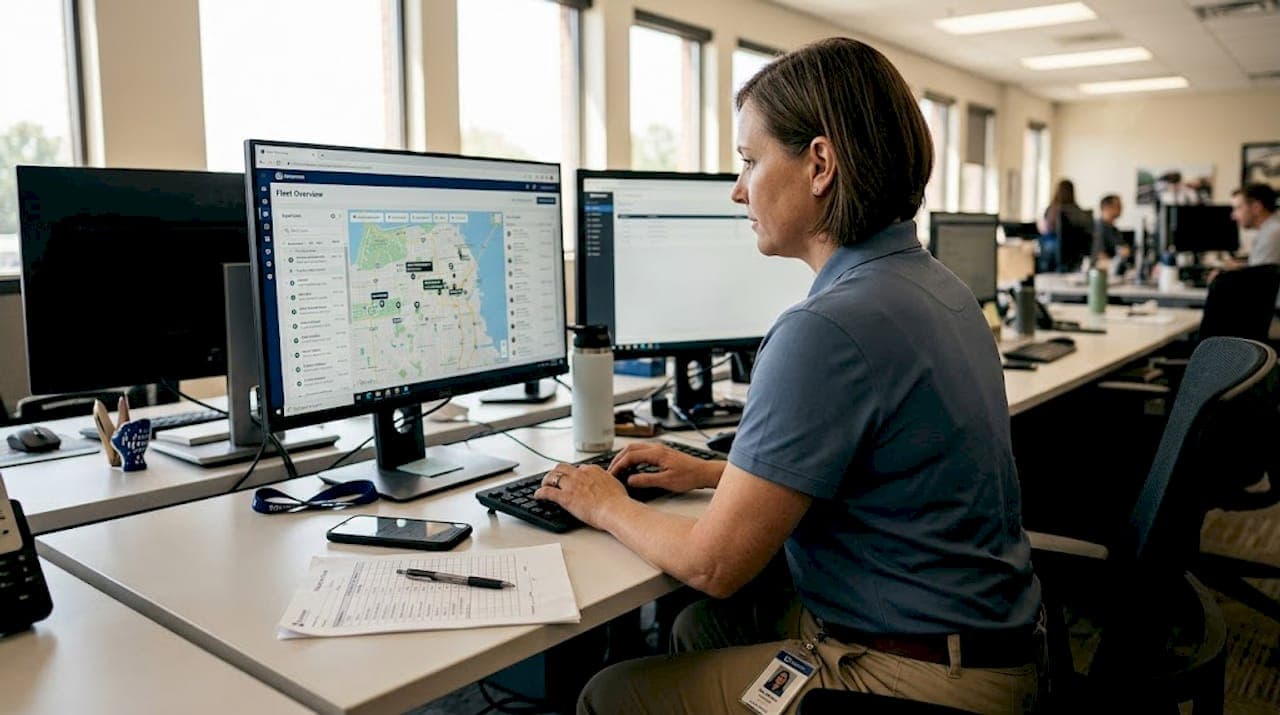
Once you've documented these factors, you can identify your biggest friction points. For most small to medium rental operators, the core problem is a lack of real-time visibility. You don't know where a vehicle is, whether it's due for maintenance, or if a booking conflict is about to create an angry customer.
Remote fleet management platforms for vehicle rental companies rely on cloud-based systems centralizing operations, telematics for GPS tracking and diagnostics, and keyless access for rentals. These three pillars replace the manual coordination that slows most operators down. Getting a solid fleet management guide for rentals can sharpen your planning before you commit to any platform.
| Readiness factor | Low readiness | High readiness |
|---|
| Inventory data accuracy | Paper or partial records | Digital, up-to-date records |
| Internet reliability | Inconsistent | Stable broadband |
| Staff tech comfort | Minimal experience | Comfortable with SaaS tools |
| Pilot willingness | Resistant to change | Open to testing new systems |
Pro Tip: Don't try to flip your entire operation overnight. Begin your pilot with 10 to 20% of your fleet. This limits disruption, lets your team learn the system under real conditions, and gives you data before committing fully.
With your requirements clearly mapped, the next step is selecting and layering in the right remote management technology. This decision will shape your operations for years, so precision matters.

The market has two broad platform categories: cloud-based SaaS and on-premise software. For rental companies focused on growth and flexibility, cloud solutions for rentals are the stronger choice. Cloud and SaaS platforms hold 63% market share over on-premise alternatives, a reflection of their scalability advantages and lower upfront investment.
Within the cloud category, you'll also need to decide between hardware-agnostic platforms (like Geotab, which works with multiple device brands) and proprietary ecosystems (like Samsara, which ties you to their hardware). The right choice depends on whether you want flexibility now or a tightly integrated single-vendor experience.
Here's how the main platform types compare:
| Platform type | Best for | Key limitation |
|---|
| Hardware-agnostic SaaS | Multi-vendor flexibility | Requires more configuration |
| Proprietary SaaS | Tight integration, simplicity | Vendor lock-in risk |
| Maintenance-focused tools | Fleets with high upkeep needs | Limited reservation features |
| Full telematics suites | Real-time tracking priority | Higher cost entry point |
When evaluating any platform, run through this checklist:
- Open API support: Can it connect to your existing reservation and payment systems?
- Telematics integration: Does it support GPS tracking and vehicle diagnostics natively?
- Reservation conflict prevention: Can it flag or block double bookings automatically?
- Scalability: Will it handle your fleet if you double in size within 12 months?
- Onboarding speed: Can your team be operational within 48 hours?
For fleet operators who also manage vehicle upkeep, pairing your rental software with mechanic support for fleet services helps maintain vehicle availability. Explore fleet software use cases to see how different business models approach this technology stack.
Executing a successful remote fleet management rollout
With the tools in place, here's how to guide your team through a smooth, effective rollout. The biggest risk at this stage isn't technology failure. It's people failure: staff who don't trust the system and default to old habits.
Follow this sequence:
- Configure your cloud platform first. Load your vehicle inventory, set up user roles, and connect your reservation channels before touching any hardware.
- Install telematics hardware on pilot vehicles. Prioritize your highest-use vehicles first so you capture the most actionable data early.
- Run parallel systems briefly. For the first week, let your team use both old and new systems side by side. This reduces anxiety and surfaces data gaps.
- Train staff on remote workflows. Focus specifically on remote reservation management, vehicle diagnostics review, and how to handle customer communication without physical handoffs.
- Set up monitoring dashboards. Every manager should have a live view of vehicle status, booking load, and upcoming maintenance flags.
- Document everything. Log issues, workarounds, and wins during the pilot. This becomes your internal playbook.
For companies running multi-location fleet solutions, the rollout requires extra coordination. A solid checklist for remote rollout can help you stay organized across locations.
"Start with a pilot on 10-20% of fleet and prioritize platforms with open APIs for rental-specific integrations, including reservations and payments."
Pro Tip: Allocate dedicated helpdesk support for the first two weeks of your rollout. Even a single point of contact for staff questions dramatically reduces error rates and speeds up adoption.
Optimizing operations: predictive maintenance, dynamic pricing, and integration
Now that your remote strategy is live, it's time to focus on continuous improvement and maximized returns. Getting the system running is the foundation. Squeezing value out of it is where the real gains are.
Predictive maintenance is one of the clearest wins available. Shifting from reactive repairs to AI and telematics-driven monitoring can reduce downtime by 20 to 30% by catching issues before they strand a customer. That directly protects revenue and customer satisfaction.
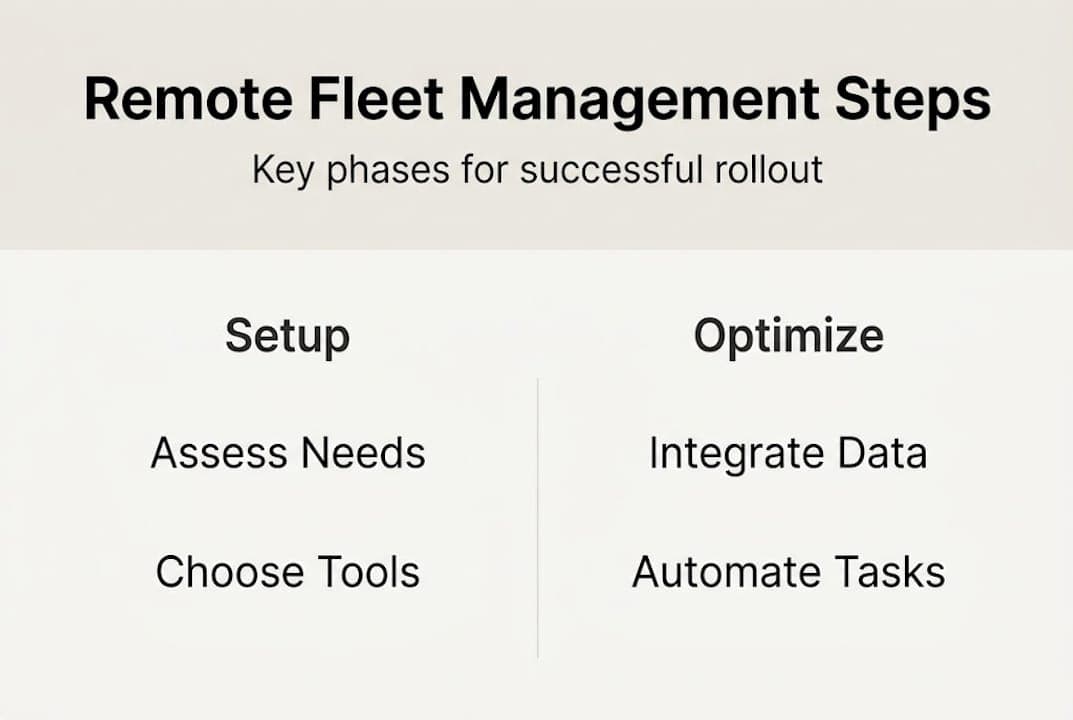
Dynamic pricing is equally powerful. Rather than setting flat daily rates, you can use software to adjust pricing based on demand, season, and vehicle availability. This approach maximizes revenue without requiring you to expand your fleet. Explore rental pricing strategies to see how this works in practice.
Software integrations tie everything together. When your reservation system, telematics platform, and payment gateway communicate in real time, you eliminate the manual hand-offs that cause errors. This is how you prevent double bookings at scale and boost fleet utilization consistently. Fleet operators looking at the bigger picture will find the profitability strategies for 2026 worth reviewing.
Here's a comparison of reactive versus optimized operations:
| Metric | Reactive operations | Optimized remote operations |
|---|
| Maintenance timing | After breakdown | Predictive, scheduled alerts |
| Pricing model | Fixed rates | Demand-based dynamic pricing |
| Booking conflict rate | High | Near zero with integrated systems |
| Fleet utilization | Inconsistent | Continuously monitored and adjusted |
Post-implementation must-dos for continuous improvement:
- Review telematics data weekly to catch vehicle health trends early.
- Audit reservation conflict logs monthly to identify integration gaps.
- Adjust dynamic pricing rules quarterly based on seasonal demand patterns.
- Collect staff feedback every 30 days and update workflows accordingly.
- Evaluate fuel and emissions options, such as fuel efficiency installations, to reduce operating costs.
Why most remote fleet rollouts fail (and how to avoid it)
The tools and the steps are clear, but here's what most guides won't tell you: the majority of remote fleet management failures are not technology problems. They are planning and people problems.
The most common mistake is going all-in too fast. Operators who skip the pilot phase and deploy across their entire fleet at once face compounding issues: staff who aren't trained, data that isn't clean, and integration bugs that appear only under real load. Each problem amplifies the next.
The second failure mode is neglecting staff buy-in. Your team members are the ones entering data, responding to alerts, and supporting customers. If they don't understand why the system matters or don't believe it works, they'll route around it. Early wins matter. Show your team a concrete example of a problem the new system solved in the first two weeks, and adoption accelerates significantly.
Data integration challenges are the third trap. Many operators assume their existing data (vehicle records, customer history, booking logs) will migrate cleanly into a new platform. It rarely does without effort. Budget time and resources specifically for data cleanup before the go-live date.
On the investment side, the market signals are clear. US fleet management is projected at $17.63B by 2030 at a 9.2% CAGR from $11.34B in 2025, driven by rentals and e-commerce demand. That trajectory rewards operators who plan carefully, not those who rush. A staged adoption approach, paired with honest feedback loops, is what separates lasting results from costly restarts. For a deeper look at how smart planning drives results, the fleet profitability explained resource is a useful read.
Take your remote fleet management to the next level
If you're ready to implement remote fleet management with confidence, here's how Nomora can help.
Nomora is built specifically for rental businesses like yours. Think of it as the central nervous system of your operation, connecting reservations, fleet status, payments, and customer data into one cloud-based platform you can access from anywhere.
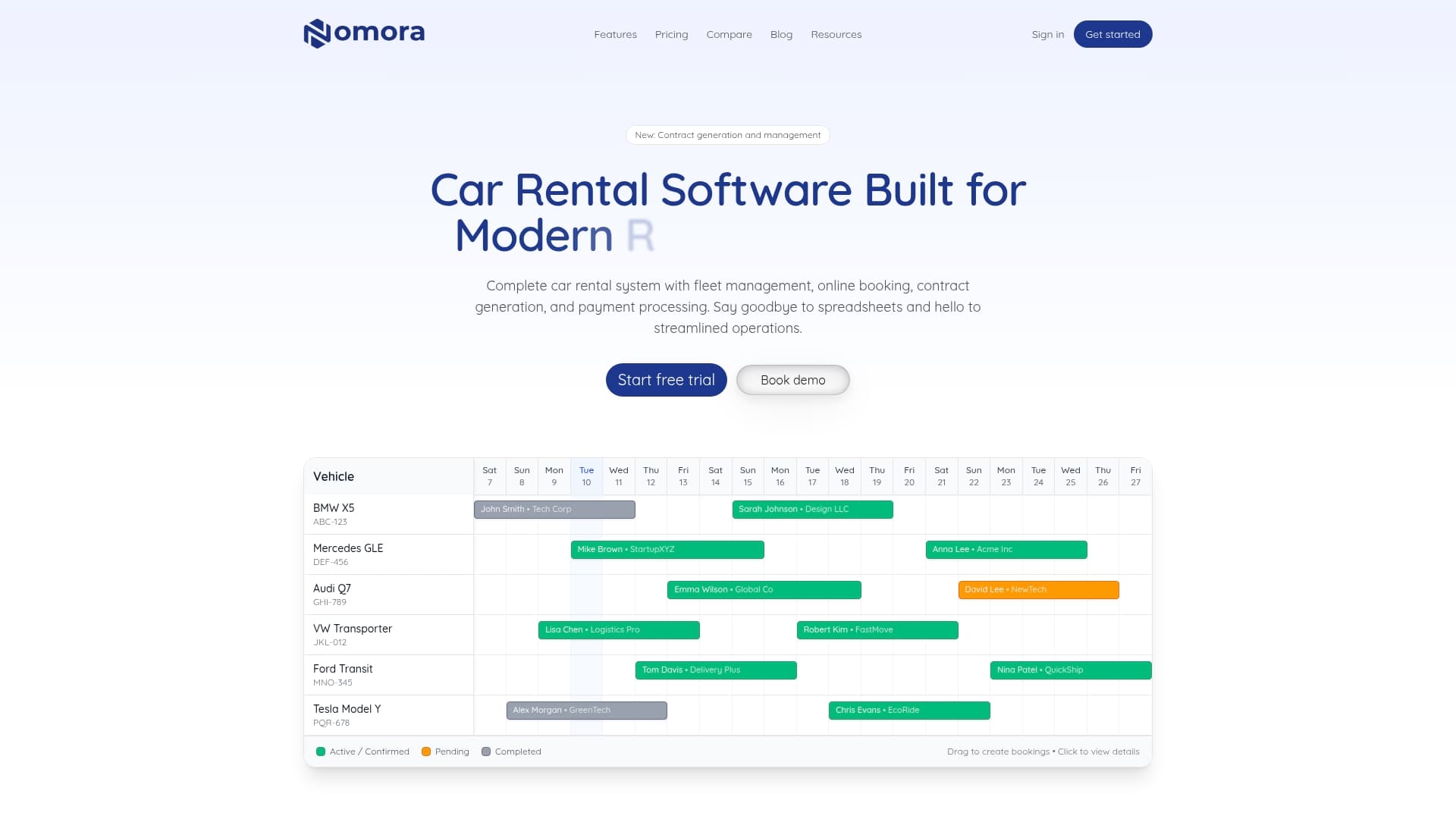
With Nomora, you can explore real rental software use cases that match your business model, put systems in place to avoid double bookings automatically, and automate rental payments so your cash flow keeps moving without manual follow-up. Setup takes as little as 24 to 48 hours, and the platform scales as your fleet grows. Request a demo and see what remote control of your fleet actually feels like.
Frequently asked questions
What is the most important feature for remote fleet management?
The ability to centralize operations through cloud-based platforms and telematics is the most critical foundation, enabling real-time visibility into vehicle location, status, and bookings from any location.
How can remote management reduce rental fleet downtime?
Predictive maintenance powered by AI and telematics can cut downtime by 20 to 30% by flagging potential mechanical issues before they cause a breakdown or stranded rental.
Is it possible to avoid double bookings with remote fleet management software?
Yes. When reservation systems integrate directly with fleet management software, the platform can prevent double bookings automatically by syncing availability in real time across all booking channels.
Should I transition my entire fleet to remote management at once?
No. Best practice is to start with 10 to 20% of your fleet as a pilot, which allows you to test the system, train staff, and resolve issues before committing to a full rollout.
What kind of ROI can be expected from investing in remote fleet management?
With the US fleet management market growing at a 9.2% CAGR through 2030, operators who invest thoughtfully in remote systems can expect gains in utilization rates, reduced operational costs, and higher revenue per vehicle.
Recommended
Ready to streamline your car rental business?
Book 30 minutes with the founder. We set up everything in this guide on your own vehicles, and migrate you out of Excel for free.