TL;DR:
- Double bookings happen when two reservations are confirmed for the same vehicle and time, causing customer dissatisfaction.
- Preventing them requires a single master reservation system combined with strict operational and technical safeguards.
A double booking is defined as two confirmed reservations assigned to the same vehicle for the same time period. For rental business owners, this is not a minor scheduling inconvenience. It destroys customer trust, triggers refunds, and can permanently damage your reputation with a single incident. The good news is that preventing double bookings is fully achievable when you combine a centralized reservation system with disciplined operational workflows and technical enforcement at the database level. This article gives you a clear framework to eliminate overlapping reservations and protect your business.
How to prevent double bookings with a single source of truth
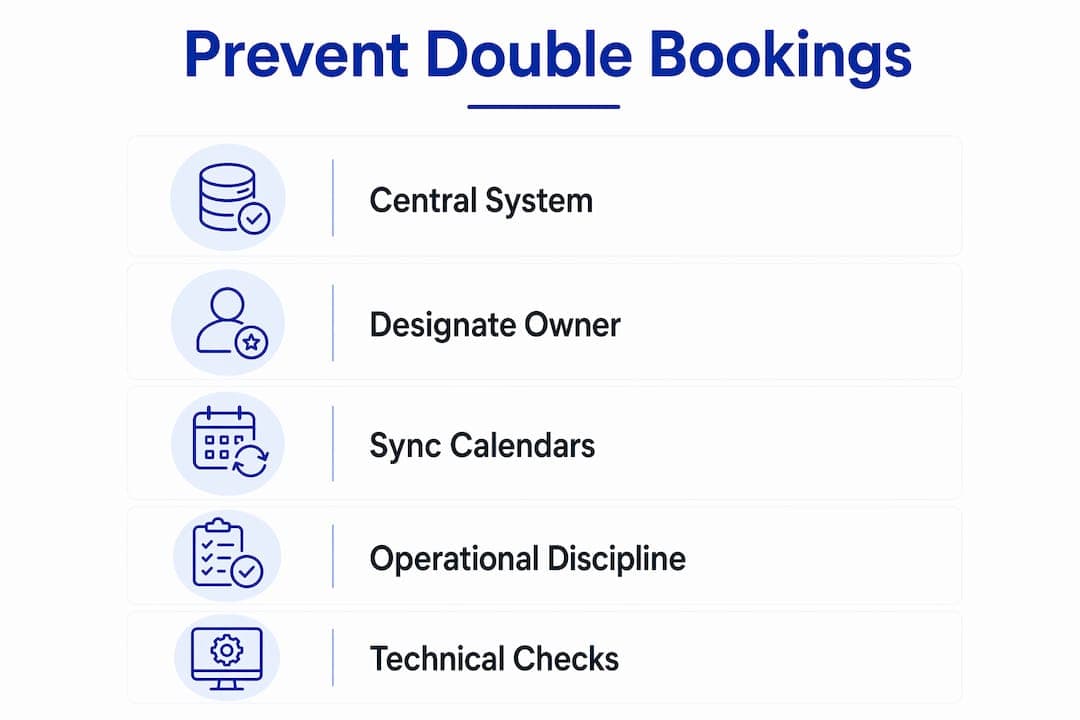
The most effective double booking solution starts with designating one reservation system as the primary controller. Every other platform your business uses, whether a listing site, a partner portal, or a secondary calendar, must function only as a display interface. One authoritative system writes the data; all others read from it.

This approach is called a canonical calendar strategy. Operators who skip it and allow manual edits across multiple platforms create overlapping records almost immediately. The risk compounds when staff members update different systems independently, each believing their version is current.
Key rules for maintaining a single source of truth:
- Designate one platform as the master reservation controller. No booking is confirmed until it is recorded there first.
- Set all secondary platforms to read-only or display-only mode. They pull availability from the master; they never push changes back.
- Disable manual overrides on secondary systems. Even a single manual edit on a listing site can create a conflict the master system never sees.
- Treat maintenance blocks and owner holds identically to guest bookings. Manual blocks managed outside the main system are a leading cause of inadvertent overlaps.
Pro Tip: Designate one staff member as the calendar owner. That person is the only one authorized to make changes in the master system. Everyone else submits requests through them.
Modern reservation system architecture supports this model natively. Cloud-based platforms can sync availability across Google Calendar, Outlook, and Apple Calendar simultaneously, keeping all display interfaces current without manual intervention.
What operational processes reduce scheduling conflicts?
Technology alone does not prevent every overlap. Operational discipline fills the gaps that automation misses.
-
Build buffer times into every booking. Buffer periods for setup, cleaning, and travel between appointments are not optional. They reflect real operational time and prevent the system from showing a vehicle as available when it is physically unavailable. A car returned at 10:00 a.m. that needs a 45-minute inspection and clean cannot be handed to the next renter at 10:15 a.m.
-
Run a manual calendar audit 24 hours before each arrival. Sync services like iCal carry inherent delays of 2–4 hours. That window is long enough for a conflict to form and go undetected. A quick manual check the day before catches what automated syncs miss.
-
Set a clear policy on last-minute bookings. Walk-in or same-day requests must go through the master system before verbal confirmation is given. Staff who confirm availability by memory or by checking a secondary screen create the conditions for a double booking.
-
Restrict system permissions by role. Not every staff member needs write access to the reservation calendar. Limiting who can create, edit, or cancel bookings reduces the number of entry points where human error can occur.
-
Train staff on the exact approval workflow. A written procedure that covers how a booking request moves from inquiry to confirmation eliminates ambiguity. Ambiguity is where conflicts are born.
Pro Tip: Post the booking workflow as a one-page reference at every front desk or dispatch station. When staff are under pressure, they revert to what is visible, not what they remember.
Operational discipline is the layer that protects you when technology has a bad day. Sync failures happen. Systems go offline. A team that knows the manual process will catch errors before they reach the customer.
What technical safeguards block double bookings at the system level?
Application-level checks are not enough to prevent double bookings under high traffic. When two customers attempt to book the same vehicle at the same moment, a standard "check then insert" sequence can pass both checks before either booking is written. This is called a race condition, and it produces a confirmed double booking even when your application logic appears correct.
The solution is to move conflict detection to the database layer. Database-level exclusion constraints physically prevent two overlapping booking records from being committed at the same time. PostgreSQL's EXCLUDE constraint, for example, can be configured to reject any new record whose time range overlaps with an existing confirmed booking for the same vehicle. The database becomes the final authority, not the application.
Additional technical safeguards that rental platforms should implement:
- Distributed locks with time-to-live (TTL) values. When a customer begins the booking process, the system places a tentative hold with a 30-second TTL on that vehicle and time slot. If payment or confirmation fails, the lock releases automatically. This prevents stale holds from blocking availability.
- Half-open time interval logic. A booking interval defined as start time inclusive and end time exclusive prevents same-day turnovers from overlapping in the schedule. A vehicle returned at noon and rented again at noon does not create a conflict under this model.
- User-friendly error translation. When a database constraint fires and rejects a booking, the system must convert the raw error code into a clear customer message. Leaking technical error strings to customers is both confusing and unprofessional.
| Safeguard | What it prevents | Where it operates |
|---|
| Exclusion constraints | Overlapping records committed simultaneously | Database layer |
| Distributed locks with TTL | Stale holds blocking availability | Application and cache layer |
| Half-open interval logic | Same-day turnover conflicts | Scheduling logic layer |
| Friendly error messages | Technical detail exposure to customers | UI layer |
Scaling businesses that skip these constraints during early development pay a steep price later. Promotional spikes and peak season traffic expose every gap in concurrency control.
How to combine automation with manual checks for reliable booking management
Automation handles the volume. Manual checks catch the exceptions. The most reliable conflict-free booking workflow uses both in a defined sequence.
-
Run a 30-second manual calendar audit 24 hours before every arrival. Industry experts recommend this check alongside automated systems to catch sync failures that occur roughly once in every 300 bookings. The audit takes less time than a phone call and prevents the kind of conflict that generates a refund and a negative review.
-
Prepare conflict resolution templates in advance. When a rare overlap does occur, your team should not be improvising. A pre-written apology message, a rescheduling offer, and a compensation policy give staff a clear path forward and reduce the time the customer spends in uncertainty.
-
Review your booking workflow weekly. A 15-minute weekly review of the previous week's reservations reveals patterns. If the same vehicle type generates repeated near-conflicts, the buffer time or approval workflow for that category needs adjustment.
-
Centralize all customer communication in one channel. When a conflict arises, scattered communication across email, phone, and messaging apps slows resolution. A single communication thread per booking keeps the record clean and the response time short.
Automation through a platform like Nomora handles automated rental booking syncs across channels in real time. Manual audits and response protocols handle the edge cases that no system catches 100% of the time. Together, they form a complete defense against scheduling errors.
Key takeaways
Preventing double bookings requires a centralized reservation system, database-level conflict enforcement, and disciplined manual audits working together as a single defense.
| Point | Details |
|---|
| Single source of truth | Designate one master system; all other platforms display only and never write data. |
| Buffer times are non-negotiable | Build cleaning, inspection, and travel time into every booking to reflect true availability. |
| Database constraints stop race conditions | Exclusion constraints at the database layer block overlapping records that app-level checks miss. |
| Manual audits catch sync failures | A 30-second check 24 hours before arrival catches the rare sync errors automated systems miss. |
| Workflow discipline beats technology alone | Restricting permissions and training staff on one approval process eliminates most human-error conflicts. |
The part most rental managers underestimate
I have seen rental businesses invest in excellent software and still suffer double bookings every month. The technology was not the problem. The workflow was.
The biggest challenge in preventing double bookings is not finding the right platform. It is getting every person on your team to follow the same process, every time, without exception. One staff member who confirms a booking verbally before entering it into the master system can undo every technical safeguard you have built.
Fragmented calendars are the most common culprit I encounter. A manager maintains one calendar on a listing site, a second in a spreadsheet for internal use, and a third in their head for verbal agreements. None of these sync. All three are authoritative in someone's mind. The result is predictable.
The discipline required is not complicated. It is one system, one workflow, and one person responsible for calendar integrity. What makes it hard is consistency under pressure, specifically during peak season when bookings come fast and shortcuts feel justified. That is exactly when the shortcuts cost you the most.
Automation through a platform like Nomora removes most of the manual burden. But the human layer still matters. Build the habit before you build the technology, and the technology will work as intended.
— Dizzy
Nomora's approach to conflict-free rental reservations
Rental businesses that want to eliminate booking conflicts without rebuilding their operations from scratch have a direct path forward with Nomora.
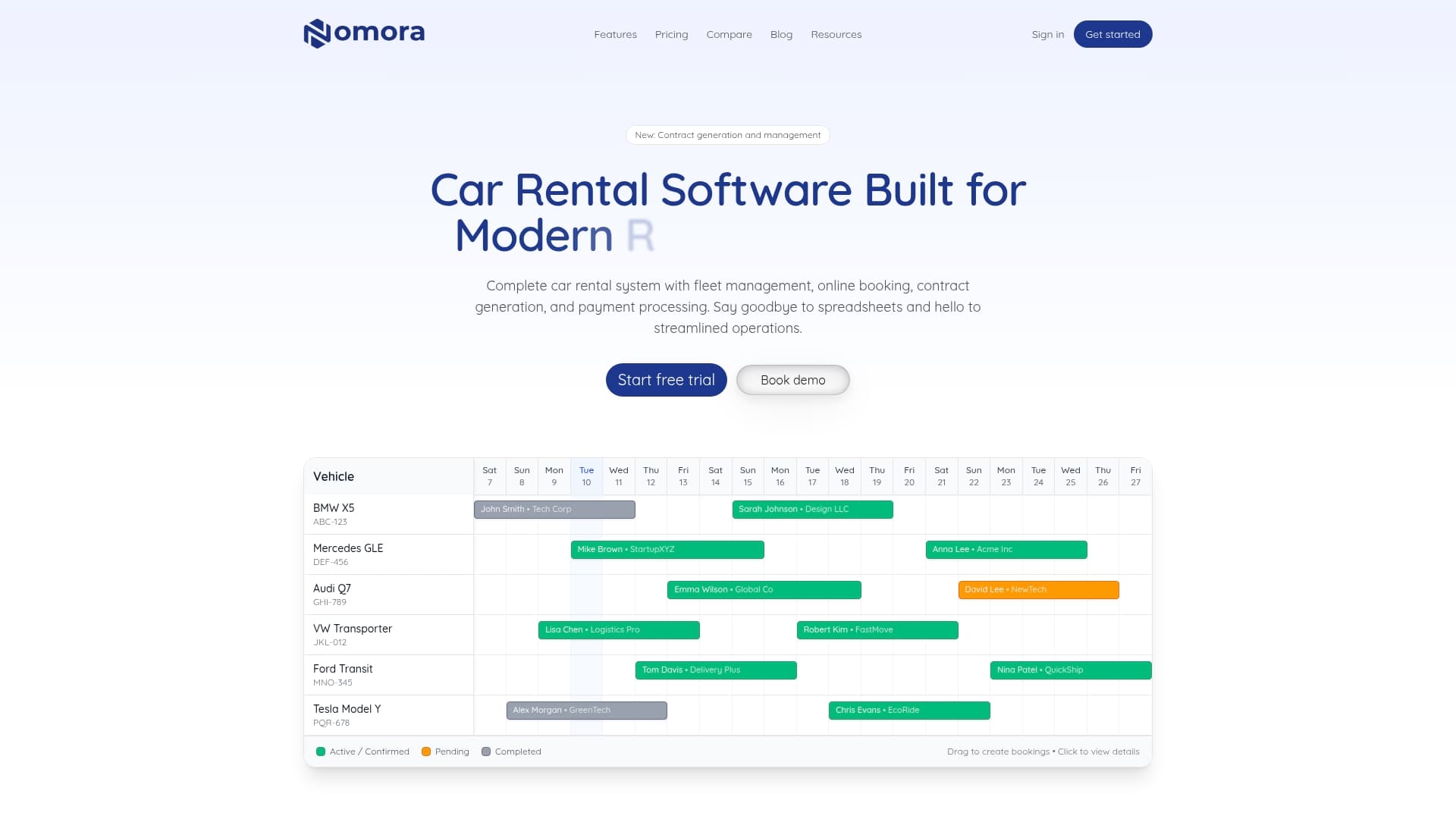
Nomora acts as the central nervous system of your reservation operation. It serves as the single source of truth across all booking channels, enforces real-time availability, and blocks conflicting reservations at the system level before they reach your customers. Automated syncs, role-based permissions, and built-in conflict detection replace the manual processes that create errors. Explore Nomora's rental use cases to see how the platform fits your business type, and review automated payment options that tie directly to your confirmed reservations.
FAQ
What is a double booking in a rental business?
A double booking occurs when two confirmed reservations are assigned to the same vehicle for the same time period. It results in one customer arriving to find no vehicle available, triggering refunds, complaints, and reputational damage.
Why do double bookings happen even with booking software?
Most booking software performs availability checks at the application level, which creates race conditions when two customers book simultaneously. Without database-level exclusion constraints, both checks can pass before either booking is written, producing a confirmed conflict.
How often do automated sync systems fail?
Sync services like iCal carry inherent delays of 2–4 hours, and sync failures occur roughly once in every 300 bookings. A manual calendar audit 24 hours before each arrival is the most reliable way to catch these failures before they affect customers.
What is the fastest fix for a rental business with frequent double bookings?
Designate one reservation system as the master controller and set all other platforms to read-only. This single change eliminates the majority of conflicts caused by multi-platform manual edits and inconsistent updates.
Do buffer times actually prevent double bookings?
Buffer times do not prevent system-level conflicts, but they prevent operational ones. Mandatory buffer periods for cleaning, inspection, and travel ensure the system never shows a vehicle as available when it is physically in use between rentals.
Recommended
Ready to streamline your car rental business?
Book 30 minutes with the founder. We set up everything in this guide on your own vehicles, and migrate you out of Excel for free.