Fleet tags and attributes are labels and custom fields you attach to vehicles, drivers and locations in your software. Tags are quick, free-form labels for grouping and filtering. Attributes are structured properties, such as seat count or load capacity, that you can report on. Used with a fixed naming scheme, they let you find the right vehicle in seconds instead of scrolling a spreadsheet. This guide shows what to track, how to structure it, and how the same data feeds a fleet mapping API.
TL;DR
- Tags are free-form labels for fast filtering and grouping. Attributes are defined fields that hold a specific value, such as capacity or transmission type.
- A fleet number is your own internal unit ID. It is not a VIN, a license plate or a software tag, and it should never replace them.
- Define your vocabulary before you add vehicles, and keep it in one controlled list rather than letting staff type whatever they like.
- The same clean tags and attributes are what a mapping or routing API needs to match the right vehicle to the right job.
- For rental companies, tags should answer operational questions: what can this vehicle do, where is it, and can it be rented right now?
Table of Contents
In fleet software, a tag is a user-defined label used to categorize vehicles or assets so you can filter, group and report across the whole fleet. Think of "airport", "winter-tires" or "EV". You can attach several tags to one vehicle, and you can create a new one in a few seconds.
An attribute is a more formal property. It has a name and a value: Seats = 7, Transmission = Automatic, Fuel = Hybrid. Because every vehicle holds a value for the same field, attributes work well as columns in a report and as filters on a map or list.
A simple rule helps you choose between them:
- Use a tag when the answer is yes or no, or when the label is temporary ("needs detailing", "spring promo").
- Use an attribute when the answer is a value you will compare, sort or total (daily rate class, mileage allowance, load capacity).
In short, tags are for finding things quickly and attributes are for measuring things consistently. Most fleets need both.
The keyword also pulls in searches about physical labels, plates and numbers, so it is worth separating the terms. They sit at different levels.
| Identifier | What it is | Who assigns it | Can it change? |
|---|
| VIN | 17-character code that identifies the vehicle itself | Manufacturer | No |
| License plate | Public registration marker | State | Yes, on re-registration |
| Fleet number | Short internal unit ID used by staff | Your company | Only by your policy |
| Tag | Searchable label in software | Your team | Any time |
| Attribute | Named property with a value | Your team | Any time |
A fleet number is an internal identification code that an organization assigns to each vehicle in its motor pool, used as shorthand by drivers, mechanics and dispatchers. It is separate from the government-mandated identifiers needed to operate on public roads. In practice, "Unit 214" is faster to say over the radio than a 17-character VIN.
Physical labels are a different thing again. An RFID sticker on a windshield, for example, is a wireless tag a lane reader uses to identify a vehicle and its membership. A software tag lives in your database and does nothing on the windshield. You can store the fleet number or RFID ID as an attribute, though, so the physical and digital worlds point to the same record.
The most useful systems do not stop at vehicles. Fleet teams commonly describe four record types.
Vehicles
This is where most value sits. Good candidates:
- Class and body type: economy, SUV, minivan, cargo van, luxury, exotic.
- Capacity: seats, luggage, payload.
- Powertrain: gas, diesel, hybrid, EV, plus charging connector type.
- Equipment: child-seat compatible, toll transponder, roof rack, tow hitch.
- Status flags: in maintenance, awaiting inspection, on hold.
- Ownership: owned, leased, vehicle belongs to a partner or investor.
If you want a deeper framework for the class field, our guide to rental vehicle categorization covers how to build categories that match what customers actually book.
Drivers and renters
For corporate fleets, driver attributes might include license class, approved vehicle types, home depot and training status. For rental businesses, customer tags such as "corporate account" or "loyalty tier" speed up quoting and support. Keep personal data to what you need, and store sensitive details under proper access controls.
Locations
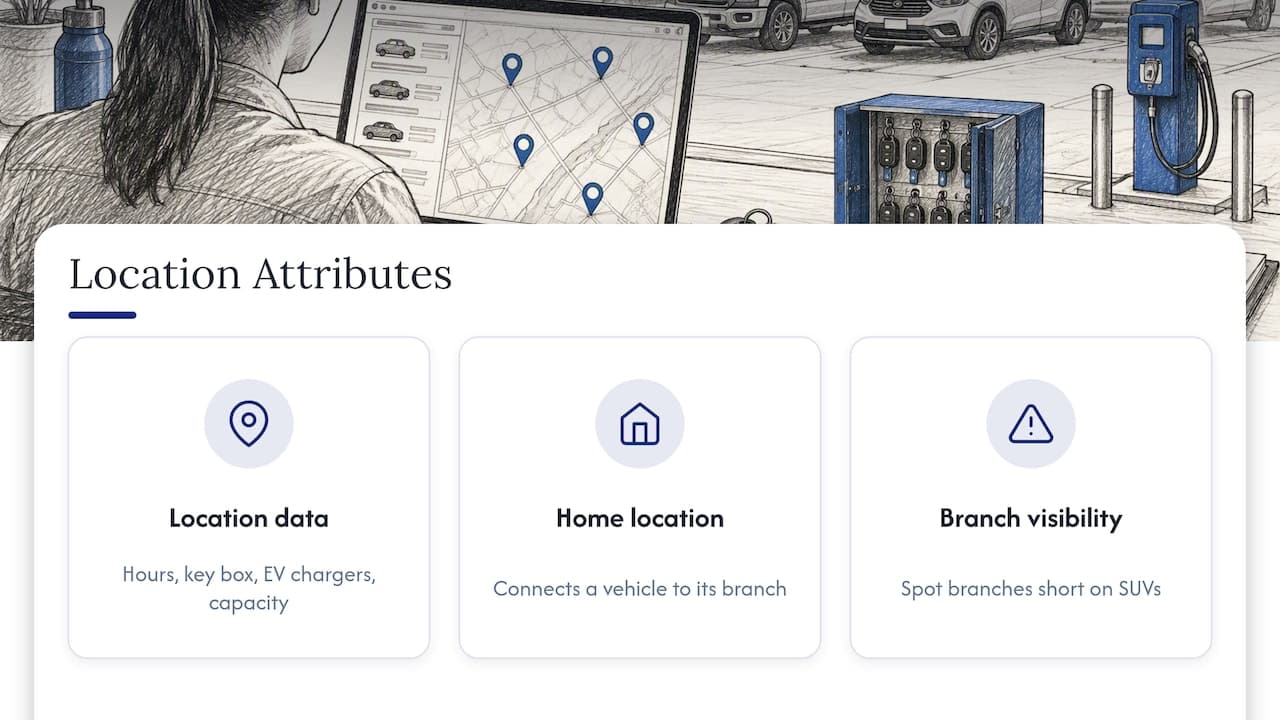
Branches, airport lots, parking bays, service shops and customer drop-off points can all carry attributes: opening hours, after-hours key box, EV chargers on site, capacity. When vehicles also have a home location attribute, you can see at a glance which branch is short on SUVs.
Assets
Trailers, car seats, GPS units, roof boxes and other add-ons are rentable or trackable assets in their own right. Tagging them with the vehicle types they fit prevents the classic mistake of promising a ski rack for a car that cannot mount one.
Most messy fleet data comes from a lack of rules at the start, not from bad software. When you set up a system, configure reference data before you add vehicles, so that filtering and reporting work from day one. Here is a practical order.
- List your questions. Write down the ten questions you ask most often: "Which vans are free Friday?", "Which cars are due for service?", "Which units are at the airport?" Every tag or attribute should help answer one of them.
- Split into attributes and tags. Anything you will total, sort or compare becomes an attribute. Anything that is a quick flag becomes a tag.
- Write a naming convention. Pick lowercase or title case, hyphens or underscores, singular or plural, and stick to it. "suv-7seat" and "7 Seater SUV" are the same thing to a person and two different things to a filter.
- Lock the vocabulary. Give staff a short approved list. Free typing creates duplicates such as "EV", "Electric" and "electric vehicle".
- Name an owner. One person approves new tags and retires old ones, ideally reviewing the list every quarter.
- Keep tags shallow. Three to six tags per vehicle is usually plenty. Beyond that, people stop applying them consistently.
If your data comes from a telematics provider, do not build business rules on whatever text the provider sends. MapMap's documentation advises keeping a version-controlled lookup table for capability tags instead of deriving operational logic from raw API strings. It also suggests treating skills such as hazardous-goods or refrigeration capability as integer-mapped constraints in your own logic, not as vendor-supplied free text. The reasoning is sound for any fleet: if a provider renames a label, your rules should not silently break.
A worked example
Imagine a rental company with 60 vehicles across two branches. It sets up:
- Attributes: Class, Seats, Transmission, Fuel, Home branch, Fleet number.
- Tags:
airport-ready, child-seat-ok, tow-capable, winter-tires, detail-needed.
On a Friday afternoon a customer asks for a seven-seat automatic with winter tires. The agent filters Seats = 7, Transmission = Automatic, tag winter-tires, and sees three cars. Two are at the airport, one is flagged detail-needed. The answer takes seconds, with no phone calls to the lot.
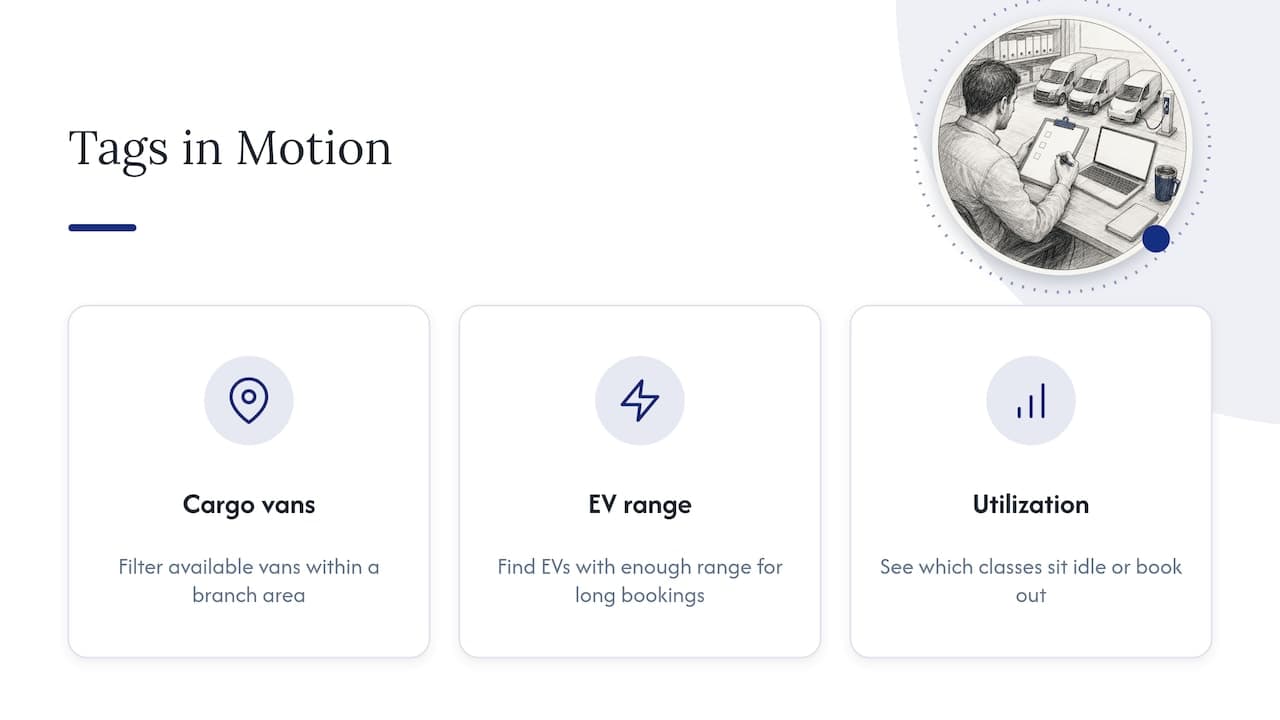
A static spreadsheet can hold labels. A live system makes them work. When vehicles report their location, tags and attributes become the filter layer on top of the map: show every available cargo van within a branch area, or every EV with enough range for a long booking. Our overview of vehicle tracking technology explains how location data is collected, and the guide to types of vehicle tracking systems helps you decide which hardware fits your fleet.
For day-to-day work, clean records also support utilization. Our fleet management best practices guide shows how consistent categories make it easier to see which classes sit idle and which are always booked out.
Some readers arrive here looking for a fleet mapping API, so here is how it connects. A mapping or routing API takes locations and vehicle properties as input and returns routes, assignments or maps. For example, Esri's vehicle routing service uses order locations, depots, vehicle capacities and time windows to assign and sequence orders while minimizing fleet operating cost. Those capacities are exactly the kind of attribute you would store on a vehicle record.
When you compare mapping APIs, these are the factors that matter to U.S. rental companies and corporate fleet managers:
- Vehicle constraints: can the API accept capacity, size, fuel type or skill requirements per vehicle, so your attributes carry through?
- Problem types: does it handle multiple vehicles, deliveries and pickups? Esri's routing service, for instance, solves multi-vehicle delivery and pickup problems using street data covering 240 countries, which matters if you serve cross-border or international customers.
- Time windows: rental handovers and returns are time-bound, so check that the API respects them.
- Data mapping: can you map your own tag list to the API's fields without relying on free text?
- Integration effort: look for clear documentation, stable endpoints and a way to sync your fleet records automatically.
- Cost model: per request, per vehicle or flat, and how it scales with fleet size.
The pattern is the same in every case: the API is only as accurate as the vehicle data you feed it. Clean attributes first, then connect the mapping layer.
Common mistakes to avoid
- Using the fleet number as the only record. Always keep the VIN and plate in their own fields. Fleet numbers get reused when a vehicle leaves the fleet.
- Mixing status and capability. "Automatic" describes the car forever. "In service" is temporary. Keep them in separate fields so a report on capability is not polluted by a short-term flag.
- Creating a tag for every one-off. If a tag applies to one vehicle and will never be used again, it belongs in a notes field.
- Skipping the retirement step. Old promotional tags clutter filters. Remove them when the campaign ends.
- Letting each branch invent its own system. Cross-branch reports then become impossible to trust.
Perspective
We think of rental software as the central nervous system of an operation: everything the business senses, decides and does passes through it. Tags and attributes are the vocabulary that nervous system speaks. If the vocabulary is inconsistent, even the best automation produces confusing results.
That is why we design Nomora around one connected record for each vehicle, with reservations, contracts, payments, GPS and customer data all pointing at it. When a vehicle's class, status and location live in one place, conflict-free booking becomes realistic, because the system knows what each car is and where it stands.
Our advice to rental owners is to spend an afternoon on the vocabulary before importing a single vehicle. It is the cheapest hour you will invest in your fleet, and it pays back every time someone filters a list.
Dizzy
Put your fleet data to work with Nomora
If you are still keeping vehicle details in spreadsheets, Nomora brings reservations, fleet management, contract generation, payments and GPS tracking into one cloud platform. We state that onboarding takes 24 to 48 hours, and every plan includes all features. Published pricing starts at €45 per month for Starter, then €2.80 per vehicle per month for Business and €2.20 per vehicle per month for Fleet. Enterprise is priced on request. See the Nomora plans and pricing to find the fit for your fleet size.
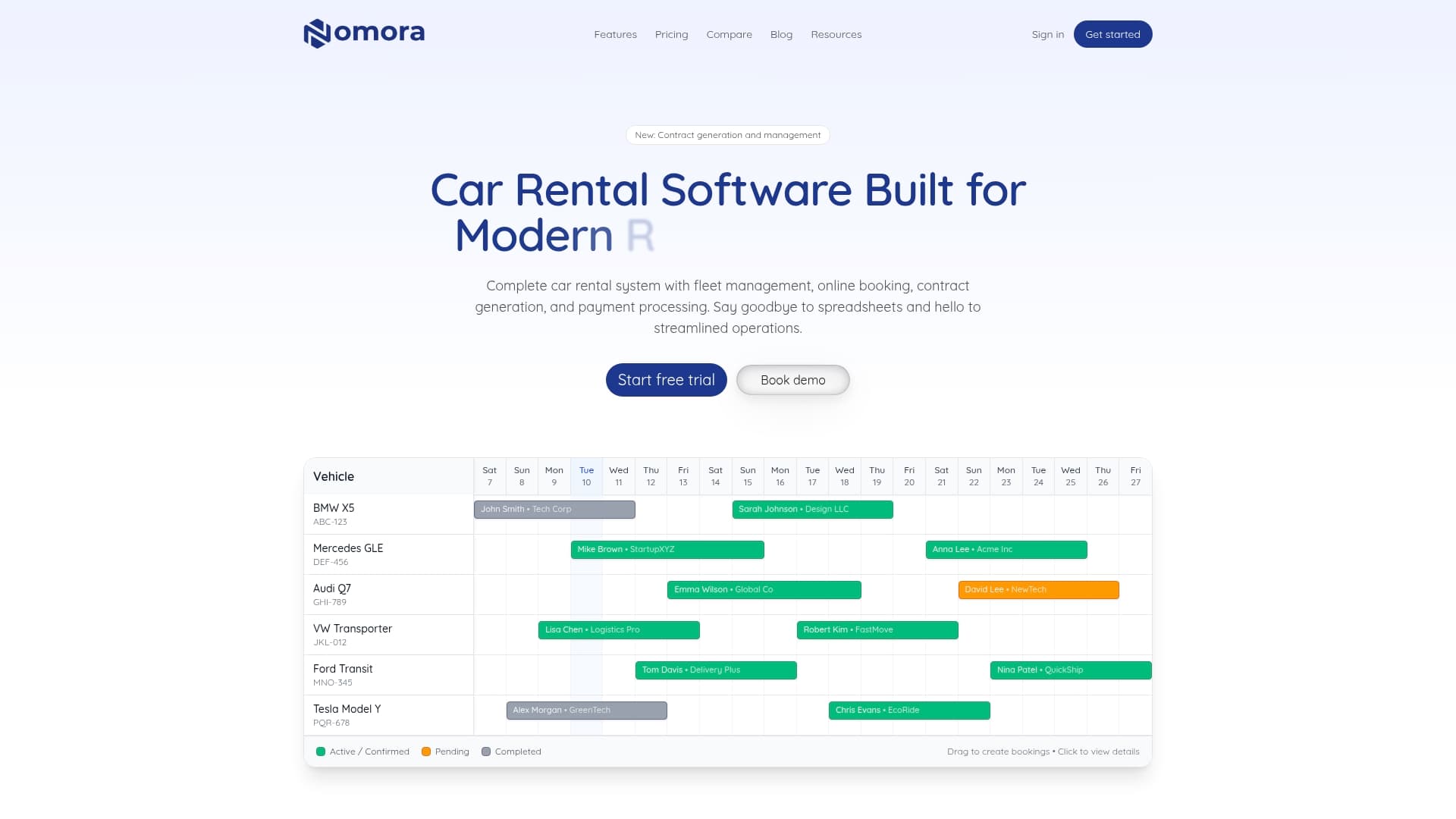
If you want to see how the software fits a specific type of business, such as luxury rentals or corporate fleets, our car rental software use cases show how each is set up. For a wider view of how the pieces fit together, read our vehicle fleet management guide for car rentals.
FAQ
What is the difference between a fleet tag and a fleet attribute?
A tag is a free-form label you apply to group and filter vehicles quickly, such as "airport-ready". An attribute is a named field with a value, such as Seats = 7, that you can sort, compare and report on. Use tags for flags and attributes for measurable properties.
What does a fleet number mean?
A fleet number is a short internal ID your company assigns to each vehicle so drivers, mechanics and dispatchers can refer to it easily. It is separate from the VIN and the license plate, which stay in their own fields. Your policy decides whether and when numbers are reused.
There is no fixed rule, but three to six well-chosen tags is a practical range for most fleets. Beyond that, staff tend to apply them inconsistently, and the filters lose value. Put one-off details in a notes field instead.
No. Tags and attributes are useful on their own for search and reporting. A mapping or routing API becomes valuable when you want to combine vehicle properties with locations and time windows, for example to assign vehicles to jobs. Clean attributes make that connection much easier later.
Sources
Recommended
Ready to streamline your car rental business?
Book 30 minutes with the founder. We set up everything in this guide on your own vehicles, and migrate you out of Excel for free.