A car rental data export is a structured copy of your business records, usually reservations, customers, vehicles, contracts and payments, saved as files such as CSV or spreadsheet workbooks that you can open, analyze or load into another system. A good export is complete, reconcilable against your books, and handled as sensitive customer data from the moment it leaves the software. This guide covers what to export, how to check it, how to protect it and how to put it to work.
It is written for rental operators, fleet managers and owners of specialty or luxury rental companies. It is not about scraping competitor pricing from public rental sites, which is a different job entirely.
TL;DR
- Export in related sets, not one big file: customers, vehicles, reservations, contracts, payments, damages and maintenance, each with a unique ID that links them.
- Prefer CSV or spreadsheet files for analysis and accounting, and ask whether your software offers an API or scheduled feeds for anything you repeat.
- Before you trust a file, reconcile record counts and payment totals against your reports and your bank or processor statements.
- Exported files contain customer data. Encrypt them, limit who can open them, keep an inventory of where they live and delete what you no longer need.
- Keep the records the IRS expects you to keep, and make sure an export never becomes your only copy.
Table of Contents
What data a rental company can export
Think of your rental software as the central nervous system of the operation: every booking, handover, payment and repair passes through it. An export is a snapshot of that system, so the useful question is which parts of the snapshot you need.
Most rental operations work with six record families:
- Customers. Name, contact details, driver license number and expiry, date of birth, billing address, notes and rental history.
- Vehicles. Unit ID, VIN, plate, make and model, category, mileage, purchase or lease details, insurance and registration dates, status.
- Reservations. Booking ID, customer ID, vehicle or category, pickup and return dates and locations, status, extras, source channel, cancellation data.
- Contracts and documents. Rental agreement numbers, signed PDFs, check-in and check-out condition reports, photos, fuel and mileage at handover.
- Payments and invoices. Charges, deposits, refunds, taxes, fees, damage charges, payment method type and processor reference.
- Operations. Maintenance and service history, damage records, GPS or telematics data, fines and tolls, and staff activity logs.
Not every platform lets you pull every family as a file, and documents and photos are often delivered as a bulk download rather than a spreadsheet. When you evaluate software, ask for the list of exportable objects in writing instead of assuming.
There is no single standard for rental data. In practice you will meet four kinds of output.
| Format | Best for | Watch out for |
|---|
| CSV | Spreadsheets, accounting imports, database loads | Dates, leading zeros in IDs and phone numbers get altered when opened in a spreadsheet |
| XLSX | Reports you will share internally | Formulas and formatting can hide raw values |
| JSON or API responses | Automated syncing, dashboards, custom tools | Needs a developer or an integration tool |
| PDF | Signed contracts, invoices, condition reports | Not machine-readable, store as the document of record |
CSV is the workhorse. Because it is plain text, almost any accounting package, reporting tool or replacement platform can read it. The trap is opening it directly in a spreadsheet program, which may reformat long numbers and dates. Import it as text for the ID, phone and license columns, or open it in a text editor first to see what is actually in the file.
If you plan to export on a repeating schedule, such as a nightly sales file for your bookkeeper, ask whether the software supports scheduled exports or API access. Some vendors describe JSON or API-ready structured records and scheduled feeds as options for data projects, but those are scoped per engagement, so confirm what is actually included in your plan rather than assuming it. Our guides to car rental API integration and to mapping API use cases to exact calls explain how the automated route works.
How to run an export step by step
A reliable export is a process, not a button press. This sequence works whether you are feeding your accountant or leaving one system for another.
1. Define the purpose and the date range
An accounting export for one quarter looks different from a full migration. Write down the purpose, the date range, the locations and the record families you need. Include closed and cancelled bookings if you need a complete history, and say so explicitly, because default views often show only active records.
2. Freeze or note the cut-off
If the business keeps running while you export, bookings will change. Record the exact date and time of the export and, for a migration, pick a cut-off moment and treat anything after it as a separate delta.
3. Export every family with its IDs
Make sure every file carries the system's own unique ID, not just names and plates. IDs are what let you join a payment to a reservation to a customer to a vehicle. Names are not unique, plates change and customers get entered twice.
4. Record the counts
For each file, note the number of rows and the totals you can verify: total reservations, total revenue, total deposits held. These are your control figures.
5. Store the raw files unchanged
Save the original files in a protected folder and work on copies. If a later formula or clean-up goes wrong, you can start again from the untouched export.
Checking that the export is complete and accurate
An export that opens without errors is not necessarily right. Run these checks before anyone relies on the file.
- Row counts versus the software. Compare the number of reservations, customers and vehicles in the file with the counts shown in your reports for the same period.
- Revenue versus money received. Sum the payments file for a month and compare it with your processor or bank statements. Differences usually come from refunds, chargebacks, deposit releases or timing around month end.
- Link integrity. Every reservation should point to a customer ID and a vehicle ID that exist in their own files. Orphans mean a file is partial or filtered.
- Date and time logic. Returns should never precede pickups, and time zones should be consistent across locations.
- Spot checks. Pick ten bookings at random, including a cancellation, an extension, a one-way rental and a damage claim, and trace each one across every file by hand.
Fixing missing, duplicate and mismatched records
Expect some problems, especially if your data came from spreadsheets before it reached the software.
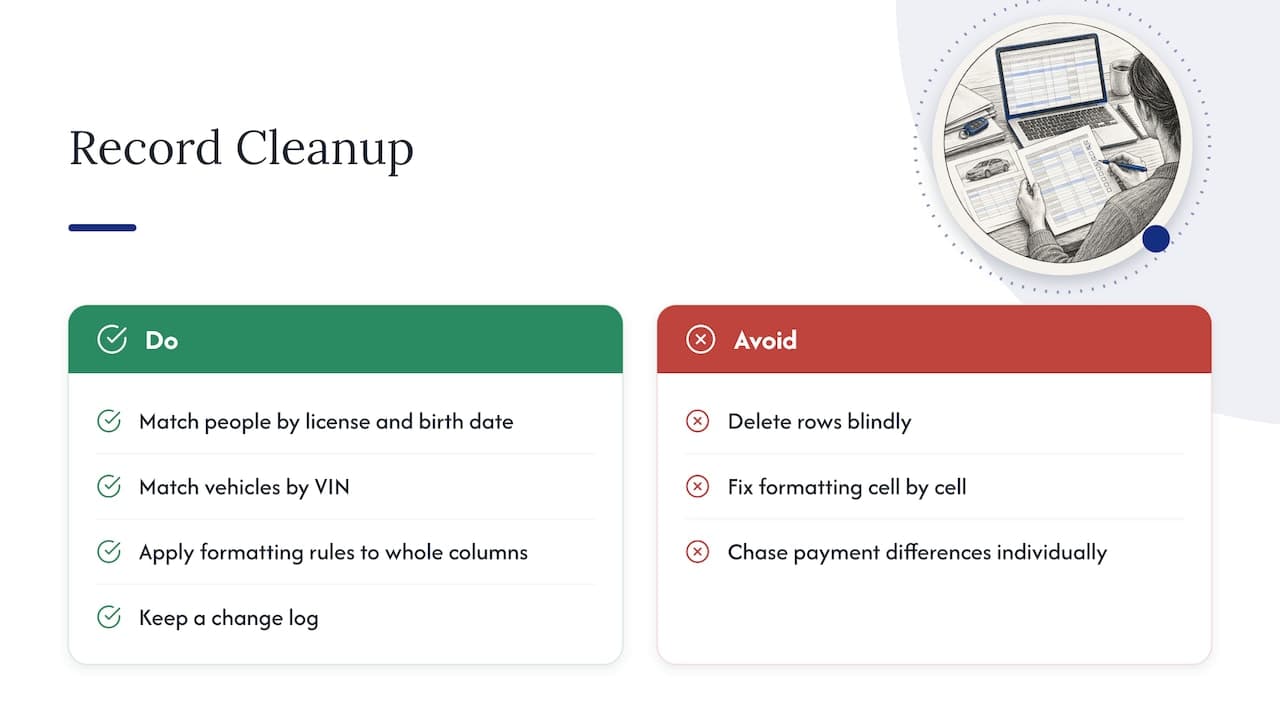
Duplicates. The same customer entered twice with a different email, or the same vehicle under two unit IDs. Match on a combination of fields, such as license number plus date of birth for people and VIN for vehicles, then merge and keep a note of which ID survived. Do not delete rows blindly: a duplicate customer may hold a legitimate separate rental history.
Missing values. Decide which fields are mandatory for your next use. An accounting import may tolerate a missing phone number but not a missing tax amount. List the gaps in a separate sheet, fill what you can from the signed contracts, and mark what you cannot.
Formatting errors. Mixed date formats (03/04 can be March or April), currency symbols inside number columns, and stripped leading zeros are the usual culprits. Fix them with a documented rule applied to the whole column, not cell by cell.
Unreconciled money. If payments do not match, work backwards from the processor's settlement report. Group the differences into refunds, fees, deposits and timing, and resolve each group once instead of chasing individual lines.
Keep a change log. A short note of what you changed, when and why makes the file defensible to your accountant and to you in six months.
What to do with exported data
The export is a means to an end. The common uses are practical.
- Accounting and tax. Revenue, taxes, deposits and refunds go to your bookkeeper, either as a periodic file or through a direct connection.
- Utilization and profitability analysis. Join reservations to vehicles to see days rented per unit, revenue per vehicle, idle time and the cost of maintenance against income. Our overview of how rental software boosts profits shows which of these numbers tend to matter most.
- Reporting and dashboards. Load the files into a spreadsheet or a business intelligence tool for monthly management reports.
- Migration to a new platform. Customers, vehicles, open reservations and price rules are the minimum to move. The more clean and ID-linked your export, the faster the import.
- Integrations. If you find yourself exporting the same file every week, that is a sign to connect systems directly. See our guides on rental system integration and the integrations that streamline fleet operations.
Protecting customer data in exported files
The moment you export, the data leaves the access controls of your software and lands on a laptop, an inbox or a shared drive. Customer records with driver license numbers and payment references are exactly what attackers and careless sharing expose.
The FTC's Safeguards Rule is written for financial institutions within its scope, so check with your attorney whether it applies to your business. Even if it does not, it is a clear statement of what regulators consider reasonable. It expects customer information to be protected with encryption, access controls and multi-factor authentication, and securely disposed of no later than two years after its last use to serve the customer, unless an exception applies. It also calls for periodic data inventories documenting where customer information is collected, stored and transmitted, and every system that holds it. An export folder is one of those places.
The FTC has also acted against a retailer for not encrypting customer information, using well-known default IDs and passwords, and keeping information it no longer needed. The case dates from 2005, but the three failures it names are still the easiest ones to avoid.
In practice:
- Store exports in an encrypted, access-controlled location, never in a personal cloud account or an email attachment.
- Name who may open them and remove access when roles change.
- Add every export location to your data inventory.
- Delete working copies when the job is done and set a retention date for the raw file.
- If you serve customers in the EU or UK, review our GDPR guide for car rentals.
Retention: export is not a substitute for records
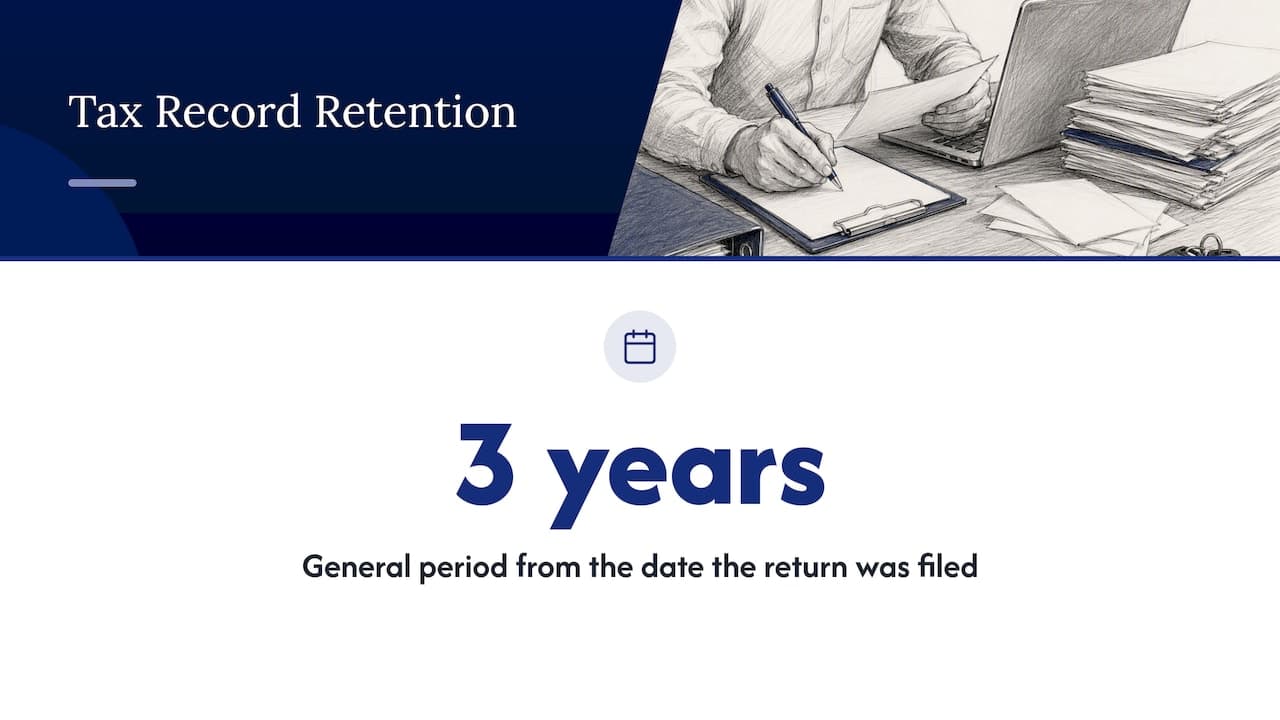
Exporting does not release you from record-keeping duties. The IRS says that, in general, taxpayers should keep records for three years from the date they filed the return, and it names business income and expenses among the records to keep. Some situations call for longer, so confirm your own period with your tax advisor. Retention for tax records and deletion of customer information can pull in different directions, which is why a written schedule per record type is worth having. We walk through it in our article on US car rental record retention and IRS rules.
Before you cancel any system or delete anything, confirm that the exports you hold cover the full retention period, open correctly and are stored somewhere you can retrieve them.
What to ask any rental software about data export
Whether you are choosing a platform or auditing the one you have, put these questions to the vendor:
- Which record families can I export, and in which formats?
- Can I export everything myself, at any time, without a support ticket or fee?
- Do exports include the system IDs that link the records?
- Is there an API or scheduled export for recurring needs?
- What happens to my data and my access if I cancel, and for how long can I retrieve it?
- Can I restrict which staff may export customer data?
- Where is the data hosted, and how is it protected?
A vendor confident in its platform answers these plainly. Vagueness on question two or five is worth noting.
Our perspective
We build rental software, so we see the same pattern in nearly every operator that comes to us: the data is in three places, none of them agree, and nobody is sure which is right. An export is the moment that truth comes out.
Our view is that you should not need heroics to get your own data out. The better answer is to run the business in one cloud system from the start, so reservations, fleet, contracts, payments and customer records share the same IDs and conflict-free booking logic keeps them consistent. Then an export is a report, not a rescue mission.
That is what we designed Nomora around: replacing spreadsheets and manual re-keying with one connected platform, with GPS tracking and payments integrated, so the numbers you export in March match the numbers you saw in January. Cleaner data at the source means less reconciliation, faster accounting and a far easier time if you ever need to move or integrate.
Dizzy
Moving from spreadsheets to one system
Many operators first look into exports because their records sit in spreadsheets, a booking calendar and a payment portal. Consolidating them is usually the better fix than getting better at stitching files together. Nomora is a cloud-based rental management platform that handles reservations, fleet management, contract generation, payments and customer data in one place, and we state that onboarding typically gets you operational in 24 to 48 hours.
Pricing is published: Starter is €45 per month, Business is €2.80 per month per vehicle and Fleet is €2.20 per month per vehicle, with Enterprise quoted individually. Payment processing fees are not published, so check them on the pricing page before you decide. If you want to see how the platform fits your type of operation, the use cases by business type are a good place to start, and our car rental software overview lists what is included.

To compare plans against your fleet size, open the Nomora pricing page and start with the trial.
FAQ
How often should I export my rental data?
Export on a rhythm that matches the use: monthly for accounting and management reports, and before any system change, upgrade or contract end. If you repeat the same export weekly, look into an API or scheduled export instead. Always keep at least one verified full export outside the system.
Can I export data myself, or do I need the vendor?
That depends on the software. Standard report exports are usually self-service, while full-database exports for a migration may require a request to the vendor. Ask before you sign, and get the answer in writing, including any fee and the turnaround time.
What is the safest way to share an export with my accountant?
Use an encrypted file-sharing service with access controls and multi-factor authentication instead of email attachments. Send only the fields the accountant needs: for tax work, that usually means amounts, dates and tax lines, not driver license numbers.
Why don't my exported payment totals match my bank deposits?
Bank deposits are typically net of processor fees, and they arrive after the transaction date. Refunds, chargebacks and deposit releases also move the numbers. Reconcile against the processor's settlement report first, then against the bank.
How long should I keep exported files?
Keep tax-related records for at least the period the IRS advises, generally three years from filing, and confirm longer periods with your tax advisor. Delete working copies containing customer details once the task is finished, and record the retention date for each file.
Sources
Recommended
Ready to streamline your car rental business?
Book 30 minutes with the founder. We set up everything in this guide on your own vehicles, and migrate you out of Excel for free.