Key takeaways
| Point | Details |
|---|
| Cloud reduces IT burden | Vendor-managed updates and infrastructure free your team from server maintenance. |
| On-premise carries hidden costs | Five-year total cost of ownership can reach nearly double that of cloud solutions. |
| Security is a shared job in cloud | Cloud compliance depends on how well you manage identity, access, and configuration. |
| Connectivity is a real cloud risk | Warehouses and field sites with unreliable internet can disrupt check-ins and revenue. |
| Growth plans should drive the choice | Cloud scales faster with less friction; on-premise suits businesses with strict data residency needs. |
Cloud vs on-premise rental systems explained
Before comparing costs and security, you need to understand what each deployment model actually means for your day-to-day operations.
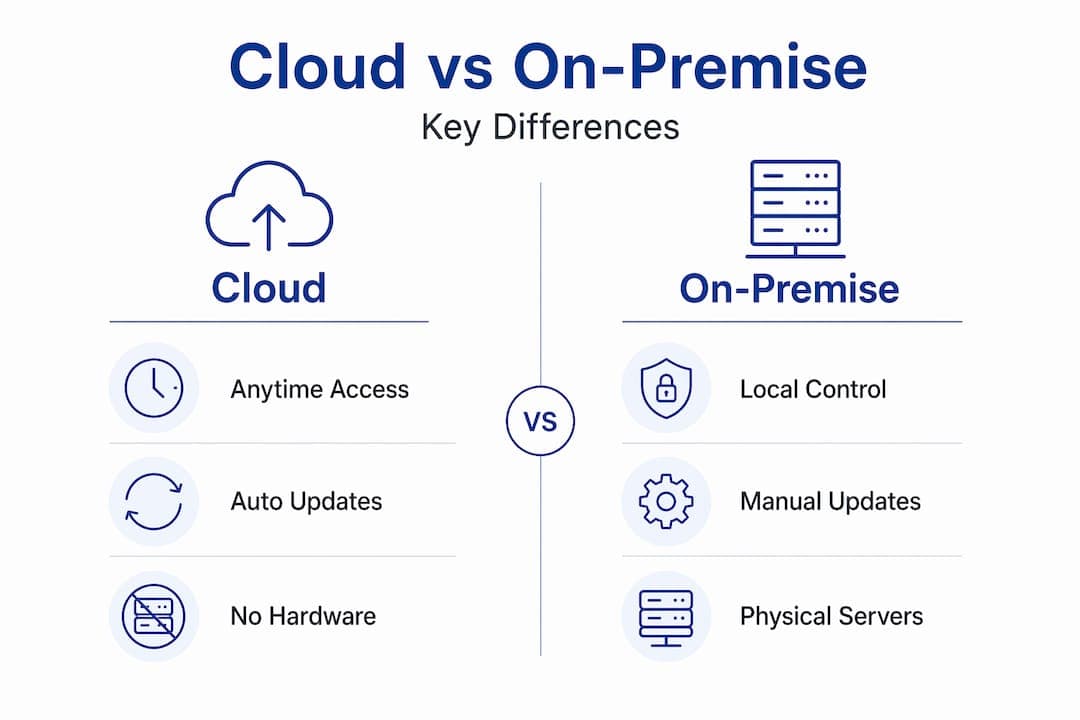
Cloud-based rental software runs on servers managed by a vendor. You access it through a browser or app. There is no hardware to buy, no servers to maintain, and no IT team required to keep the lights on. Cloud systems offer real-time updates, access from any device and any location, and automatic vendor-managed upgrades. If your reservation manager is in the office, your field agent is at a pickup lot, and your owner is checking dashboards from a phone abroad, everyone works from the same live data.
On-premise rental solutions install on servers you own or lease, typically housed at your office or data center. Access usually requires being on-site or connecting through a VPN. On-premise systems require your team to manage server hardware, schedule backups, apply security patches, and coordinate software updates manually.
Here is a side-by-side view of the most important operational differences:
| Factor | Cloud-based | On-premise |
|---|
| Access | Any device, anywhere | On-site or VPN only |
| Updates | Automatic by vendor | Manual, scheduled by IT |
| Hardware required | None | Servers and local infrastructure |
| IT staff required | Minimal | Moderate to high |
| Data location | Vendor data centers | Your physical location |
| Setup time | Hours to days | Weeks to months |
The table makes the structural differences clear. What it does not capture is how those differences translate into real money and operational risk over five years.
Cost breakdown: cloud vs on-premise over time
This is where the rental system comparison gets concrete. Most businesses focus on the upfront cost of on-premise, which can seem comparable to the first year of cloud subscription fees. That framing is misleading.
On-premise follows a capital expenditure model. You buy servers, licenses, and hardware outright, then pay for IT staff to maintain everything. Cloud follows an operational expenditure model. You pay a monthly or annual subscription, and the vendor handles infrastructure, security patches, and updates.
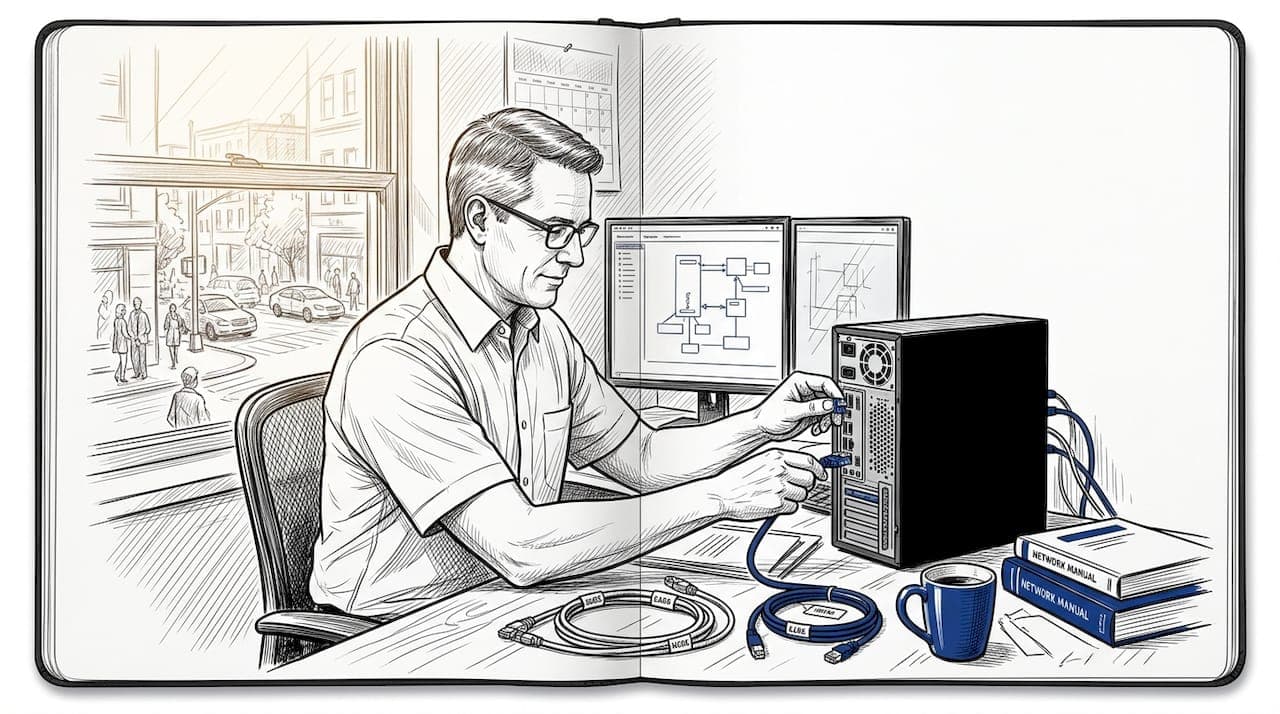
When you account for the full five-year picture, total cost of ownership for on-premise ranges from approximately $177,500 to $390,000. Cloud solutions over the same period typically land between $83,000 and $245,000. That is a potential saving of 35 to 52 percent. The gap widens as your fleet grows because on-premise hardware scales in large, expensive steps.
The categories that make on-premise more expensive than most operators expect include:
- IT labor: Salaries or contractor fees for ongoing maintenance, patch management, and troubleshooting
- Hardware refresh cycles: Servers need replacement every 3 to 5 years, adding significant capital expenditure
- Disaster recovery infrastructure: Redundant servers and offsite backup systems are not optional for a serious operation
- Software licensing upgrades: Major version upgrades often cost extra beyond the initial license fee
Cloud subscriptions appear straightforward, but they carry their own hidden costs. Full cost analysis must include data migration, staff training, API integration fees, and any custom workflow configuration. A $200 per month subscription can realistically cost $8,000 to $15,000 in first-year implementation expenses when you account for data migration and process re-mapping.
Pro Tip: Build a five-year total cost of ownership spreadsheet before any decision. Include hardware, IT labor, training, migration, and integration costs alongside license or subscription fees. The number that looks cheaper in year one rarely looks cheaper in year five.
Security and compliance: clearing up the misconceptions
The most persistent myth in the cloud vs on-premise rental systems debate is that on-premise is inherently more secure because you physically control the data. Physical control and practical security are not the same thing.
On-premise deployments require your team to manage physical access controls, apply security patches consistently, run penetration testing, and maintain disaster recovery plans. Most small to mid-sized rental operations do not have the security expertise or budget to do this well. A missed patch or a misconfigured firewall exposes you to the same threats that cloud providers defend against with dedicated security teams.
Cloud systems operate under a shared responsibility model. The vendor secures the infrastructure, including physical data centers, network architecture, and platform-level software. Customer responsibilities include identity management, access controls, user permissions, and correct system configuration. That division is recognized by NIST and forms the basis of most enterprise cloud security frameworks.
"The key factor is not which deployment model is inherently more secure, but whether your business can effectively manage the security responsibilities that belong to you."
For rental companies specifically, compliance considerations usually center on customer data privacy, GDPR where applicable, and payment data handling under PCI DSS. Compliance depends on correct configuration regardless of whether you choose cloud or on-premise. A well-configured cloud deployment with proper access controls can meet the same compliance standards as a well-run on-premise environment. The difference is that major cloud vendors invest in compliance certifications that most rental operators could never afford to maintain independently.
Key security responsibilities you retain in any cloud deployment:
- Setting strong password policies and enforcing multi-factor authentication
- Configuring user roles so staff only access what their job requires
- Reviewing audit logs for unusual access patterns
- Managing data retention and deletion policies to meet privacy regulations
Scalability and accessibility in growing rental businesses
If you are managing one location with a stable fleet size, scalability may not feel urgent. But most rental businesses want to grow, and the deployment model you choose today will either support or slow that growth.
Cloud platforms offer easier deployment, faster user onboarding, and multi-location visibility without additional infrastructure investment. Adding a new user or a second location in a cloud system typically takes minutes. In an on-premise system, adding capacity means purchasing additional server resources, coordinating IT work, and potentially taking the system offline during upgrades.
Here is how the scalability comparison plays out across common growth scenarios:
- Opening a second location. Cloud gives every location instant access to the same data. On-premise requires network connectivity between sites or a separate installation, which creates synchronization challenges.
- Hiring remote or field staff. Cloud reduces coordination overhead by giving distributed teams access to unified workflows without VPN setup or office presence.
- Expanding your fleet. Cloud pricing typically scales with users or fleet size; on-premise hardware must be upgraded in advance of demand.
- Integrating new tools. Cloud platforms offer API-based integrations with GPS tracking, payment gateways, and booking channels. On-premise integration usually requires custom development work.
The one genuine operational risk in cloud is internet dependency at remote sites. A warehouse in an area with unreliable connectivity can face disrupted check-ins and check-outs, which directly impacts revenue. Before committing to a cloud platform, test your connection quality at every location and ask your vendor whether the system supports offline mode with automatic synchronization.
Pro Tip: Ask every cloud vendor you evaluate specifically whether their system has offline capability and how it handles sync conflicts when connectivity is restored. This question alone will separate well-engineered platforms from ones that will let you down on a busy Saturday.
For businesses managing multi-location fleet operations, cloud is almost always the more practical path. The overhead of maintaining separate on-premise installations and keeping data synchronized across locations creates IT complexity that erodes any perceived control advantage.
How to choose the right system for your business
There is no universal answer in the cloud vs on-premise rental systems debate. The right choice depends on factors specific to your business. Work through these questions before committing.
- What IT resources do you have? If you do not employ a dedicated IT professional, on-premise creates operational risk. Cloud shifts that burden to the vendor.
- What is your connectivity situation? If any of your locations have unreliable internet, assess cloud resilience carefully. On-premise may be more appropriate for offline-heavy environments.
- How much customization do you need? On-premise allows deep system customization. Cloud platforms offer configuration within the vendor's framework. Most rental operations do not need the level of customization that justifies on-premise complexity.
- Do you have strict data residency requirements? Some regulatory environments require data to stay within specific geographic boundaries. On-premise satisfies this automatically. Many cloud vendors now offer regional data center options to address this requirement.
- What does your growth plan look like over the next three to five years? If expansion is on the agenda, cloud is almost always the lower-friction path. If you operate a stable, single-location business with specialized workflows, on-premise deserves serious consideration.
A common underestimation in the transition from on-premise to cloud is the effort required for data migration and integration rebuilding. Plan for data cleansing, role mapping, and integration testing before your go-live date. Build a realistic buffer into your timeline.
My take on this decision
I have seen businesses confidently choose on-premise because it felt like the "professional" option, only to spend their first two years managing IT problems that had nothing to do with running a rental fleet. And I have seen others rush into cloud without testing their connectivity, only to discover that their busiest location had an internet connection that went down every afternoon.
The control argument for on-premise is real, but it is frequently overstated. In practice, most rental operators are not running security operations centers. They are running cars in and out of lots. What they actually need is a system that works reliably without requiring constant IT attention. Cloud delivers that for the vast majority of businesses.
My honest advice: if you are evaluating cloud vs on-premise rental systems and your instinct is to choose on-premise for security reasons, spend an hour reading the shared responsibility model documentation from any major cloud provider first. What you will find is that the security work does not disappear with on-premise. It just lands entirely on you.
The businesses that get this decision right are not the ones that choose cloud or on-premise based on a checklist. They are the ones that match their system to their actual IT capacity, their connectivity reality, and their five-year growth plan.
— Dizzy
See how Nomora fits your rental operation
If you are working through this decision and leaning toward cloud, Nomora was built precisely for this moment. It handles reservations, fleet management, contract generation, payments, and customer data in one integrated platform, with setup taking as little as 24 to 48 hours.
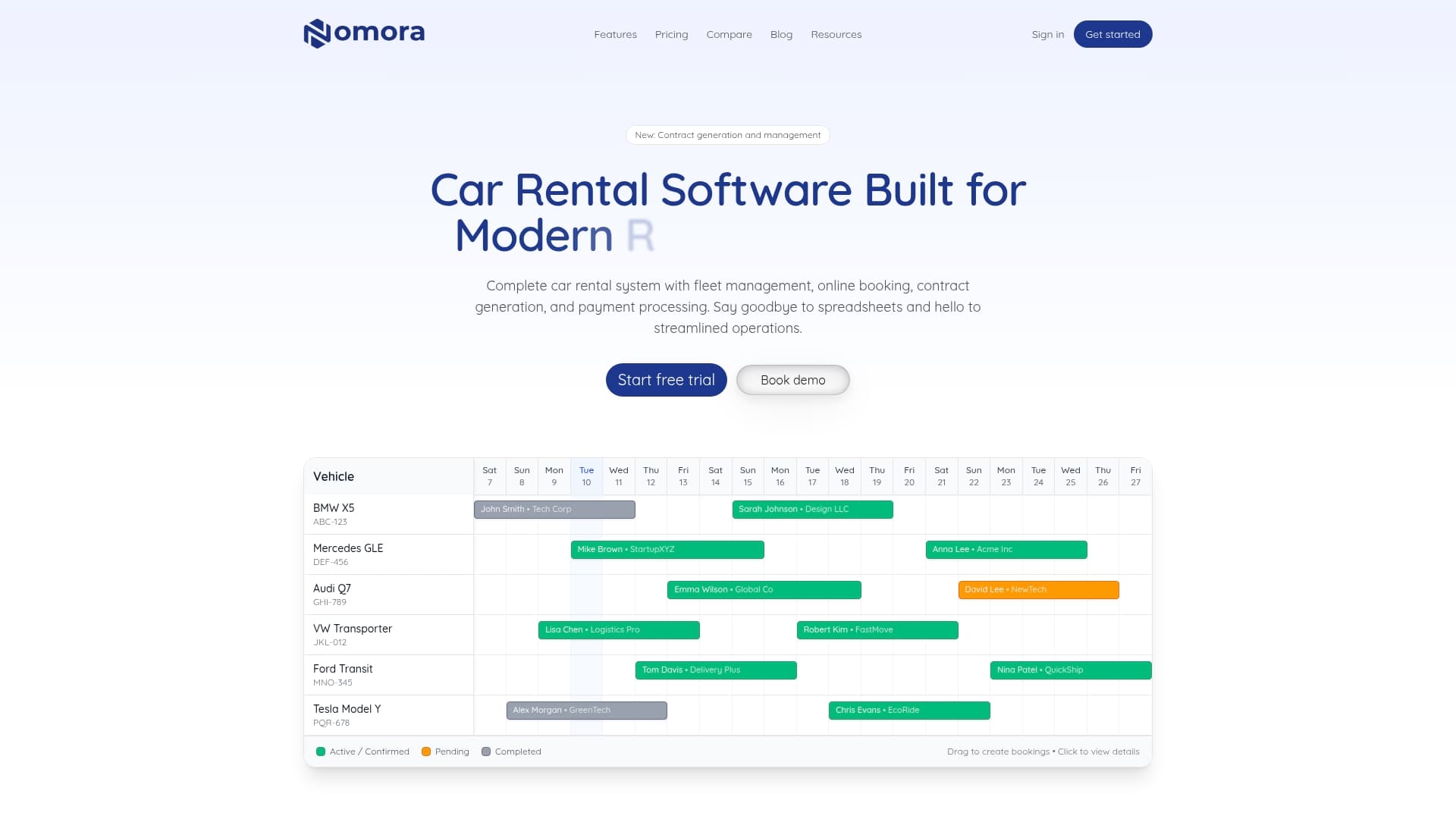
Nomora's cloud architecture means your entire team works from the same live data, whether they are at the front desk, in the field, or managing from a different city. Integrations with GPS tracking and payment gateways are built in, not bolted on. Explore rental software use cases matched to your specific business type, or review Nomora's pricing to build an accurate cost comparison against your current or planned on-premise solution. Migration support and onboarding are part of the package.
FAQ
What is the main difference between cloud and on-premise rental software?
Cloud rental software is hosted by the vendor and accessible from any device with an internet connection, while on-premise software runs on servers you own and typically requires on-site access or a VPN.
Is cloud-based rental software more cost-effective than on-premise?
Over a five-year period, cloud solutions generally cost 35 to 52 percent less than on-premise when you account for hardware, IT labor, maintenance, and licensing costs.
Is cloud rental software secure enough for sensitive customer data?
Yes, when properly configured. Cloud vendors secure the infrastructure, but you remain responsible for access controls, user permissions, and data governance policies under the shared responsibility model.
Can cloud rental software work if my location has poor internet?
Unreliable internet is a genuine risk for cloud systems at warehouses or field sites. Ask vendors whether offline mode and automatic synchronization are supported before committing.
When does on-premise still make sense for a rental business?
On-premise makes sense when your business has strict data residency requirements, deep customization needs, or an in-house IT team capable of managing security, patching, and disaster recovery independently.
Recommended